Posts tagged: tmux Archivehttps://go.waylonwalker.com/tags/tmux/archive/atom.xml2022-12-04T13:25:54ZAll posts with the tag "tmux"Waylon Walkermarkata-gotmux push/pull paneshttps://go.waylonwalker.com/tmux-push-pull-panes/2022-12-04T13:25:54Z2022-12-04T13:25:54ZMoving panes between tmux sessions is something that makes tmux a very flexible and powerful tool. I don't need this feature very often, but it comes in...<p>Moving panes between tmux sessions is something that makes tmux a very flexible
and powerful tool. I don’t need this feature very often, but it comes in
clutch when you need it.</p>
<h2 id="pull-a-pane-from-any-other-session">Pull a pane from any other session <a href="#pull-a-pane-from-any-other-session" class="heading-anchor">#</a></h2>
<p>Using <code>choose-window</code> I was able to come up with a way to select any pane
withing any other session and join it into my current session.</p>
<pre class="chroma"><code><span class="line"><span class="cl"><span class="c1"># Choose a pane to join in horizontally</span>
</span></span><span class="line"><span class="cl"><span class="nb">bind</span> f choose-window -Z <span class="s1">'join-pane -h -s "%%"'</span>
</span></span></code></pre><h2 id="pushpull-from-scratch">Push/Pull from scratch <a href="#pushpull-from-scratch" class="heading-anchor">#</a></h2>
<p>I’ve long had this one in my tmux config, I always have a “scratch” session
that I’m running, I often use for looking at things like <code>k9s</code> accross repos
within a popup.</p>
<p>This use case puts a pane into the scratch session, then pulls it back out. I
will use this to move a pane between sessions in the rare cases I need to do
this.</p>
<pre class="chroma"><code><span class="line"><span class="cl"><span class="c1"># push the active pane into the scratch session horizonally</span>
</span></span><span class="line"><span class="cl"><span class="nb">bind</span> -n M-f join-pane -ht scratch
</span></span><span class="line"><span class="cl"><span class="c1"># pull the last active pane from the scratch session horizonally into this session</span>
</span></span><span class="line"><span class="cl"><span class="nb">bind</span> -n M-F join-pane -hs scratch
</span></span></code></pre>Waylon Walkerhello@waylonwalker.comhttps://waylonwalker.comHow I Present Markdown Slides from the Terminalhttps://go.waylonwalker.com/lookatme-slides/2022-03-21T16:13:39Z2022-03-21T16:13:39ZI love the freedom of writing in markdown. It allows me to write content from the comfort of my editor with very little focus on page style. It turns out...<p>I love the freedom of writing in markdown. It allows me to write content from
the comfort of my editor with very little focus on page style. It turns out
that markdown is also a fantastic tool for creating slides.</p>
<h2 id="present-from-the-terminal">Present from the terminal <a href="#present-from-the-terminal" class="heading-anchor">#</a></h2>
<p>I will most often just present right from the terminal using
<a href="https://lookatme.readthedocs.io/en/latest/index.html" style="--favicon-url: url('/assets/markata/link-avatars/lookatme.readthedocs.io.ico');" data-favicon="/assets/markata/link-avatars/lookatme.readthedocs.io.ico" class="has-avatar has-avatar-before">lookatme</a>. Presenting
from the terminal lets me see the results quick right from where I am editing.
It also allows me to pop into other terminal applications quickly.</p>
<h2 id="revealjs">reveal.js <a href="#revealjs" class="heading-anchor">#</a></h2>
<p>I sometimes also use reveal.js, but that’s for another post. It is handy that
it lives in the browser and is easier to share.</p>
<h2 id="new-slides">New Slides <a href="#new-slides" class="heading-anchor">#</a></h2>
<p>I leverage auto slides when I write my slides in markdown. The largest
heading, usually an h2 for me, becomes the new slide marker. Otherwise my
process is not much different, It just becomes a shorter writing style.</p>
<h2 id="installation">Installation <a href="#installation" class="heading-anchor">#</a></h2>
<p>lookatme is a python library that is available on pypi, you can install it with
the pip command.</p>
<pre><code>python -m pip install lookatme
</code></pre>
<p>Since it’s a command line application it works great with pipx. This prevents
the need to manage virtual environments yourself or ending up with packages
clashing in your system python environment.</p>
<pre><code>pipx install lookatme
</code></pre>
<h2 id="from-my-terminal">From my terminal <a href="#from-my-terminal" class="heading-anchor">#</a></h2>
<pre class="chroma"><code><span class="line"><span class="cl">lookatme <span class="o">{</span>filepath<span class="o">}</span>
</span></span></code></pre><p>I just run it with pipx.</p>
<pre class="chroma"><code><span class="line"><span class="cl">pipx run <span class="se">\
</span></span></span><span class="line"><span class="cl"><span class="se"></span> --spec git+https://github.com/waylonwalker/lookatme <span class="se">\
</span></span></span><span class="line"><span class="cl"><span class="se"></span> lookatme <span class="o">{</span>filepath<span class="o">}</span> <span class="se">\
</span></span></span><span class="line"><span class="cl"><span class="se"></span> --live-reload <span class="se">\
</span></span></span><span class="line"><span class="cl"><span class="se"></span> --style gruvbox-dark
</span></span></code></pre><blockquote>
<p>Note, I use a custom fork of lookatme. It’s schema validation did not like
the date format of my blog posts, so I have a one line fix built into my
fork that is pretty specific to me.</p>
</blockquote>
<h2 id="from-neovim">From Neovim <a href="#from-neovim" class="heading-anchor">#</a></h2>
<p><em>most often what I do</em></p>
<p>From Neovim I use a plugin I created for sending out commands to tmux called
<a href="https://github.com/WaylonWalker/Telegraph.nvim" style="--favicon-url: url('/assets/markata/link-avatars/github.com.ico');" data-favicon="/assets/markata/link-avatars/github.com.ico" class="has-avatar has-avatar-before">telegraph</a>. This sends the
above command to a new session that I can bounce between quickly.</p>
<pre class="chroma"><code><span class="line"><span class="cl"><span class="nx">nnoremap</span> <span class="p"><</span><span class="nx">leader</span><span class="p">><</span><span class="nx">leader</span><span class="p">></span><span class="nx">s</span> <span class="p"><</span><span class="nx">cmd</span><span class="p">></span><span class="nx">lua</span> <span class="nx">require</span><span class="s1">'telegraph'</span>.<span class="nx">telegraph</span><span class="p">(</span>{<span class="nx">cmd</span><span class="p">=</span><span class="s1">'pipx run --spec git+https://github.com/waylonwalker/lookatme lookatme {filepath} --live-reload --style gruvbox-dark'</span><span class="p">,</span> <span class="nx">how</span><span class="p">=</span><span class="s1">'tmux'</span>}<span class="p">)<</span><span class="nx">CR</span><span class="p">></span>
</span></span></code></pre>Waylon Walkerhello@waylonwalker.comhttps://waylonwalker.comOpen Files with Nvim Remotehttps://go.waylonwalker.com/nvr-open-files/2022-03-06T16:22:49Z2022-03-06T16:22:49ZI recently found a really great plugin by mhinz to open files in neovim from a different tmux split, without touching neovim at all.<p>I recently found a really great <a href="https://github.com/mhinz/neovim-remote" style="--favicon-url: url('/assets/markata/link-avatars/github.com.ico');" data-favicon="/assets/markata/link-avatars/github.com.ico" class="has-avatar has-avatar-before">plugin</a> by
<a href="https://github.com/mhinz" style="--favicon-url: url('/assets/markata/link-avatars/github.com.ico');" data-favicon="/assets/markata/link-avatars/github.com.ico" class="has-avatar has-avatar-before">mhinz</a> to open files in neovim from a
different tmux split, without touching neovim at all.</p>
<h2 id="installation">Installation <a href="#installation" class="heading-anchor">#</a></h2>
<p><a href="https://github.com/mhinz/neovim-remote" style="--favicon-url: url('/assets/markata/link-avatars/github.com.ico');" data-favicon="/assets/markata/link-avatars/github.com.ico" class="has-avatar has-avatar-before">neovim-remote</a> is not a neovim
plugin at all, it’s a python cli that you can install with pip. Unlike
the repo suggests, I use pipx to install <code>nvr</code>.</p>
<pre class="chroma"><code><span class="line"><span class="cl">pipx install neovim-remote
</span></span></code></pre><h2 id="how-i-use-it">How I use it <a href="#how-i-use-it" class="heading-anchor">#</a></h2>
<p>I have this added to my <code>.envrc</code> that is in every one of my projects.
This will tie a neovim session to that directory, and all directories
under it.</p>
<pre class="chroma"><code><span class="line"><span class="cl"><span class="nb">export</span> <span class="nv">NVIM_LISTEN_ADDRESS</span><span class="o">=</span>/tmp/nvim-<span class="k">$(</span>basename <span class="nv">$PWD</span><span class="k">)</span>
</span></span></code></pre><blockquote>
<p>In my workflow I open a tmux session for each project, so this
essentially ties a neovim session to a tmux session.</p>
</blockquote>
<h3 id="open-neovim">Open neovim <a href="#open-neovim" class="heading-anchor">#</a></h3>
<p>First open neovim, but with the <code>nvr</code> command. This will open neovim,
and look pretty much the same as always.</p>
<pre class="chroma"><code><span class="line"><span class="cl">nvr
</span></span></code></pre><p>If you try to run <code>nvr</code> again in another shell nothing will happen as
its already runnin under that address, but if you give it a filename it
will open the file in the first instance of neovim that you opened.</p>
<pre class="chroma"><code><span class="line"><span class="cl">nvr readme.md
</span></span></code></pre><h2 id="links">Links <a href="#links" class="heading-anchor">#</a></h2>
<ul>
<li><a href="https://github.com/mhinz/neovim-remote" style="--favicon-url: url('/assets/markata/link-avatars/github.com.ico');" data-favicon="/assets/markata/link-avatars/github.com.ico" class="has-avatar has-avatar-before">GitHub</a></li>
</ul>
Waylon Walkerhello@waylonwalker.comhttps://waylonwalker.comTextual Popup Hackhttps://go.waylonwalker.com/textual-popup-hack/2022-02-26T15:41:12Z2022-02-26T15:41:12ZAs I am toying around with textual, I am wanting some popup user input to take over. Textual is still pretty new and likely to change quite significantly, so...<p>As I am toying around with textual, I am wanting some popup user input
to take over. Textual is still pretty new and likely to change quite
significantly, so I don’t want to overdo the work I put into it, So for
now on my personal tuis I am going to shell out to tmux.</p>
<h2 id="the-problem">The Problem <a href="#the-problem" class="heading-anchor">#</a></h2>
<p>The main issue is that when you are in a textual app, it kinda owns the
input. So if you try to run another python function that calls for
<code>input</code> it just cant get there. There is a
<a href="https://github.com/sirfuzzalot/textual-inputs" style="--favicon-url: url('/assets/markata/link-avatars/github.com.ico');" data-favicon="/assets/markata/link-avatars/github.com.ico" class="has-avatar has-avatar-before">textual-inputs</a> library
that covers this, and it might work really well for some use cases, but
many of my use cases have been for things that are pre-built like
copier, and I am trying to throw something together quick.</p>
<blockquote>
<p>textual is still very beta</p>
</blockquote>
<p>Part of this comes down to the fact that textual is still very beta and
likely to change a lot, so all of the work I have done with it is for
quick and dirty, or fun side projects.</p>
<h2 id="the-solution">The Solution <a href="#the-solution" class="heading-anchor">#</a></h2>
<p>So the solution that was easiest for me… shell out to a tmux popup.
The application I am working on wants to create new documents using
copier templates. copier has a fantastic cli that walks throught he
template variables and asks the user to fill them in, so I just shell
out to that with <code>Popen</code>. Make sure that you wait for this process to
finish otherwise there will be bit of jank in your textual app.</p>
<pre class="chroma"><code><span class="line"><span class="cl"><span class="k">async</span> <span class="k">def</span> <span class="nf">action_new_post</span><span class="p">(</span><span class="bp">self</span><span class="p">)</span> <span class="o">-></span> <span class="kc">None</span><span class="p">:</span>
</span></span><span class="line"><span class="cl"> <span class="n">proc</span> <span class="o">=</span> <span class="n">subprocess</span><span class="o">.</span><span class="n">Popen</span><span class="p">(</span>
</span></span><span class="line"><span class="cl"> <span class="s1">'tmux popup "copier copy plugins/todo-template tasks"'</span><span class="p">,</span> <span class="n">shell</span><span class="o">=</span><span class="kc">True</span>
</span></span><span class="line"><span class="cl"> <span class="p">)</span>
</span></span><span class="line"><span class="cl"> <span class="n">proc</span><span class="o">.</span><span class="n">wait</span><span class="p">()</span>
</span></span></code></pre><h2 id="example">example <a href="#example" class="heading-anchor">#</a></h2>
<p>Here is what the running todo application looks like with the copier
popup over it.</p>
<figure>
<a href="https://images.waylonwalker.com/textual-popup-hack.png" class="glightbox-link"><img class="glightbox" src="https://images.waylonwalker.com/textual-popup-hack.png" alt="example of the popup running over textual"/ data-glightbox="description: example of the popup running over textual"></a>
</figure>
<p><a href="/tmux-popups/" class="wikilink" data-title="tmux popups" data-description="https://youtu.be/2I8fB28zfB4" data-date="2021-07-14" data-preview="https://youtu.be/2I8fB28zfB4">tmux popups</a></p>
<blockquote>
<p>a bit more on tmux-popus [here] <a href="https://waylonwalker.com/tmux-popups/" style="--favicon-url: url('/assets/markata/link-avatars/waylonwalker.com.ico');" data-favicon="/assets/markata/link-avatars/waylonwalker.com.ico" class="has-avatar has-avatar-before">https://waylonwalker.com/tmux-popups/</a>)</p>
</blockquote>
<h2 id="links">Links <a href="#links" class="heading-anchor">#</a></h2>
<ul>
<li><a href="https://github.com/Textualize/textual/" style="--favicon-url: url('/assets/markata/link-avatars/github.com.ico');" data-favicon="/assets/markata/link-avatars/github.com.ico" class="has-avatar has-avatar-before">textual repo</a></li>
<li><a href="https://github.com/sirfuzzalot/textual-inputs" style="--favicon-url: url('/assets/markata/link-avatars/github.com.ico');" data-favicon="/assets/markata/link-avatars/github.com.ico" class="has-avatar has-avatar-before">textual-inputs repo</a></li>
<li><a href="https://waylonwalker.com/tmux-popups/" style="--favicon-url: url('/assets/markata/link-avatars/waylonwalker.com.ico');" data-favicon="/assets/markata/link-avatars/waylonwalker.com.ico" class="has-avatar has-avatar-before">my article on tmux popups</a></li>
</ul>
Waylon Walkerhello@waylonwalker.comhttps://waylonwalker.comA better copy-mode bind for Tmuxhttps://go.waylonwalker.com/tmux-copy-mode-binding/2022-02-13T17:05:23Z2022-02-13T17:05:23ZThe default keybinding for copy-mode is one that is just so awkward for me to hit that I end up not using it at all. I was on a call with my buddy Nic this...<p>The default keybinding for copy-mode <code><prefix>-[</code> is one that is just so
awkward for me to hit that I end up not using it at all. I was on a
call with my buddy Nic this week and saw him just fluidly jump into
<code>copy-mode</code> in an effortless fashion, so I had to ask him for his
keybinding and it just made sense. Enter, that’s it. So I have addedt
his to my <code>~/.tmux.conf</code> along with one for <code>alt-enter</code> and have found
myself using it way more so far.</p>
<h2 id="setting-copy-mode-to-enter">Setting copy-mode to enter <a href="#setting-copy-mode-to-enter" class="heading-anchor">#</a></h2>
<p>To do this I just popped open my <code>~/.tmux.conf</code> and added the following.
Now I can get to <code>copy-mode</code> with <code><prefix>-Enter</code> which is <code>control-b Enter</code>, or <code>alt-enter</code>.</p>
<pre class="chroma"><code><span class="line"><span class="cl"><span class="nb">bind</span> Enter copy-mode
</span></span><span class="line"><span class="cl"><span class="nb">bind</span> -n M-Enter copy-mode
</span></span></code></pre><h2 id="more-on-copy-mode">More on copy-mode <a href="#more-on-copy-mode" class="heading-anchor">#</a></h2>
<p>I have a full video on copy-mode you can find here.</p>
<p><a href="/tmux-copy-mode/" class="wikilink" data-title="tmux copy-mode" data-description="https://youtu.be/-ypY_-VmBKk" data-date="2021-07-28" data-preview="https://youtu.be/-ypY_-VmBKk">tmux copy-mode</a></p>
Waylon Walkerhello@waylonwalker.comhttps://waylonwalker.comTmux and Vim Clipboard for Ubuntuhttps://go.waylonwalker.com/ubuntu-terminal-clipboard/2022-01-26T02:50:56Z2022-01-26T02:50:56ZOne of the first things I noticed broken in my terminal based workflow moving from Windows wsl to ubuntu was that my clipboard was all messed up and not...<p>One of the first things I noticed broken in my terminal based workflow moving
from Windows wsl to ubuntu was that my clipboard was all messed up and not
working with my terminal apps. Luckily setting tmux and neovim to work with
the system clipboard was much easier than it was on windows.</p>
<p>First off you need to get <code>xclip</code> if you don’t already have it provided by your
distro. I found it in the apt repositories. I have used it between Ubuntu
18.04 and 21.10 and they all work flawlessly for me.</p>
<p>I have tmux setup to automatically copy any selection I make to the clipboard
by setting the following in my <code>~/.tmux.conf</code>. While I have neovim open I need
to be in insert mode for this to pick up.</p>
<pre class="chroma"><code><span class="line"><span class="cl"><span class="c1"># ~/tmux.conf</span>
</span></span><span class="line"><span class="cl"><span class="nb">bind</span> -T copy-mode-vi Enter send-keys -X copy-pipe-and-cancel <span class="s2">"xclip -i -f -selection primary | xclip -i -selection clipboard"</span>
</span></span><span class="line"><span class="cl">bind-key -T copy-mode-vi MouseDragEnd1Pane send-keys -X copy-pipe-and-cancel <span class="s2">"xclip -selection clipboard -i"</span>
</span></span></code></pre><p>To get my yanks to go to the system clipboard in neovim, I just added
unnamedplus to my existing clipboard variable.</p>
<pre class="chroma"><code><span class="line"><span class="cl"># <span class="p">~</span><span class="sr">/.config/</span><span class="nx">nvim</span>/<span class="nx">init</span>.<span class="nx">vim</span>
</span></span><span class="line"><span class="cl"><span class="k">set</span> <span class="nx">clipboard</span><span class="p">+=</span><span class="nx">unnamedplus</span>
</span></span></code></pre><p>If you need to copy something right from the terminal you can use xclip
directly. I do this semi-often to send someone a message in chat.</p>
<pre class="chroma"><code><span class="line"><span class="cl">cat file.txt <span class="p">|</span> clip -sel copy
</span></span></code></pre><p>I set up some alias’s for doing this a bit more efficiently, but don’t find
myself using them very often. This helps me grab commands from history and
copy them.</p>
<pre class="chroma"><code><span class="line"><span class="cl"><span class="nb">alias</span> <span class="nv">hclip</span><span class="o">=</span><span class="s2">"history | tail -n1 | cut -c 8- | xclip -sel clip"</span>
</span></span><span class="line"><span class="cl"><span class="nb">alias</span> <span class="nv">fclip</span><span class="o">=</span><span class="s2">"history -n 1000 | fzf | cut -c 8- | xclip -sel clip"</span>
</span></span><span class="line"><span class="cl"><span class="nb">alias</span> <span class="nv">fclip</span><span class="o">=</span><span class="s2">"history -n 1000 | fzf | xclip -sel clip"</span>
</span></span></code></pre>Waylon Walkerhello@waylonwalker.comhttps://waylonwalker.comTmux hotkey for copier templateshttps://go.waylonwalker.com/tmux-copier-templates/2022-01-24T02:22:53Z2022-01-24T02:22:53ZI have added a hotkey to my copier template setup to quickly access all my templates at any time from tmux. At any point I can hit , thats holding control...<p>I have added a hotkey to my copier template setup to quickly access all my
templates at any time from tmux. At any point I can hit <code><c-b><c-b></code>, thats
holding control and hitting <code>bb</code>, and I will get a popup list of all of my
templates directory names. Its an fzf list, which means that I can fuzzy
search through it for the template I want, or arrow key to the one I want if I
am feeling insane. I even setup it up so that the preview is a list of the
files that come with the template in tree view.</p>
<pre class="chroma"><code><span class="line"><span class="cl">bind-key c-b popup -E -w 80% -d <span class="s1">'#{pane_current_path}'</span> <span class="s2">"\
</span></span></span><span class="line"><span class="cl"><span class="s2"> pipx run copier copy ~/.copier-templates/`ls ~/.copier-templates |\
</span></span></span><span class="line"><span class="cl"><span class="s2"> fzf --header </span><span class="k">$(</span><span class="nb">pwd</span><span class="k">)</span><span class="s2"> --preview='tree ~/.copier-templates/{} |\
</span></span></span><span class="line"><span class="cl"><span class="s2"> lolcat'` . \
</span></span></span><span class="line"><span class="cl"><span class="s2"> "</span>
</span></span></code></pre><p>I’ve had this on my systems for a few weeks now and I am constantly using it
for my <a href="https://waylonwalker.com/til/" style="--favicon-url: url('/assets/markata/link-avatars/waylonwalker.com.ico');" data-favicon="/assets/markata/link-avatars/waylonwalker.com.ico" class="has-avatar has-avatar-before">tils</a>,
<a href="https://waylonwalker.com/archive" style="--favicon-url: url('/assets/markata/link-avatars/waylonwalker.com.ico');" data-favicon="/assets/markata/link-avatars/waylonwalker.com.ico" class="has-avatar has-avatar-before">blogs</a>, and my .envrc file that goes into
all of my projects to make sure that I have a <a href="/virtual-environment/" class="glossary-term" title="Virtual Environment is term for a sandboxed environment commonly associated with the python programming language. If you are installing any sort of python...">virtual environment</a> installed and
running any time I open it.</p>
<figure>
<a href="https://images.waylonwalker.com/copier-templates-tmux-popup.png" class="glightbox-link"><img class="glightbox" src="https://images.waylonwalker.com/copier-templates-tmux-popup.png" alt="this is what it looks like when I open my copier templates popup"/ data-glightbox="description: this is what it looks like when I open my copier templates popup"></a>
</figure>
Waylon Walkerhello@waylonwalker.comhttps://waylonwalker.comTmux Pop sizehttps://go.waylonwalker.com/tmux-pop-size/2022-01-05T17:37:26Z2022-01-05T17:37:26Ztmux popups can be sized how you like based on the % width of the terminal on creation by using the flags (h, w, x, y) for height, width, and position.<p>tmux popups can be sized how you like based on the % width of the
terminal on creation by using the flags (h, w, x, y) for height, width,
and position.</p>
<pre class="chroma"><code><span class="line"><span class="cl"><span class="c1"># normal popup</span>
</span></span><span class="line"><span class="cl">tmux popup figlet <span class="s2">"Hello"</span>
</span></span><span class="line"><span class="cl"><span class="c1"># fullscreen popup</span>
</span></span><span class="line"><span class="cl">tmux popup -h 100% -w 100% figlet <span class="s2">"Hello"</span>
</span></span><span class="line"><span class="cl"><span class="c1"># 75% centered popup</span>
</span></span><span class="line"><span class="cl">tmux popup -h 100% -w 75% figlet <span class="s2">"Hello"</span>
</span></span><span class="line"><span class="cl"><span class="c1"># 75% popup on left side</span>
</span></span><span class="line"><span class="cl">tmux popup -h 100% -w 75% -x 0% figlet <span class="s2">"Hello"</span>
</span></span></code></pre><video autoplay="" controls="" loop="true" muted="" playsinline="" width="100%" class="rounded-xl border-pink-900 border-2">
<source src="https://dropper.waylonwalker.com/api/file/c0e80bc5-a03d-40ad-a431-20436b82cf3b.mp4" type="video/mp4"/>
Sorry, your browser doesn't support embedded videos.
</video>
<blockquote>
<p>example running these commands</p>
</blockquote>
Waylon Walkerhello@waylonwalker.comhttps://waylonwalker.comUseshttps://go.waylonwalker.com/uses/2021-11-20T10:38:00Z2021-11-20T10:38:00ZThis is a listing of all the things that I use on a daily basis to build data pipelines, lead my team, and build this website.<p>This is a listing of all the things that I use on a daily basis to build data
pipelines, lead my team, and build this website.</p>
<h2 id="older-editions">older editions <a href="#older-editions" class="heading-anchor">#</a></h2>
<p>[[ uses-2021 ]]</p>
<h2 id="installation">Installation <a href="#installation" class="heading-anchor">#</a></h2>
<p>Everything installed on my machines is done through ansible-playbooks. It’s
been a long transformation to get here, but its so satisfying to boot a brand
new system, run a single command a have every single thing cofigured exactly to
my liking.</p>
<pre class="chroma"><code><span class="line"><span class="cl"><span class="c1"># GET is available by default on Ubuntu</span>
</span></span><span class="line"><span class="cl">GET waylonwalker.com/bootstrap <span class="p">|</span> bash
</span></span><span class="line"><span class="cl">
</span></span><span class="line"><span class="cl"><span class="c1"># For debian based systems without GET by default</span>
</span></span><span class="line"><span class="cl">sudo apt install curl
</span></span><span class="line"><span class="cl">curl -F https://waylonwalker.com/bootstrap <span class="p">|</span> bash
</span></span></code></pre><h2 id="os">OS <a href="#os" class="heading-anchor">#</a></h2>
<p>I run Ubuntu, it works well for me without too much fuss. For me the
distribution does not really matter too much, I’m more interested in what’s
inside.</p>
<h2 id="window-manager">Window Manager <a href="#window-manager" class="heading-anchor">#</a></h2>
<p>I use awesome wm. Awesome is a tiling window manager that alows me to navigate
through 9 workspaces (technically called tags in awesomewm). I can script out
certain applications to open in a certain tag, move it to different tags, and
join tags super easy. I really dont see myself going back to a floating window
manager where you have to place all your windows with the mouse by hand. This
is probably one of the biggest selling points for me to move to a Linux
desktop.</p>
<h2 id="terminal">Terminal <a href="#terminal" class="heading-anchor">#</a></h2>
<h3 id="gnome-terminal">gnome-terminal <a href="#gnome-terminal" class="heading-anchor">#</a></h3>
<p>For the longest time I just used
<a href="https://help.gnome.org/users/gnome-terminal/stable/">gnome-terminal</a>. It
works, for the most part it gets out of the way and lets me do what I want. I
just want a terminal that runs tmux properly, runs without titltbars or
scrollbars, and lets me theme it without much effort.</p>
<h3 id="kitty">kitty <a href="#kitty" class="heading-anchor">#</a></h3>
<p><a href="https://sw.kovidgoyal.net/kitty/">Kitty</a> is my main terminal, these days, it’s
nice, its easy to configure how I want it, but most of its fancier features do
not work inside of tmux. It does render incredibly fast, If I accidently cat
out a massive file, it typically just handles it, compared to other terminals
that will be printing for 30s or so.</p>
<h3 id="windows-terminal">Windows Terminal <a href="#windows-terminal" class="heading-anchor">#</a></h3>
<p>When I am on a windows terminal I use the <em>new</em>
<a href="https://github.com/microsoft/terminal" style="--favicon-url: url('/assets/markata/link-avatars/github.com.ico');" data-favicon="/assets/markata/link-avatars/github.com.ico" class="has-avatar has-avatar-before">Terminal</a>. It’s a massive improvement
over any other terminal that I have ever tired on windows. Text looks good,
the built in themese look good, I use the One-Half-Dark Theme, and the built in
Cascadia Code font. Also things like system clipboards, copy, and paste just
seem to work better, and integrate well with wsl.</p>
<figure>
<a href="https://images.waylonwalker.com/Windows-Terminal-0522.webp" class="glightbox-link"><img class="glightbox" src="https://images.waylonwalker.com/Windows-Terminal-0522.webp" alt="My Windows Terminal from may 2022"/ data-glightbox="description: My Windows Terminal from may 2022"></a>
</figure>
<h2 id="shell">Shell <a href="#shell" class="heading-anchor">#</a></h2>
<p>The shell is the interpreter that interprets the commands that you send to it
from the command line, unlike the terminal that displays the text.</p>
<h3 id="zsh">zsh <a href="#zsh" class="heading-anchor">#</a></h3>
<p>I use <a href="https://www.zsh.org/" style="--favicon-url: url('/assets/markata/link-avatars/www.zsh.org.png');" data-favicon="/assets/markata/link-avatars/www.zsh.org.png" class="has-avatar has-avatar-before">zsh</a> as my shell of choice. I don’t run
oh-my-zsh, I just need a few plugins for things like
<a href="https://github.com/zsh-users/zsh-autosuggestions" style="--favicon-url: url('/assets/markata/link-avatars/github.com.ico');" data-favicon="/assets/markata/link-avatars/github.com.ico" class="has-avatar has-avatar-before">autosuggestions</a>
<a href="https://github.com/zsh-users/zsh-syntax-highlighting" style="--favicon-url: url('/assets/markata/link-avatars/github.com.ico');" data-favicon="/assets/markata/link-avatars/github.com.ico" class="has-avatar has-avatar-before">syntax-highlighting</a>
<a href="https://github.com/zsh-users/zsh-history-substring-search" style="--favicon-url: url('/assets/markata/link-avatars/github.com.ico');" data-favicon="/assets/markata/link-avatars/github.com.ico" class="has-avatar has-avatar-before">history-substring-search</a>.</p>
<h2 id="tmux">Tmux <a href="#tmux" class="heading-anchor">#</a></h2>
<h2 id="text-editor">Text Editor <a href="#text-editor" class="heading-anchor">#</a></h2>
<h2 id="presentation--slides">Presentation / Slides <a href="#presentation--slides" class="heading-anchor">#</a></h2>
<h2 id="video-recording--streaming">Video Recording / Streaming <a href="#video-recording--streaming" class="heading-anchor">#</a></h2>
<h2 id="video-editing">Video Editing <a href="#video-editing" class="heading-anchor">#</a></h2>
<h2 id="pager">pager <a href="#pager" class="heading-anchor">#</a></h2>
<h2 id="image-editor">Image Editor <a href="#image-editor" class="heading-anchor">#</a></h2>
<h2 id="virtual-environments">Virtual Environments <a href="#virtual-environments" class="heading-anchor">#</a></h2>
<h2 id="node">node <a href="#node" class="heading-anchor">#</a></h2>
<hr/>
<h2 id="desk">Desk <a href="#desk" class="heading-anchor">#</a></h2>
<h2 id="monitor">Monitor <a href="#monitor" class="heading-anchor">#</a></h2>
<h2 id="keyboard">Keyboard <a href="#keyboard" class="heading-anchor">#</a></h2>
<h2 id="desktop-pc">Desktop PC <a href="#desktop-pc" class="heading-anchor">#</a></h2>
<h2 id="keyboard-1">Keyboard <a href="#keyboard-1" class="heading-anchor">#</a></h2>
<h2 id="microphone">Microphone <a href="#microphone" class="heading-anchor">#</a></h2>
<h2 id="audio-interface">Audio Interface <a href="#audio-interface" class="heading-anchor">#</a></h2>
<h2 id="headphones">Headphones <a href="#headphones" class="heading-anchor">#</a></h2>
<h2 id="chair">Chair <a href="#chair" class="heading-anchor">#</a></h2>
Waylon Walkerhello@waylonwalker.comhttps://waylonwalker.comtmux targeted sessionhttps://go.waylonwalker.com/tmux-targeted-session/2021-08-02T23:51:21Z2021-08-02T23:51:21Zhttps://youtu.be/5KE7Il7SOEk<p><a href="https://youtu.be/5KE7Il7SOEk" class="youtube-embed has-avatar has-avatar-before" style="--favicon-url: url('/assets/markata/link-avatars/youtu.be.png');" data-favicon="/assets/markata/link-avatars/youtu.be.png">https://youtu.be/5KE7Il7SOEk</a></p>
<p>This is something that I made up but use every single day, this is what keeps
much of what is on my blog or my teams private work wiki going. I have a few
very important directories that I have assigned directly to a hotkey for fast
session switching.</p>
<pre class="chroma"><code><span class="line"><span class="cl"><span class="nb">bind</span> -n M-i new-session -A -s waylonwalker_com <span class="s2">"cd ~/git/waylonwalker.com/ && nvim"</span>
</span></span><span class="line"><span class="cl"><span class="nb">bind</span> i popup -E -h 95% -w 95% -x 100% <span class="s2">"tmux new-session -A -s waylonwalker_com 'cd ~/git/waylonwalker.com/ && nvim'"</span>
</span></span><span class="line"><span class="cl"><span class="nb">bind</span> -n M-I popup -E <span class="s2">"tmux new-session -A -s waylonwalker_com 'cd ~/git/waylonwalker.com/ && nvim'"</span>
</span></span></code></pre><p><a href="/tmux-new-session/" class="wikilink" data-title="tmux new-session" data-description="https://youtu.be/LbQNdCAUogE" data-date="2021-08-01" data-preview="https://youtu.be/LbQNdCAUogE">tmux new-session</a></p>
<blockquote>
<p>This one is building off of yeserday’s new-session post, make sure you check that one out as well.</p>
</blockquote>
<p><a href="/tmux-nav-2021/" class="wikilink" data-title="How I navigate tmux in 2021" data-description="change_speed = (speed) => [...document.querySelectorAll('video')].map(v => v.playbackRate=v.playbackRate+speed)" data-date="2021-05-11" data-preview="change_speed = (speed) => [...document.querySelectorAll('video')].map(v => v.playbackRate=v.playbackRate+speed)">How I navigate tmux in 2021</a></p>
<blockquote>
<p>for more information on how I navigate tmux, check out this full post</p>
</blockquote>
<p>Also check out the full YouTube
<a href="https://www.youtube.com/playlist?list=PLTRNG6WIHETB4reAxbWza3CZeP9KL6Bkr" style="--favicon-url: url('/assets/markata/link-avatars/www.youtube.com.png');" data-favicon="/assets/markata/link-avatars/www.youtube.com.png" class="has-avatar has-avatar-before">tmux-playlist</a>
to see all of the videos in this series.</p>
Waylon Walkerhello@waylonwalker.comhttps://waylonwalker.comtmux detachhttps://go.waylonwalker.com/tmux-detach/2021-08-01T23:51:21Z2021-08-01T23:51:21Zhttps://youtu.be/A1qx3tNKDdA<p><a href="https://youtu.be/A1qx3tNKDdA" class="youtube-embed has-avatar has-avatar-before" style="--favicon-url: url('/assets/markata/link-avatars/youtu.be.png');" data-favicon="/assets/markata/link-avatars/youtu.be.png">https://youtu.be/A1qx3tNKDdA</a></p>
<p>tmux detach is a handy tmux command that will quit your current session while
keeping it running. The full name of the comamnd is <code>detach-client</code>, <code>detach</code>
is a shorthand.</p>
<p>default keybinding</p>
<pre class="chroma"><code><span class="line"><span class="cl">bind-key d detach-client
</span></span></code></pre><p>I have mine bound to <code>mod+d</code> where mod is alt.</p>
<pre class="chroma"><code><span class="line"><span class="cl"><span class="nb">bind</span> -n M-d detach-client
</span></span></code></pre><p><a href="https://waylonwalker.com/tmux-nav-2021/" class="hoverlink has-avatar has-avatar-before" style="--favicon-url: url('/assets/markata/link-avatars/waylonwalker.com.ico');" data-favicon="/assets/markata/link-avatars/waylonwalker.com.ico">https://waylonwalker.com/tmux-nav-2021/</a></p>
<blockquote>
<p>for more information on how I navigate tmux, check out this full post</p>
</blockquote>
<p>Also check out the full YouTube
<a href="https://www.youtube.com/playlist?list=PLTRNG6WIHETB4reAxbWza3CZeP9KL6Bkr" style="--favicon-url: url('/assets/markata/link-avatars/www.youtube.com.png');" data-favicon="/assets/markata/link-avatars/www.youtube.com.png" class="has-avatar has-avatar-before">tmux-playlist</a>
to see all of the videos in this series.</p>
Waylon Walkerhello@waylonwalker.comhttps://waylonwalker.comtmux attachhttps://go.waylonwalker.com/tmux-attach/2021-07-31T23:51:21Z2021-07-31T23:51:21Zhttps://youtu.be/JQ0yDCVu44E<p><a href="https://youtu.be/JQ0yDCVu44E" style="--favicon-url: url('/assets/markata/link-avatars/youtu.be.png');" data-favicon="/assets/markata/link-avatars/youtu.be.png" class="has-avatar has-avatar-before">https://youtu.be/JQ0yDCVu44E</a></p>
<p>attach is one of the most useful features of tmux. If you have no interest in
tmux for pane and window management, you should use tmux for this. It can be a
life saver if you ever get disconnected from the host machine or accidently
close your terminal you can connect right back into the session you were just
in using attach.</p>
<h2 id="attach">attach <a href="#attach" class="heading-anchor">#</a></h2>
<pre class="chroma"><code><span class="line"><span class="cl">tmux attach
</span></span></code></pre><blockquote>
<p>this command will simply attach back to tmux if you are ever disconnected</p>
</blockquote>
<p>If you ever run long running tasks on a remote machine by sshing into this you
should be doing it inside tmux, or something like tmux so that you do not loose
your work.</p>
<h2 id="attach-to-a-specific-session">attach to a specific session <a href="#attach-to-a-specific-session" class="heading-anchor">#</a></h2>
<p>If you have multiple sessions running you can select the session that you want
to attach to by passing <code>-t <name-of-session></code>.</p>
<pre class="chroma"><code><span class="line"><span class="cl">tmux attach -t scratch
</span></span></code></pre><p><a href="/tmux-nav-2021/" class="wikilink" data-title="How I navigate tmux in 2021" data-description="change_speed = (speed) => [...document.querySelectorAll('video')].map(v => v.playbackRate=v.playbackRate+speed)" data-date="2021-05-11" data-preview="change_speed = (speed) => [...document.querySelectorAll('video')].map(v => v.playbackRate=v.playbackRate+speed)">How I navigate tmux in 2021</a></p>
<blockquote>
<p>for more information on how I navigate tmux, check out this full post</p>
</blockquote>
<p>Also check out the full YouTube
<a href="https://www.youtube.com/playlist?list=PLTRNG6WIHETB4reAxbWza3CZeP9KL6Bkr" style="--favicon-url: url('/assets/markata/link-avatars/www.youtube.com.png');" data-favicon="/assets/markata/link-avatars/www.youtube.com.png" class="has-avatar has-avatar-before">tmux-playlist</a>
to see all of the videos in this series.</p>
Waylon Walkerhello@waylonwalker.comhttps://waylonwalker.comtmux lshttps://go.waylonwalker.com/tmux-ls/2021-07-30T23:51:21Z2021-07-30T23:51:21Zhttps://youtu.be/LY41GLn_DGg<p><a href="https://youtu.be/LY41GLn_DGg" class="youtube-embed has-avatar has-avatar-before" style="--favicon-url: url('/assets/markata/link-avatars/youtu.be.png');" data-favicon="/assets/markata/link-avatars/youtu.be.png">https://youtu.be/LY41GLn_DGg</a></p>
<p>tmux ls will list the sessions that you have running within the tmux server if
tmux is currently running. This is handy to combine with commands such as <code>attach</code>.</p>
<pre class="chroma"><code><span class="line"><span class="cl">tmux ls
</span></span></code></pre><p><a href="/tmux-attach/" class="wikilink" data-title="tmux attach" data-description="https://youtu.be/JQ0yDCVu44E" data-date="2021-07-31" data-preview="https://youtu.be/JQ0yDCVu44E">tmux attach</a></p>
<p><a href="/tmux-nav-2021/" class="wikilink" data-title="How I navigate tmux in 2021" data-description="change_speed = (speed) => [...document.querySelectorAll('video')].map(v => v.playbackRate=v.playbackRate+speed)" data-date="2021-05-11" data-preview="change_speed = (speed) => [...document.querySelectorAll('video')].map(v => v.playbackRate=v.playbackRate+speed)">How I navigate tmux in 2021</a></p>
<blockquote>
<p>for more information on how I navigate tmux, check out this full post</p>
</blockquote>
<p>Also check out the full YouTube
<a href="https://www.youtube.com/playlist?list=PLTRNG6WIHETB4reAxbWza3CZeP9KL6Bkr" style="--favicon-url: url('/assets/markata/link-avatars/www.youtube.com.png');" data-favicon="/assets/markata/link-avatars/www.youtube.com.png" class="has-avatar has-avatar-before">tmux-playlist</a>
to see all of the videos in this series.</p>
Waylon Walkerhello@waylonwalker.comhttps://waylonwalker.comtmux command linehttps://go.waylonwalker.com/tmux-command-line/2021-07-29T23:51:21Z2021-07-29T23:51:21Zhttps://youtu.be/SNu-4IrkjAs<p><a href="https://youtu.be/SNu-4IrkjAs" class="youtube-embed has-avatar has-avatar-before" style="--favicon-url: url('/assets/markata/link-avatars/youtu.be.png');" data-favicon="/assets/markata/link-avatars/youtu.be.png">https://youtu.be/SNu-4IrkjAs</a></p>
<p>So far we have covered a lot of tmux commands and how they map to keybindings
but these same commands can be executed at the command line.</p>
<h2 id="from-the-command-line">From the command line <a href="#from-the-command-line" class="heading-anchor">#</a></h2>
<p>Let’s make a popup that displays our <a href="/glossary/git/" class="glossary-term" title="Git is a version control system for tracking changes in source code during software development. In the beginning there were many, some were licensed. As...">git</a> status for 5s or until we close it
manually. We can run the following command at the command line, in a split.</p>
<pre class="chroma"><code><span class="line"><span class="cl">tmux display-popup -E -d <span class="s1">'#{pane_current_path}'</span> <span class="s1">'git status && sleep 5'</span>
</span></span></code></pre><h2 id="from-the-tmux-command-line">From the tmux command line <a href="#from-the-tmux-command-line" class="heading-anchor">#</a></h2>
<p>Or we can open the tmux command line and run it from tmux’s built in command
line, which is very similar to bim EX mode. By default the tmux command line
can be opened with <code>prefix+[</code>.</p>
<pre class="chroma"><code><span class="line"><span class="cl">display-popup -E -d <span class="s1">'#{pane_current_path}'</span> <span class="s1">'git status && sleep 5'</span>
</span></span></code></pre><blockquote>
<p>🗒️ note that the tmux command is called by default when inside of tmux.</p>
</blockquote>
<h2 id="make-it-a-keybinding">Make it a keybinding <a href="#make-it-a-keybinding" class="heading-anchor">#</a></h2>
<p>Finally we can make it a keybinding by adding a bind command ahead of our tmux
command, then we can execute this in the tmux command line or add it to our
<code>~/.tmux.conf</code>.</p>
<pre class="chroma"><code><span class="line"><span class="cl"><span class="nb">bind</span> s display-popup -E -d <span class="s1">'#{pane_current_path}'</span> <span class="s1">'git status && sleep 5'</span>
</span></span></code></pre><p><a href="/tmux-nav-2021/" class="wikilink" data-title="How I navigate tmux in 2021" data-description="change_speed = (speed) => [...document.querySelectorAll('video')].map(v => v.playbackRate=v.playbackRate+speed)" data-date="2021-05-11" data-preview="change_speed = (speed) => [...document.querySelectorAll('video')].map(v => v.playbackRate=v.playbackRate+speed)">How I navigate tmux in 2021</a></p>
<blockquote>
<p>for more information on how I navigate tmux, check out this full post</p>
</blockquote>
<p>Also check out the full YouTube
<a href="https://www.youtube.com/playlist?list=PLTRNG6WIHETB4reAxbWza3CZeP9KL6Bkr" style="--favicon-url: url('/assets/markata/link-avatars/www.youtube.com.png');" data-favicon="/assets/markata/link-avatars/www.youtube.com.png" class="has-avatar has-avatar-before">tmux-playlist</a>
to see all of the videos in this series.</p>
Waylon Walkerhello@waylonwalker.comhttps://waylonwalker.comtmux copy-modehttps://go.waylonwalker.com/tmux-copy-mode/2021-07-28T23:51:21Z2021-07-28T23:51:21Zhttps://youtu.be/-ypY_-VmBKk<p><a href="https://youtu.be/-ypY_-VmBKk" class="youtube-embed has-avatar has-avatar-before" style="--favicon-url: url('/assets/markata/link-avatars/youtu.be.png');" data-favicon="/assets/markata/link-avatars/youtu.be.png">https://youtu.be/-ypY_-VmBKk</a></p>
<p>tmux copy-mode is a tmux mode that lets you scroll, search, copy, and jump your
way through a pane. There are a ton of keybindings for copy-mode, the main
ones you will need to know are <code>/</code> for searching down <code>?</code> for searching up, <code>n</code>
for next item, <code>space</code> for starting a selection, and enter to copy the
selection. Arrow keys will be used for navigation unless you have specified vi mode, then it will be <code>hjkl</code>.</p>
<p>Default keybinding to get into copy mode is <code>prefix+[</code>.</p>
<pre class="chroma"><code><span class="line"><span class="cl">bind-key <span class="o">[</span> copy-mode
</span></span></code></pre><p>If you are a vim user you will likely want to use vi style keys, add this to
your <code>~/.tmux.conf</code> file to enable vi mode.</p>
<pre class="chroma"><code><span class="line"><span class="cl">setw -g mode-keys vi
</span></span></code></pre><p>full list of copy-mode keybindings from the man page.</p>
<pre class="chroma"><code><span class="line"><span class="cl"> Command vi emacs
</span></span><span class="line"><span class="cl"> append-selection
</span></span><span class="line"><span class="cl"> append-selection-and-cancel A
</span></span><span class="line"><span class="cl"> back-to-indentation ^ M-m
</span></span><span class="line"><span class="cl"> begin-selection Space C-Space
</span></span><span class="line"><span class="cl"> bottom-line L
</span></span><span class="line"><span class="cl"> cancel q Escape
</span></span><span class="line"><span class="cl"> clear-selection Escape C-g
</span></span><span class="line"><span class="cl"> copy-end-of-line <span class="o">[</span><prefix><span class="o">]</span> D C-k
</span></span><span class="line"><span class="cl"> copy-line <span class="o">[</span><prefix><span class="o">]</span>
</span></span><span class="line"><span class="cl"> copy-pipe <span class="o">[</span><command><span class="o">]</span> <span class="o">[</span><prefix><span class="o">]</span>
</span></span><span class="line"><span class="cl"> copy-pipe-no-clear <span class="o">[</span><command><span class="o">]</span> <span class="o">[</span><prefix><span class="o">]</span>
</span></span><span class="line"><span class="cl"> copy-pipe-and-cancel <span class="o">[</span><command><span class="o">]</span> <span class="o">[</span><prefix><span class="o">]</span>
</span></span><span class="line"><span class="cl"> copy-selection <span class="o">[</span><prefix><span class="o">]</span>
</span></span><span class="line"><span class="cl"> copy-selection-no-clear <span class="o">[</span><prefix><span class="o">]</span>
</span></span><span class="line"><span class="cl"> copy-selection-and-cancel <span class="o">[</span><prefix><span class="o">]</span> Enter M-w
</span></span><span class="line"><span class="cl"> cursor-down j Down
</span></span><span class="line"><span class="cl"> cursor-down-and-cancel
</span></span><span class="line"><span class="cl"> cursor-left h Left
</span></span><span class="line"><span class="cl"> cursor-right l Right
</span></span><span class="line"><span class="cl"> cursor-up k Up
</span></span><span class="line"><span class="cl"> end-of-line $ C-e
</span></span><span class="line"><span class="cl"> goto-line <line> : g
</span></span><span class="line"><span class="cl"> halfpage-down C-d M-Down
</span></span><span class="line"><span class="cl"> halfpage-down-and-cancel
</span></span><span class="line"><span class="cl"> halfpage-up C-u M-Up
</span></span><span class="line"><span class="cl"> history-bottom G M->
</span></span><span class="line"><span class="cl"> history-top g M-<
</span></span><span class="line"><span class="cl"> jump-again <span class="p">;</span> <span class="p">;</span>
</span></span><span class="line"><span class="cl"> jump-backward <to> F F
</span></span><span class="line"><span class="cl"> jump-forward <to> f f
</span></span><span class="line"><span class="cl"> jump-reverse , ,
</span></span><span class="line"><span class="cl"> jump-to-backward <to> T
</span></span><span class="line"><span class="cl"> jump-to-forward <to> t
</span></span><span class="line"><span class="cl"> jump-to-mark M-x M-x
</span></span><span class="line"><span class="cl"> middle-line M M-r
</span></span><span class="line"><span class="cl"> next-matching-bracket % M-C-f
</span></span><span class="line"><span class="cl"> next-paragraph <span class="o">}</span> M-<span class="o">}</span>
</span></span><span class="line"><span class="cl"> next-space W
</span></span><span class="line"><span class="cl"> next-space-end E
</span></span><span class="line"><span class="cl"> next-word w
</span></span><span class="line"><span class="cl"> next-word-end e M-f
</span></span><span class="line"><span class="cl"> other-end o
</span></span><span class="line"><span class="cl"> page-down C-f PageDown
</span></span><span class="line"><span class="cl"> page-down-and-cancel
</span></span><span class="line"><span class="cl"> page-up C-b PageUp
</span></span><span class="line"><span class="cl"> pipe <span class="o">[</span><command><span class="o">]</span> <span class="o">[</span><prefix><span class="o">]</span>
</span></span><span class="line"><span class="cl"> pipe-no-clear <span class="o">[</span><command><span class="o">]</span> <span class="o">[</span><prefix><span class="o">]</span>
</span></span><span class="line"><span class="cl"> pipe-and-cancel <span class="o">[</span><command><span class="o">]</span> <span class="o">[</span><prefix><span class="o">]</span>
</span></span><span class="line"><span class="cl"> previous-matching-bracket M-C-b
</span></span><span class="line"><span class="cl"> previous-paragraph <span class="o">{</span> M-<span class="o">{</span>
</span></span><span class="line"><span class="cl"> previous-space B
</span></span><span class="line"><span class="cl"> previous-word b M-b
</span></span><span class="line"><span class="cl"> rectangle-on
</span></span><span class="line"><span class="cl"> rectangle-off
</span></span><span class="line"><span class="cl"> rectangle-toggle v R
</span></span><span class="line"><span class="cl"> refresh-from-pane r r
</span></span><span class="line"><span class="cl"> scroll-down C-e C-Down
</span></span><span class="line"><span class="cl"> scroll-down-and-cancel
</span></span><span class="line"><span class="cl"> scroll-up C-y C-Up
</span></span><span class="line"><span class="cl"> search-again n n
</span></span><span class="line"><span class="cl"> search-backward <<span class="k">for</span>> ?
</span></span><span class="line"><span class="cl"> search-backward-incremental <<span class="k">for</span>> C-r
</span></span><span class="line"><span class="cl"> search-backward-text <<span class="k">for</span>>
</span></span><span class="line"><span class="cl"> search-forward <<span class="k">for</span>> /
</span></span><span class="line"><span class="cl"> search-forward-incremental <<span class="k">for</span>> C-s
</span></span><span class="line"><span class="cl"> search-forward-text <<span class="k">for</span>>
</span></span><span class="line"><span class="cl"> search-reverse N N
</span></span><span class="line"><span class="cl"> <span class="k">select</span>-line V
</span></span><span class="line"><span class="cl"> <span class="k">select</span>-word
</span></span><span class="line"><span class="cl"> set-mark X X
</span></span><span class="line"><span class="cl"> start-of-line <span class="m">0</span> C-a
</span></span><span class="line"><span class="cl"> stop-selection
</span></span><span class="line"><span class="cl"> top-line H M-R
</span></span></code></pre><p><a href="/tmux-nav-2021/" class="wikilink" data-title="How I navigate tmux in 2021" data-description="change_speed = (speed) => [...document.querySelectorAll('video')].map(v => v.playbackRate=v.playbackRate+speed)" data-date="2021-05-11" data-preview="change_speed = (speed) => [...document.querySelectorAll('video')].map(v => v.playbackRate=v.playbackRate+speed)">How I navigate tmux in 2021</a></p>
<blockquote>
<p>for more information on how I navigate tmux, check out this full post</p>
</blockquote>
<p>Also check out the full YouTube
<a href="https://www.youtube.com/playlist?list=PLTRNG6WIHETB4reAxbWza3CZeP9KL6Bkr" style="--favicon-url: url('/assets/markata/link-avatars/www.youtube.com.png');" data-favicon="/assets/markata/link-avatars/www.youtube.com.png" class="has-avatar has-avatar-before">tmux-playlist</a>
to see all of the videos in this series.</p>
Waylon Walkerhello@waylonwalker.comhttps://waylonwalker.comtmux join-panehttps://go.waylonwalker.com/tmux-join-pane/2021-07-27T23:51:21Z2021-07-27T23:51:21Zhttps://youtu.be/Vm5rRtcVXLw<p><a href="https://youtu.be/Vm5rRtcVXLw" class="youtube-embed has-avatar has-avatar-before" style="--favicon-url: url('/assets/markata/link-avatars/youtu.be.png');" data-favicon="/assets/markata/link-avatars/youtu.be.png">https://youtu.be/Vm5rRtcVXLw</a></p>
<p>Join-pane allows you to join panes that you have broken away from your window,
or created in a different window to the window you want it in. As far as I
know there is not a default keybinding for it.</p>
<p>Before you can join a pane you must first have a pane marked to join. Once you
mark a pane, go back to the window you want to join it to and join-pane.</p>
<p>My keybindings, you must add this to your <code>~/.tmux.conf</code> file to use them.</p>
<pre class="chroma"><code><span class="line"><span class="cl"><span class="c1"># Mark and swap panes</span>
</span></span><span class="line"><span class="cl"><span class="c1">#――――――――――――――――――――――――――――――――――――――――――――</span>
</span></span><span class="line"><span class="cl"><span class="n">bind</span> <span class="o">-</span><span class="n">n</span> <span class="n">M</span><span class="o">-</span><span class="n">m</span> <span class="n">select</span><span class="o">-</span><span class="n">pane</span> <span class="o">-</span><span class="n">m</span> <span class="c1"># mark</span>
</span></span><span class="line"><span class="cl"><span class="n">bind</span> <span class="o">-</span><span class="n">n</span> <span class="n">M</span><span class="o">-</span><span class="n">M</span> <span class="n">select</span><span class="o">-</span><span class="n">pane</span> <span class="o">-</span><span class="n">M</span> <span class="c1"># unmark</span>
</span></span><span class="line"><span class="cl">
</span></span><span class="line"><span class="cl"><span class="n">bind</span> <span class="o">-</span><span class="n">n</span> <span class="n">M</span><span class="o">-<</span> <span class="n">join</span><span class="o">-</span><span class="n">pane</span>
</span></span></code></pre><p><a href="/tmux-nav-2021/" class="wikilink" data-title="How I navigate tmux in 2021" data-description="change_speed = (speed) => [...document.querySelectorAll('video')].map(v => v.playbackRate=v.playbackRate+speed)" data-date="2021-05-11" data-preview="change_speed = (speed) => [...document.querySelectorAll('video')].map(v => v.playbackRate=v.playbackRate+speed)">How I navigate tmux in 2021</a></p>
<blockquote>
<p>for more information on how I navigate tmux, check out this full post</p>
</blockquote>
<p>Also check out the full YouTube
<a href="https://www.youtube.com/playlist?list=PLTRNG6WIHETB4reAxbWza3CZeP9KL6Bkr" style="--favicon-url: url('/assets/markata/link-avatars/www.youtube.com.png');" data-favicon="/assets/markata/link-avatars/www.youtube.com.png" class="has-avatar has-avatar-before">tmux-playlist</a>
to see all of the videos in this series.</p>
Waylon Walkerhello@waylonwalker.comhttps://waylonwalker.comtmux break-panehttps://go.waylonwalker.com/break-pane/2021-07-26T23:51:21Z2021-07-26T23:51:21Zhttps://youtu.be/ICL609F2xnc<p><a href="https://youtu.be/ICL609F2xnc" class="youtube-embed has-avatar has-avatar-before" style="--favicon-url: url('/assets/markata/link-avatars/youtu.be.png');" data-favicon="/assets/markata/link-avatars/youtu.be.png">https://youtu.be/ICL609F2xnc</a></p>
<p>Break-pane is a handy tmux command when your layout gets too cramped and you
want to just move a split into its own window. Calling <code>break-pane</code> does
exactly that, it creates a <code>new-window</code> for you and moves your currently
selected split into that window</p>
<p>Default key binding for <code>break-pane</code></p>
<pre class="chroma"><code><span class="line"><span class="cl">bind-key ! break-pane
</span></span></code></pre><p><a href="/tmux-nav-2021/" class="wikilink" data-title="How I navigate tmux in 2021" data-description="change_speed = (speed) => [...document.querySelectorAll('video')].map(v => v.playbackRate=v.playbackRate+speed)" data-date="2021-05-11" data-preview="change_speed = (speed) => [...document.querySelectorAll('video')].map(v => v.playbackRate=v.playbackRate+speed)">How I navigate tmux in 2021</a></p>
<blockquote>
<p>for more information on how I navigate tmux, check out this full post</p>
</blockquote>
Waylon Walkerhello@waylonwalker.comhttps://waylonwalker.comtmux zoomhttps://go.waylonwalker.com/tmux-zoom/2021-07-25T23:51:21Z2021-07-25T23:51:21Zhttps://youtu.be/Rn6mOarCQ-Y<p><a href="https://youtu.be/Rn6mOarCQ-Y" class="youtube-embed has-avatar has-avatar-before" style="--favicon-url: url('/assets/markata/link-avatars/youtu.be.png');" data-favicon="/assets/markata/link-avatars/youtu.be.png">https://youtu.be/Rn6mOarCQ-Y</a></p>
<p>Zooming into the current split in tmux is a valuable tool to give yourself some
screen real estate. These days I am almost always presenting, streaming, or
pairing up with a co-worker over a video call. Since I am always sharing my
screen I am generally zoomed in to a level that is just a bit uncomfortable, so
anytime I make a split it is really uncomfortable, being able to zoom into the
split I am focused on is a big help, and also help anyone watching follow where
I am currently working.</p>
<p>Default key bindings for zooming the current split</p>
<pre class="chroma"><code><span class="line"><span class="cl">bind-key z resize-pane -Z
</span></span></code></pre><p>I have rebound this to match the default binding with mod+z rather so that I
get that single keystroke experience.</p>
<pre class="chroma"><code><span class="line"><span class="cl"><span class="nb">bind</span> -n M-z resize-pane -Z
</span></span></code></pre><p><a href="/tmux-nav-2021/" class="wikilink" data-title="How I navigate tmux in 2021" data-description="change_speed = (speed) => [...document.querySelectorAll('video')].map(v => v.playbackRate=v.playbackRate+speed)" data-date="2021-05-11" data-preview="change_speed = (speed) => [...document.querySelectorAll('video')].map(v => v.playbackRate=v.playbackRate+speed)">How I navigate tmux in 2021</a></p>
<blockquote>
<p>for more information on how I navigate tmux, check out this full post</p>
</blockquote>
Waylon Walkerhello@waylonwalker.comhttps://waylonwalker.comtmux new-windowhttps://go.waylonwalker.com/tmux-new-window/2021-07-24T23:51:21Z2021-07-24T23:51:21Zhttps://youtu.be/YRPZBv-iYyE<p><a href="https://youtu.be/YRPZBv-iYyE" class="youtube-embed has-avatar has-avatar-before" style="--favicon-url: url('/assets/markata/link-avatars/youtu.be.png');" data-favicon="/assets/markata/link-avatars/youtu.be.png">https://youtu.be/YRPZBv-iYyE</a></p>
<p>New window as it sounds makes new windows in tmux. Windows are kind of like
tabs. They are another screen within your sessions that you can name and make
new panes in.</p>
<p>Default key bindings for creating and navigating windows in tmux.</p>
<pre class="chroma"><code><span class="line"><span class="cl">bind-key c new-window
</span></span><span class="line"><span class="cl">bind-key p previous-window
</span></span><span class="line"><span class="cl">bind-key n next-window
</span></span></code></pre><p>As always I have rebound these keys because I generally prefer a single
keystroke over the prefix plus keybinding approach that tmux gives by default.</p>
<pre class="chroma"><code><span class="line"><span class="cl"><span class="c1">#――windows――――――――――――――――――――――――――――――――――――――</span>
</span></span><span class="line"><span class="cl"><span class="nb">bind</span> -n M-c new-window -c <span class="s1">'#{pane_current_path}'</span>
</span></span><span class="line"><span class="cl"><span class="nb">bind</span> -n M-p previous-window
</span></span><span class="line"><span class="cl"><span class="nb">bind</span> -n M-n next-window
</span></span></code></pre><p>When I started using tmux I did almost everything in one giant session with
many panes and windows. It became a nightmare to manage and quickly get
between two sets work efficiently. This year I leaned in on sessions quite
heavily. Checkout this 👇 post to see that workflow in depth.</p>
<p><a href="/tmux-nav-2021/" class="wikilink" data-title="How I navigate tmux in 2021" data-description="change_speed = (speed) => [...document.querySelectorAll('video')].map(v => v.playbackRate=v.playbackRate+speed)" data-date="2021-05-11" data-preview="change_speed = (speed) => [...document.querySelectorAll('video')].map(v => v.playbackRate=v.playbackRate+speed)">How I navigate tmux in 2021</a></p>
<blockquote>
<p>for more information on how I navigate tmux, check out this full post</p>
</blockquote>
Waylon Walkerhello@waylonwalker.comhttps://waylonwalker.comtmux slect-panehttps://go.waylonwalker.com/tmux-select-pane/2021-07-23T23:51:21Z2021-07-23T23:51:21Zhttps://youtu.be/CPZJZjN9YTY<p><a href="https://youtu.be/CPZJZjN9YTY" class="youtube-embed has-avatar has-avatar-before" style="--favicon-url: url('/assets/markata/link-avatars/youtu.be.png');" data-favicon="/assets/markata/link-avatars/youtu.be.png">https://youtu.be/CPZJZjN9YTY</a></p>
<p>These are my MOST often used keybindings that I use in tmux. They allow me to
jump between splits with ease with a vim style layout. I can hold mod and jump
between panes with a familiar arrow key.</p>
<pre class="chroma"><code><span class="line"><span class="cl"><span class="nb">bind</span> -n M-h <span class="k">select</span>-pane -L
</span></span><span class="line"><span class="cl"><span class="nb">bind</span> -n M-l <span class="k">select</span>-pane -R
</span></span><span class="line"><span class="cl"><span class="nb">bind</span> -n M-k <span class="k">select</span>-pane -U
</span></span><span class="line"><span class="cl"><span class="nb">bind</span> -n M-j <span class="k">select</span>-pane -D
</span></span></code></pre><p><a href="/tmux-nav-2021/" class="wikilink" data-title="How I navigate tmux in 2021" data-description="change_speed = (speed) => [...document.querySelectorAll('video')].map(v => v.playbackRate=v.playbackRate+speed)" data-date="2021-05-11" data-preview="change_speed = (speed) => [...document.querySelectorAll('video')].map(v => v.playbackRate=v.playbackRate+speed)">How I navigate tmux in 2021</a></p>
<blockquote>
<p>for more information on how I navigate tmux, check out this full post</p>
</blockquote>
Waylon Walkerhello@waylonwalker.comhttps://waylonwalker.comtmux rotate-windowhttps://go.waylonwalker.com/tmux-rotate-window/2021-07-22T23:51:21Z2021-07-22T23:51:21Zhttps://youtu.be/06z5qf81ofo<p><a href="https://youtu.be/06z5qf81ofo" class="youtube-embed has-avatar has-avatar-before" style="--favicon-url: url('/assets/markata/link-avatars/youtu.be.png');" data-favicon="/assets/markata/link-avatars/youtu.be.png">https://youtu.be/06z5qf81ofo</a></p>
<p>Rotate window is the main way that I navigated tmux before I learned
<code>select-pane</code>. It allows you to change your focused pane, or rotate the
position of the panes easily.</p>
<p>Default keybindings</p>
<pre class="chroma"><code><span class="line"><span class="cl">bind-key C-o rotate-window
</span></span><span class="line"><span class="cl">bind-key o <span class="k">select</span>-pane -t :.+
</span></span></code></pre><p>My keybindings look just a bit different than the default ones, I do not like
needing to hit prefix for every command, especially for repeated commands. I
set a similar keybinding to the default one that uses mod instead of prefix.</p>
<pre class="chroma"><code><span class="line"><span class="cl"><span class="nb">bind</span> -n M-o <span class="k">select</span>-pane -t :.+
</span></span><span class="line"><span class="cl"><span class="nb">bind</span> -n M-O rotate-window
</span></span></code></pre><p><a href="/tmux-nav-2021/" class="wikilink" data-title="How I navigate tmux in 2021" data-description="change_speed = (speed) => [...document.querySelectorAll('video')].map(v => v.playbackRate=v.playbackRate+speed)" data-date="2021-05-11" data-preview="change_speed = (speed) => [...document.querySelectorAll('video')].map(v => v.playbackRate=v.playbackRate+speed)">How I navigate tmux in 2021</a></p>
<blockquote>
<p>for more information on how I navigate tmux, check out this full post</p>
</blockquote>
Waylon Walkerhello@waylonwalker.comhttps://waylonwalker.comtmux select-layouthttps://go.waylonwalker.com/tmux-select-layout/2021-07-21T23:51:21Z2021-07-21T23:51:21Zhttps://youtu.be/F0mHnwTrNNc<p><a href="https://youtu.be/F0mHnwTrNNc" class="youtube-embed has-avatar has-avatar-before" style="--favicon-url: url('/assets/markata/link-avatars/youtu.be.png');" data-favicon="/assets/markata/link-avatars/youtu.be.png">https://youtu.be/F0mHnwTrNNc</a></p>
<p>When you get many splits going in tmux sometimes its time for a new layout.
There are four layout strategies that I use, main-vertical, main-horizontal,
even-vertical, even-horizontal. Almost always I am useing the main ones with
mod plus a or mod plus shift a keybindings.</p>
<pre class="chroma"><code><span class="line"><span class="cl"><span class="c1"># Select Layouts</span>
</span></span><span class="line"><span class="cl"><span class="c1">#―――――――――――――――――</span>
</span></span><span class="line"><span class="cl"><span class="nb">bind</span> -n M-a <span class="k">select</span>-layout main-vertical
</span></span><span class="line"><span class="cl"><span class="nb">bind</span> -n M-A <span class="k">select</span>-layout main-horizontal
</span></span><span class="line"><span class="cl"><span class="nb">bind</span> -n M-E <span class="k">select</span>-layout even-vertical
</span></span><span class="line"><span class="cl"><span class="nb">bind</span> -n M-V <span class="k">select</span>-layout even-horizontal
</span></span></code></pre><p><a href="/tmux-nav-2021/" class="wikilink" data-title="How I navigate tmux in 2021" data-description="change_speed = (speed) => [...document.querySelectorAll('video')].map(v => v.playbackRate=v.playbackRate+speed)" data-date="2021-05-11" data-preview="change_speed = (speed) => [...document.querySelectorAll('video')].map(v => v.playbackRate=v.playbackRate+speed)">How I navigate tmux in 2021</a></p>
<blockquote>
<p>for more information on how I navigate tmux, check out this full post</p>
</blockquote>
Waylon Walkerhello@waylonwalker.comhttps://waylonwalker.comtmux resize-paneshttps://go.waylonwalker.com/tmux-resize-panes/2021-07-20T23:51:21Z2021-07-20T23:51:21Zhttps://youtu.be/hpFYE2LU7xc<p><a href="https://youtu.be/hpFYE2LU7xc" class="youtube-embed has-avatar has-avatar-before" style="--favicon-url: url('/assets/markata/link-avatars/youtu.be.png');" data-favicon="/assets/markata/link-avatars/youtu.be.png">https://youtu.be/hpFYE2LU7xc</a></p>
<p>Resizing panes in tmux can be quite difficult in default tmux, I
use a set of keybingings to help resize panes in the rare occasions
that I do need just a bit more space. I set the keybinding to the same as my
split navigation bindings but shifted. They are very vim like (h,j,k,l).</p>
<pre class="chroma"><code><span class="line"><span class="cl"><span class="c1"># resize panes</span>
</span></span><span class="line"><span class="cl"><span class="c1">#―――――――――――――――――――――――――――――</span>
</span></span><span class="line"><span class="cl"><span class="nb">bind</span> -n M-H resize-pane -L <span class="m">2</span>
</span></span><span class="line"><span class="cl"><span class="nb">bind</span> -n M-L resize-pane -R <span class="m">2</span>
</span></span><span class="line"><span class="cl"><span class="nb">bind</span> -n M-K resize-pane -U <span class="m">2</span>
</span></span><span class="line"><span class="cl"><span class="nb">bind</span> -n M-J resize-pane -D <span class="m">2</span>
</span></span></code></pre><p>Most often when I need to resize panes I just grab the edge of the pane with my
mouse. Yes the mouse, its not that often that I actually need to change the
size of a pane.</p>
<pre class="chroma"><code><span class="line"><span class="cl"><span class="c1"># Enable mouse control (clickable windows, panes, resizable panes)</span>
</span></span><span class="line"><span class="cl"><span class="nb">set</span> -g mouse on
</span></span></code></pre><p><a href="/tmux-nav-2021/" class="wikilink" data-title="How I navigate tmux in 2021" data-description="change_speed = (speed) => [...document.querySelectorAll('video')].map(v => v.playbackRate=v.playbackRate+speed)" data-date="2021-05-11" data-preview="change_speed = (speed) => [...document.querySelectorAll('video')].map(v => v.playbackRate=v.playbackRate+speed)">How I navigate tmux in 2021</a></p>
<blockquote>
<p>for more information on how I navigate tmux, check out this full post</p>
</blockquote>
Waylon Walkerhello@waylonwalker.comhttps://waylonwalker.comtmux choose-treehttps://go.waylonwalker.com/tmux-choose-tree/2021-07-19T23:51:21Z2021-07-19T23:51:21Zhttps://youtu.be/79Y-kqAiMpw<p><a href="https://youtu.be/79Y-kqAiMpw" class="youtube-embed has-avatar has-avatar-before" style="--favicon-url: url('/assets/markata/link-avatars/youtu.be.png');" data-favicon="/assets/markata/link-avatars/youtu.be.png">https://youtu.be/79Y-kqAiMpw</a></p>
<p>Choose tree is a powerful tmux utility that provides a graphical interface to
preview all sessions, windows, and panes, move between them kill them, move
them and much more.</p>
<p>The default keybinding</p>
<pre class="chroma"><code><span class="line"><span class="cl">bind-key -T prefix s choose-tree -s
</span></span></code></pre><p>my preferred keybinding to open sessions and windows collapsed and Zoomed in.</p>
<pre class="chroma"><code><span class="line"><span class="cl">bind-key j choose-tree -swZ
</span></span></code></pre><p>From the man page.</p>
<pre class="chroma"><code><span class="line"><span class="cl">choose-tree <span class="o">[</span>-GNrswZ<span class="o">]</span> <span class="o">[</span>-F format<span class="o">]</span> <span class="o">[</span>-f filter<span class="o">]</span> <span class="o">[</span>-K key-format<span class="o">]</span> <span class="o">[</span>-O sort-order<span class="o">]</span> <span class="o">[</span>-t target-pane<span class="o">]</span> <span class="o">[</span>template<span class="o">]</span>
</span></span><span class="line"><span class="cl"> Put a pane into tree mode, where a session, window or pane may be chosen interactively from a tree. Each session, window or pane is shown on
</span></span><span class="line"><span class="cl"> one line. A shortcut key is shown on the left in brackets allowing <span class="k">for</span> immediate choice, or the tree may be navigated and an item chosen or
</span></span><span class="line"><span class="cl"> otherwise manipulated using the keys below. -s starts with sessions collapsed and -w with windows collapsed. -Z zooms the pane. The follow‐
</span></span><span class="line"><span class="cl"> ing keys may be used in tree mode:
</span></span><span class="line"><span class="cl">
</span></span><span class="line"><span class="cl"> Key Function
</span></span><span class="line"><span class="cl"> Enter Choose selected item
</span></span><span class="line"><span class="cl"> Up Select previous item
</span></span><span class="line"><span class="cl"> Down Select next item
</span></span><span class="line"><span class="cl"> + Expand selected item
</span></span><span class="line"><span class="cl"> - Collapse selected item
</span></span><span class="line"><span class="cl"> M-+ Expand all items
</span></span><span class="line"><span class="cl"> M-- Collapse all items
</span></span><span class="line"><span class="cl"> x Kill selected item
</span></span><span class="line"><span class="cl"> X Kill tagged items
</span></span><span class="line"><span class="cl"> < Scroll list of previews left
</span></span><span class="line"><span class="cl"> > Scroll list of previews right
</span></span><span class="line"><span class="cl"> C-s Search by name
</span></span><span class="line"><span class="cl"> m Set the marked pane
</span></span><span class="line"><span class="cl"> M Clear the marked pane
</span></span><span class="line"><span class="cl"> n Repeat last search
</span></span><span class="line"><span class="cl"> t Toggle <span class="k">if</span> item is tagged
</span></span><span class="line"><span class="cl"> T Tag no items
</span></span><span class="line"><span class="cl"> C-t Tag all items
</span></span><span class="line"><span class="cl"> : Run a <span class="nb">command</span> <span class="k">for</span> each tagged item
</span></span><span class="line"><span class="cl"> f Enter a format to filter items
</span></span><span class="line"><span class="cl"> H Jump to the starting pane
</span></span><span class="line"><span class="cl"> O Change sort field
</span></span><span class="line"><span class="cl"> r Reverse sort order
</span></span><span class="line"><span class="cl"> v Toggle preview
</span></span><span class="line"><span class="cl"> q Exit mode
</span></span><span class="line"><span class="cl">
</span></span><span class="line"><span class="cl"> After a session, window or pane is chosen, ‘%%’ is replaced by the target in template and the result executed as a command. If template is
</span></span><span class="line"><span class="cl"> not given, <span class="s2">"switch-client -t '%%'"</span> is used.
</span></span><span class="line"><span class="cl">
</span></span><span class="line"><span class="cl"> -O specifies the initial sort field: one of ‘index’, ‘name’, or ‘time’. -r reverses the sort order. -f specifies an initial filter: the fil‐
</span></span><span class="line"><span class="cl"> ter is a format - <span class="k">if</span> it evaluates to zero, the item in the list is not shown, otherwise it is shown. If a filter would lead to an empty list,
</span></span><span class="line"><span class="cl"> it is ignored. -F specifies the format <span class="k">for</span> each item in the tree and -K a format <span class="k">for</span> each shortcut key<span class="p">;</span> both are evaluated once <span class="k">for</span> each
</span></span><span class="line"><span class="cl"> line. -N starts without the preview. -G includes all sessions in any session groups in the tree rather than only the first. This <span class="nb">command</span>
</span></span><span class="line"><span class="cl"> works only <span class="k">if</span> at least one client is attached.
</span></span></code></pre><p><a href="https://waylonwalker.com/tmux-nav-2021/" class="hoverlink has-avatar has-avatar-before" style="--favicon-url: url('/assets/markata/link-avatars/waylonwalker.com.ico');" data-favicon="/assets/markata/link-avatars/waylonwalker.com.ico">https://waylonwalker.com/tmux-nav-2021/</a></p>
<blockquote>
<p>for more information on how I navigate tmux, check out this full post</p>
</blockquote>
Waylon Walkerhello@waylonwalker.comhttps://waylonwalker.comtmux prefixhttps://go.waylonwalker.com/tmux-prefix/2021-07-18T23:51:21Z2021-07-18T23:51:21Zhttps://youtu.be/BMkpbfhbkKM<p><a href="https://youtu.be/BMkpbfhbkKM" class="youtube-embed has-avatar has-avatar-before" style="--favicon-url: url('/assets/markata/link-avatars/youtu.be.png');" data-favicon="/assets/markata/link-avatars/youtu.be.png">https://youtu.be/BMkpbfhbkKM</a></p>
<p>The prefix key is an essential part of tmux, by default all of tmux’s
key-bindings sit behind a prefix. This prefix is very similar to vim’s leader
key. It is common for folks to change the default <code>C-b</code> (control b) to <code>C-a</code> or
if they are a vim user something to match their vim leader key.</p>
<pre class="chroma"><code><span class="line"><span class="cl"><span class="nb">set</span> -g prefix C-Space
</span></span><span class="line"><span class="cl"><span class="nb">bind</span> Space send-prefix
</span></span></code></pre><p>A few of the essential default key-bindings.</p>
<pre><code>% vertical split
" horizontal split
d detach
up select up one pane
down select down one pane
right select right one pane
left select left one pane
t clock
o swap panes
c create window
n next window
p previous window
</code></pre>
<p>A more complete list of key-bindings can be found in this gist <a href="https://gist.github.com/mzmonsour/8791835" style="--favicon-url: url('/assets/markata/link-avatars/gist.github.com.ico');" data-favicon="/assets/markata/link-avatars/gist.github.com.ico" class="has-avatar has-avatar-before">https://gist.github.com/mzmonsour/8791835</a>.</p>
<p><a href="/tmux-nav-2021/" class="wikilink" data-title="How I navigate tmux in 2021" data-description="change_speed = (speed) => [...document.querySelectorAll('video')].map(v => v.playbackRate=v.playbackRate+speed)" data-date="2021-05-11" data-preview="change_speed = (speed) => [...document.querySelectorAll('video')].map(v => v.playbackRate=v.playbackRate+speed)">How I navigate tmux in 2021</a></p>
<blockquote>
<p>for more information on how I navigate tmux, check out this full post</p>
</blockquote>
Waylon Walkerhello@waylonwalker.comhttps://waylonwalker.comtmux splitting paneshttps://go.waylonwalker.com/tmux-splitting-panes/2021-07-17T23:51:21Z2021-07-17T23:51:21Zhttps://youtu.be/kzgyiHap1nQ<p><a href="https://youtu.be/kzgyiHap1nQ" class="youtube-embed has-avatar has-avatar-before" style="--favicon-url: url('/assets/markata/link-avatars/youtu.be.png');" data-favicon="/assets/markata/link-avatars/youtu.be.png">https://youtu.be/kzgyiHap1nQ</a></p>
<p>splitting panes is a core feature of tmux. It allows us to split the terminal
vertically or horizontally into new panes.</p>
<pre class="chroma"><code><span class="line"><span class="cl"><span class="nb">bind</span> -n M-s split-window -c <span class="s1">'#{pane_current_path}'</span>
</span></span><span class="line"><span class="cl"><span class="nb">bind</span> -n M-v split-window -h -c <span class="s1">'#{pane_current_path}'</span>
</span></span><span class="line"><span class="cl"><span class="nb">bind</span> -n M-X kill-pane
</span></span></code></pre><blockquote>
<p>🗒️ note that ‘#{pane_current_path}‘will keep the split in the same directory
as it’s parent, without this it will default to your home directory.</p>
</blockquote>
<p><a href="/tmux-nav-2021/" class="wikilink" data-title="How I navigate tmux in 2021" data-description="change_speed = (speed) => [...document.querySelectorAll('video')].map(v => v.playbackRate=v.playbackRate+speed)" data-date="2021-05-11" data-preview="change_speed = (speed) => [...document.querySelectorAll('video')].map(v => v.playbackRate=v.playbackRate+speed)">How I navigate tmux in 2021</a></p>
<blockquote>
<p>for more information on how I navigate tmux, check out this full post</p>
</blockquote>
Waylon Walkerhello@waylonwalker.comhttps://waylonwalker.comtmux last sessionhttps://go.waylonwalker.com/tmux-last-session/2021-07-16T23:51:21Z2021-07-16T23:51:21Zhttps://youtu.be/RB87EEnnMnU<p><a href="https://youtu.be/RB87EEnnMnU" class="youtube-embed has-avatar has-avatar-before" style="--favicon-url: url('/assets/markata/link-avatars/youtu.be.png');" data-favicon="/assets/markata/link-avatars/youtu.be.png">https://youtu.be/RB87EEnnMnU</a></p>
<p>An ultimate productivity key-binding in tmux is one to switch to the last session. I use this to quickly get between sessions really quick. Often I am working and need to lookup a quick note, or copy something into my notes, then get back to where I was quickly.</p>
<pre class="chroma"><code><span class="line"><span class="cl"><span class="nb">bind</span> -n M-b switch-client -l
</span></span></code></pre><p>I think of this hub and spoke model, and use <code>last-session</code> to quickly drive it.</p>
<figure>
<a href="https://images.waylonwalker.com/tmux-nav-hub-spoke.png" class="glightbox-link"><img class="glightbox" src="https://images.waylonwalker.com/tmux-nav-hub-spoke.png" alt="hub and spoke"/ data-glightbox="description: hub and spoke"></a>
</figure>
<p><a href="/tmux-nav-2021/" class="wikilink" data-title="How I navigate tmux in 2021" data-description="change_speed = (speed) => [...document.querySelectorAll('video')].map(v => v.playbackRate=v.playbackRate+speed)" data-date="2021-05-11" data-preview="change_speed = (speed) => [...document.querySelectorAll('video')].map(v => v.playbackRate=v.playbackRate+speed)">How I navigate tmux in 2021</a></p>
<blockquote>
<p>for more information on how I navigate tmux, check out this full post</p>
</blockquote>
Waylon Walkerhello@waylonwalker.comhttps://waylonwalker.comtmux floating popupshttps://go.waylonwalker.com/tmux-floating-popups/2021-07-15T23:51:21Z2021-07-15T23:51:21Zhttps://youtu.be/2ZqFDsJywt8<p><a href="https://youtu.be/2ZqFDsJywt8" class="youtube-embed has-avatar has-avatar-before" style="--favicon-url: url('/assets/markata/link-avatars/youtu.be.png');" data-favicon="/assets/markata/link-avatars/youtu.be.png">https://youtu.be/2ZqFDsJywt8</a></p>
<p>Tmux popups are actually floating windows that you can drag around the screen. They always open in the middle (by default) when you open them, no matter where you leave them.</p>
<p>Here are a couple of keybindings I use to open up popup windows.</p>
<pre class="chroma"><code><span class="line"><span class="cl"><span class="nb">bind</span> C-g display-popup -E <span class="s2">"ta ~/git"</span>
</span></span><span class="line"><span class="cl"><span class="nb">bind</span> -n M-g display-popup -E <span class="s2">"tmux new-session -A -s scratch"</span>
</span></span></code></pre><p><a href="/tmux-nav-2021/" class="wikilink" data-title="How I navigate tmux in 2021" data-description="change_speed = (speed) => [...document.querySelectorAll('video')].map(v => v.playbackRate=v.playbackRate+speed)" data-date="2021-05-11" data-preview="change_speed = (speed) => [...document.querySelectorAll('video')].map(v => v.playbackRate=v.playbackRate+speed)">How I navigate tmux in 2021</a></p>
<blockquote>
<p>for more information on how I navigate tmux, check out this full post</p>
</blockquote>
Waylon Walkerhello@waylonwalker.comhttps://waylonwalker.comtmux popupshttps://go.waylonwalker.com/tmux-popups/2021-07-14T23:51:21Z2021-07-14T23:51:21Zhttps://youtu.be/2I8fB28zfB4<p><a href="https://youtu.be/2I8fB28zfB4" class="youtube-embed has-avatar has-avatar-before" style="--favicon-url: url('/assets/markata/link-avatars/youtu.be.png');" data-favicon="/assets/markata/link-avatars/youtu.be.png">https://youtu.be/2I8fB28zfB4</a></p>
<p>Tmux-popups are a great feature that is relatively new to tmux, many repos such
as the standard ubuntu repos do not have it. Popups came in 3.2a, if your
package manager does not have it, you can follow the <a href="https://github.com/tmux/tmux#installation" style="--favicon-url: url('/assets/markata/link-avatars/github.com.ico');" data-favicon="/assets/markata/link-avatars/github.com.ico" class="has-avatar has-avatar-before">tmux’s install
instructions</a> to build from source.</p>
<pre class="chroma"><code><span class="line"><span class="cl"><span class="c1"># open a popup scratchpad</span>
</span></span><span class="line"><span class="cl"><span class="nb">bind</span> -n M-g display-popup -E <span class="s2">"tmux new-session -A -s scratch"</span>
</span></span></code></pre><p><a href="/tmux-nav-2021/" class="wikilink" data-title="How I navigate tmux in 2021" data-description="change_speed = (speed) => [...document.querySelectorAll('video')].map(v => v.playbackRate=v.playbackRate+speed)" data-date="2021-05-11" data-preview="change_speed = (speed) => [...document.querySelectorAll('video')].map(v => v.playbackRate=v.playbackRate+speed)">How I navigate tmux in 2021</a></p>
<blockquote>
<p>for more information on how I navigate tmux, check out this full post</p>
</blockquote>
<p>I use popups quite a bit in my workflow to ssh into another machine for a short
period, or make a new project with a template.</p>
Waylon Walkerhello@waylonwalker.comhttps://waylonwalker.comCopy and Paste on Linuxhttps://go.waylonwalker.com/ubuntu/2021-06-25T20:50:45Z2021-06-25T20:50:45ZThese are the notes that I used as I set up my first ever ubuntu desktop.<p>These are the notes that I used as I set up my first ever ubuntu desktop.</p>
<h2 id="gnome-tweaks">gnome-tweaks <a href="#gnome-tweaks" class="heading-anchor">#</a></h2>
<pre class="chroma"><code><span class="line"><span class="cl">sudo apt install gnome-tweaks
</span></span><span class="line"><span class="cl">
</span></span></code></pre><h2 id="nordix-gtk-theme">nordix gtk theme <a href="#nordix-gtk-theme" class="heading-anchor">#</a></h2>
<p>I ran this, but have no idea if it had any effect as the theme did
not show up until I relogged.</p>
<pre><code>gsettings set org.gnome.desktop.wm.preferences theme Nordic
</code></pre>
<p>What I think actuagnome terminal showing scrollbar in tmuxlly worked was</p>
<h2 id="emoji-support">emoji support <a href="#emoji-support" class="heading-anchor">#</a></h2>
<p>One thing that I really missed quite early from windows was the emoji virtual
keyboard. I like being able to quickly toss in those emoji that give just a
bit of a visual cue 🔥, ⚠️,, 🎉, 🦄, 💜.</p>
<h3 id="installation">installation <a href="#installation" class="heading-anchor">#</a></h3>
<p>I found an application called emote. that seems to do everything I need it to
in the snap store. Installation is a typicall snap install.</p>
<pre><code>sudo snap install emote
</code></pre>
<h3 id="default-keybinding">default keybinding <a href="#default-keybinding" class="heading-anchor">#</a></h3>
<p>The application came with a default keybinding <code>ctrl+alt+e</code>, but I could never remember it.</p>
<pre><code>ctrl+alt+e
</code></pre>
<h3 id="windows-keybinding">Windows keybinding <a href="#windows-keybinding" class="heading-anchor">#</a></h3>
<p>Old habits are hard to break, I opened up the gnome settings and set a hotkey
to <code>super+;</code> to run the command emote.</p>
<pre><code>Super+;
</code></pre>
<h3 id="how-it-works">How it works <a href="#how-it-works" class="heading-anchor">#</a></h3>
<h2 id="get-that-dock-outta-here">Get that dock outta here <a href="#get-that-dock-outta-here" class="heading-anchor">#</a></h2>
<p>I tried to disable the dock and it didn’t immediately work for me,
likely because I needed to relog. I really have no use for the
dock though as I will always open applications with a hotkey or
super + search.</p>
<pre class="chroma"><code><span class="line"><span class="cl">sudo apt remove gnome-shell-extension-ubuntu-dock
</span></span></code></pre><h2 id="terminal-one-dark-theme">Terminal One Dark Theme <a href="#terminal-one-dark-theme" class="heading-anchor">#</a></h2>
<p>I don’t stress too hard on themes, I just want something halfway consistent and
just works. I typically have just used a semi-popular theme “one-dark”
everywhere. This was the default theme in GitHub’s Atom text editor that I
never used. I only care that it looks good and is popular enought that it just
exists everywhere.</p>
<pre class="chroma"><code><span class="line"><span class="cl">bash -c <span class="s2">"</span><span class="k">$(</span>curl -fsSL https://raw.githubusercontent.com/denysdovhan/gnome-terminal-one/master/one-dark.sh<span class="k">)</span><span class="s2">"</span>
</span></span></code></pre><h2 id="terminal-menu-and-scrollbar">Terminal menu and scrollbar <a href="#terminal-menu-and-scrollbar" class="heading-anchor">#</a></h2>
<p>I found these to be ugly ans unnecessary so I turned them off. You can access
all the menu items by right clicking on the terminal anyways, so there is no
reason to let it take up any screen real estate.</p>
<h3 id="hiding-the-scrollbar">Hiding the scrollbar <a href="#hiding-the-scrollbar" class="heading-anchor">#</a></h3>
<figure>
<a href="https://images.waylonwalker.com/gnome-terminal-hide-scrollbar.png" class="glightbox-link"><img class="glightbox" src="https://images.waylonwalker.com/gnome-terminal-hide-scrollbar.png" alt="hide the scrollbar"/ data-glightbox="description: hide the scrollbar"></a>
</figure>
<h3 id="hiding-the-menubar">Hiding the menubar <a href="#hiding-the-menubar" class="heading-anchor">#</a></h3>
<figure>
<a href="https://images.waylonwalker.com/gnome-terminal-hide-menubar.png" class="glightbox-link"><img class="glightbox" src="https://images.waylonwalker.com/gnome-terminal-hide-menubar.png" alt="hide the menubar"/ data-glightbox="description: hide the menubar"></a>
</figure>
<h2 id="vim-clipboard">vim clipboard <a href="#vim-clipboard" class="heading-anchor">#</a></h2>
<pre class="chroma"><code><span class="line"><span class="cl">sudo apt install xsel
</span></span></code></pre><pre class="chroma"><code><span class="line"><span class="cl"><span class="k">set</span> <span class="nx">clipboard</span><span class="p">+=</span><span class="nx">unnamedplus</span>
</span></span></code></pre><h2 id="tmux-clipboard">tmux clipboard <a href="#tmux-clipboard" class="heading-anchor">#</a></h2>
<pre class="chroma"><code><span class="line"><span class="cl"><span class="c1"># Copy and Paste on Linux</span>
</span></span><span class="line"><span class="cl"><span class="nb">bind</span> -T copy-mode-vi Enter send-keys -X copy-pipe-and-cancel <span class="s2">"xclip -i -f -selection primary | xclip -i -selection clipboard"</span>
</span></span><span class="line"><span class="cl">set-option -s set-clipboard off
</span></span><span class="line"><span class="cl">bind-key -T copy-mode-vi MouseDragEnd1Pane send-keys -X copy-pipe-and-cancel <span class="s2">"xclip -selection clipboard -i"</span>
</span></span></code></pre><h2 id="hotkeys">Hotkeys <a href="#hotkeys" class="heading-anchor">#</a></h2>
<table>
<thead>
<tr>
<th>Key</th>
<th>Desc</th>
</tr>
</thead>
<tbody>
<tr>
<td>super+j</td>
<td>move to workspace below</td>
</tr>
<tr>
<td>super+k</td>
<td>move to workspace above</td>
</tr>
<tr>
<td>super+shift+j</td>
<td>move window one workspace down</td>
</tr>
<tr>
<td>super+shift+k</td>
<td>move window one workspace up</td>
</tr>
</tbody>
</table>
<table>
<thead>
<tr>
<th>Key</th>
<th>Command</th>
<th>Desc</th>
</tr>
</thead>
<tbody>
<tr>
<td>Super+e</td>
<td>nautilus</td>
<td>File Browser</td>
</tr>
<tr>
<td>Super+Shift+p</td>
<td>Area Screenshot</td>
<td>gnome-screenshot -a</td>
</tr>
<tr>
<td>Super+Alt+p</td>
<td>Area Screenshot to clipboard</td>
<td>gnome-screenshot -ac</td>
</tr>
<tr>
<td>Super+e</td>
<td>nautilus</td>
<td>File Browser</td>
</tr>
</tbody>
</table>
<h3 id="screenshots">screenshots <a href="#screenshots" class="heading-anchor">#</a></h3>
<p>I am constantly taking screenshots for my daily workflow, on Windows I had it
setup to both send to the clipboard and store in a screenshots directory.</p>
<pre class="chroma"><code><span class="line"><span class="cl"><span class="c1"># take a screenshot and Store it as a file.</span>
</span></span><span class="line"><span class="cl">gnome-screenshot -a
</span></span><span class="line"><span class="cl">
</span></span><span class="line"><span class="cl"><span class="c1"># take a screenshot and send it to the clipboard</span>
</span></span><span class="line"><span class="cl">gnome-screenshot -ac
</span></span></code></pre><h3 id="obs">obs <a href="#obs" class="heading-anchor">#</a></h3>
<p>As od Jun 2021 the version of obs-studio installed using the instructions in
their wiki is out of date. I had success getting the latest version, which
supports virtual webcams, using snap.</p>
<pre class="chroma"><code><span class="line"><span class="cl">sudo snap install obs-studio
</span></span></code></pre><h3 id="virtual-webcam">virtual webcam <a href="#virtual-webcam" class="heading-anchor">#</a></h3>
<p>After getting the latest version of obs-studio whixh supports virtual webcam it
still did not start. After some searching I found that updating v4l2loopback
resolved the issue.</p>
<pre class="chroma"><code><span class="line"><span class="cl">sudo apt purge v4l2loopback-dkms
</span></span><span class="line"><span class="cl">git clone https://github.com/umlaeute/v4l2loopback.git ~/git/v4l2loopback/
</span></span><span class="line"><span class="cl"><span class="nb">cd</span> ~/git/v4l2loopback/
</span></span><span class="line"><span class="cl">make
</span></span><span class="line"><span class="cl">sudo make install
</span></span><span class="line"><span class="cl">
</span></span><span class="line"><span class="cl">sudo modprobe v4l2loopback <span class="nv">devices</span><span class="o">=</span><span class="m">1</span> <span class="nv">exclusive_caps</span><span class="o">=</span><span class="m">1</span>
</span></span></code></pre><pre class="chroma"><code><span class="line"><span class="cl">sudo depmod -a
</span></span><span class="line"><span class="cl">sudo modprobe v4l2loopback <span class="nv">video_nr</span><span class="o">=</span><span class="m">10</span> <span class="nv">card_label</span><span class="o">=</span><span class="s2">"OBS Video Source"</span> <span class="nv">exclusive_caps</span><span class="o">=</span><span class="m">1</span>
</span></span></code></pre><h2 id="i3">i3 <a href="#i3" class="heading-anchor">#</a></h2>
<p>I decided to give i3 a try, simply apt install it, then it shows up under the
gear icon at the login screen after a reboot. At this point I don’t think I am
ready for i3. I have just changed a bunch of stuff in my workflow and honestly
I got a decent gnome config setup in like 10 minutes.</p>
<pre class="chroma"><code><span class="line"><span class="cl">sudo apt install i3
</span></span></code></pre>Waylon Walkerhello@waylonwalker.comhttps://waylonwalker.comHow I navigate tmux in 2021https://go.waylonwalker.com/tmux-nav-2021/2021-05-11T09:14:07Z2021-05-11T09:14:07Zchange_speed = (speed) => [...document.querySelectorAll('video')].map(v => v.playbackRate=v.playbackRate+speed)<script>
change_speed = (speed) => [...document.querySelectorAll('video')].map(v => v.playbackRate=v.playbackRate+speed)
</script>
<style>
</style>
<p>In 2021 I changed the way I navigate between tmux sessions big time. Now I can
create, kill, switch with ease, and generally keep work separated into logical
groups.</p>
<h2 id="update">Update <a href="#update" class="heading-anchor">#</a></h2>
<p>Since making this post, I have made ~20 other posts in short form that all have
a YouTube video to go along with them you can find them all on my
<a href="https://www.youtube.com/playlist?list=PLTRNG6WIHETB4reAxbWza3CZeP9KL6Bkr" style="--favicon-url: url('/assets/markata/link-avatars/www.youtube.com.png');" data-favicon="/assets/markata/link-avatars/www.youtube.com.png" class="has-avatar has-avatar-before">tmux-playlist</a>.</p>
<h2 id="chris-toomeyshttpstwittercomchristoomey-tmux-course"><a href="https://twitter.com/christoomey">Chris Toomey’s</a> Tmux Course <a href="#chris-toomeyshttpstwittercomchristoomey-tmux-course" class="heading-anchor">#</a></h2>
<p>I took Chris’s <a href="https://thoughtbot.com/upcase/tmux" style="--favicon-url: url('/assets/markata/link-avatars/thoughtbot.com.ico');" data-favicon="/assets/markata/link-avatars/thoughtbot.com.ico" class="has-avatar has-avatar-before">tmux course</a> in December
2020 and it was fantastic. Even as a seasoned tmux user, I learned quite a bit.
Before the course, I was proficient in navigating within each of my tmux
sessions but rarely started more than one session. A few months later, I have
adopted a lot of what I learned from Chris and made it my own.</p>
<p>I am now keeping projects to their own session and can move between them
fluidly with just a few keystrokes. For high-traffic projects, I have them
bound to a single keystroke for instant switching. This change has been a
game-changer from the mess of windows I used to have and the nightmare it was
to find work I was doing and end up duplicating project work in two separate
windows.</p>
<blockquote>
<p>📝 <strong>NOTE:</strong> Some of my config comes straight from the course, and some of it has
been extended to my liking.</p>
</blockquote>
<p>Let’s take a quick look at how I am navigating through tmux on a day-to-day basis.</p>
<!-- 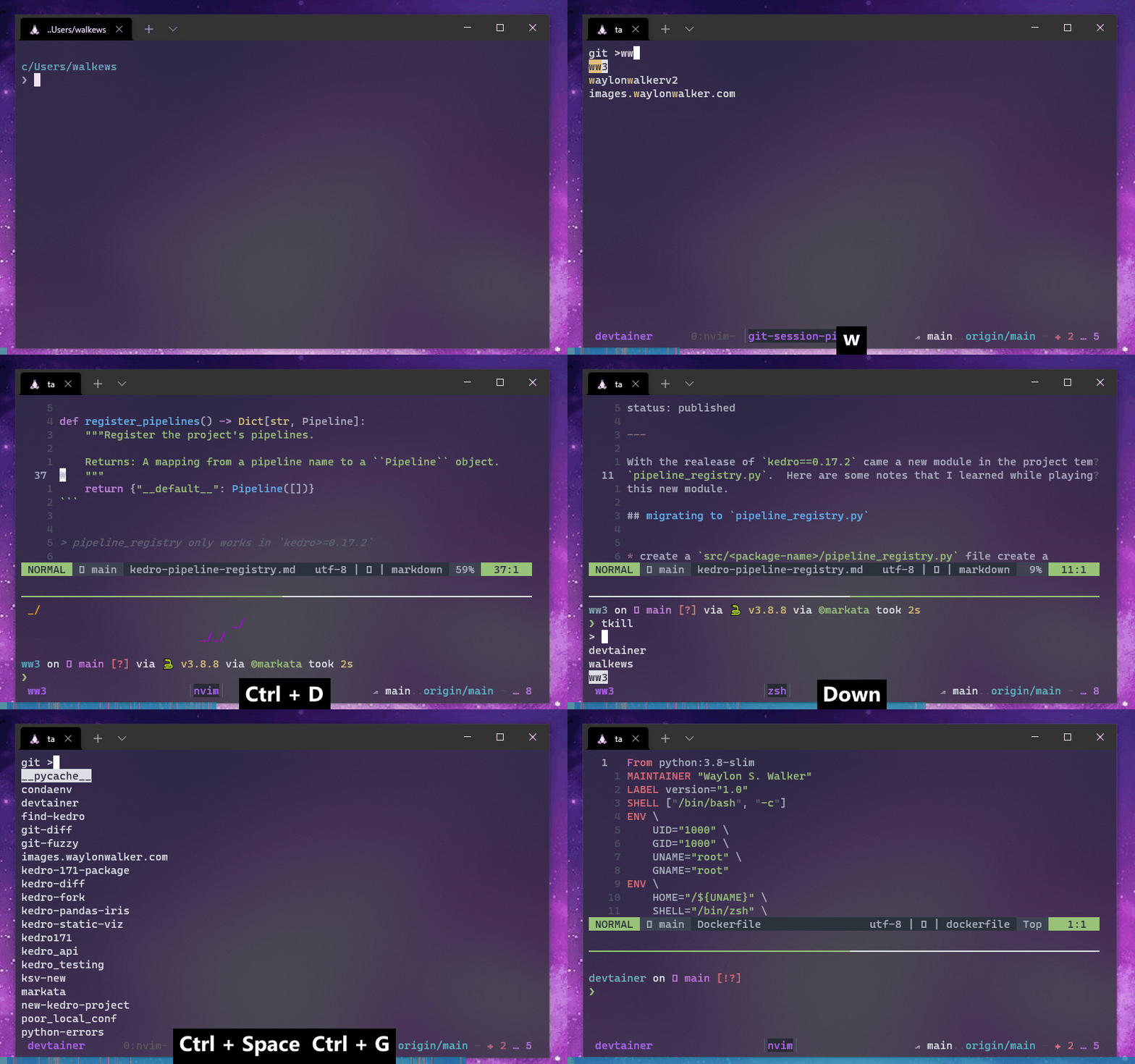 -->
<video controls="" muted="" autoplay="" playsinline="" loop="true" width="100%">
<source src="https://images.waylonwalker.com/tmux-navigation-2021.webm" type="video/webm"/>
<source src="https://images.waylonwalker.com/tmux-navigation-2021.mp4" type="video/mp4"/>
Sorry, your browser doesn't support embedded videos.
</video>
<div class="speed-control">
<button onclick="change_speed(.25)">
speed up
</button>
<button onclick="change_speed(-.25)">
slow down
</button>
</div>
<blockquote>
<p>👆 Overview of how I navigate tmux</p>
</blockquote>
<h2 id="tmux-ls">tmux ls <a href="#tmux-ls" class="heading-anchor">#</a></h2>
<p>Throughout this article, I have several recordings showing how I use manage
sessions with my keybindings. I will often run a <code>tmux ls</code> command to
highlight running sessions at various points to help guide the viewer.</p>
<h2 id="ta">ta <a href="#ta" class="heading-anchor">#</a></h2>
<p><em>my attach/session switch script</em></p>
<p>At the heart of my tmux navigation is a highly customized version of Chris’s
tat script that I renamed <code>ta</code>. Many folks add this to their bashrc <code>alias ta=tmux attach</code>. Simply calling ta will do the same thing as shown below. If
you’re in a tmux session, it does nothing, and if you’re not in one, it will
attach you to the first one.</p>
<blockquote>
<p>get the full <a href="https://github.com/WaylonWalker/devtainer/blob/main/bin/.local/bin/ta" style="--favicon-url: url('/assets/markata/link-avatars/github.com.ico');" data-favicon="/assets/markata/link-avatars/github.com.ico" class="has-avatar has-avatar-before">script</a> from GitHub.</p>
</blockquote>
<!-- 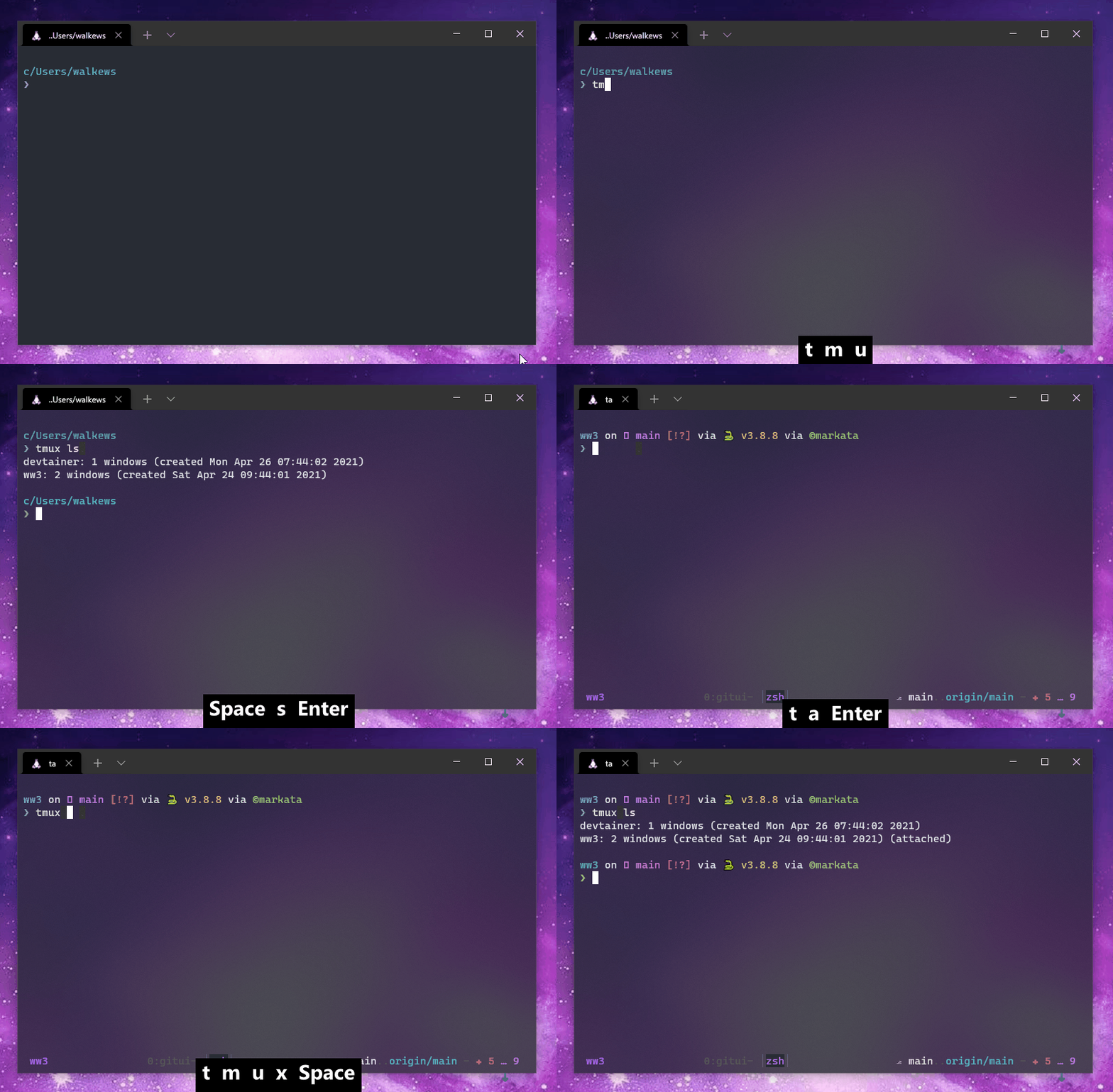 -->
<video controls="" muted="" autoplay="" playsinline="" loop="true" width="100%">
<source src="https://images.waylonwalker.com/tmux-navigation-2021-ta.webm" type="video/webm"/>
<source src="https://images.waylonwalker.com/tmux-navigation-2021-ta.mp4" type="video/mp4"/>
Sorry, your browser doesn't support embedded videos.
</video>
<div class="speed-control">
<button onclick="change_speed(.25)">
speed up
</button>
<button onclick="change_speed(-.25)">
slow down
</button>
</div>
<blockquote>
<p>👆 attaching to a session by default</p>
</blockquote>
<p>In my <code>~/.bashrc</code> or <code>~/.zshrc</code> I add the <code>ta</code> command to keep myself in a tmux
session at all times. Whenever I open my terminal, I am automatically dropped
into a tmux session, but if I am opening a split while in tmux it’s smart
enough to know not to nest tmux sessions.</p>
<pre class="chroma"><code><span class="line"><span class="cl">ta
</span></span></code></pre><p>Another article can dive into my <code>ta</code> command. This one is more about the
methodology, workflow, and keybindings to get me there. It’s available in my
<a href="https://github.com/WaylonWalker/devtainer/blob/main/bin/.local/bin/ta" style="--favicon-url: url('/assets/markata/link-avatars/github.com.ico');" data-favicon="/assets/markata/link-avatars/github.com.ico" class="has-avatar has-avatar-before">script</a>.</p>
<h3 id="but-theres-more">but there’s more <a href="#but-theres-more" class="heading-anchor">#</a></h3>
<p><em>gettin fuzzy</em></p>
<p>Give it a directory, and a <code>fzy</code> dropdown will let you choose a subdirectory to
start your session in, and name the session after that directory.</p>
<pre class="chroma"><code><span class="line"><span class="cl">ta ~/git
</span></span></code></pre><blockquote>
<p>🔥 Bonus, use direnv to automatically set settings, echo your <a href="/glossary/git/" class="glossary-term" title="Git is a version control system for tracking changes in source code during software development. In the beginning there were many, some were licensed. As...">git</a> status,
activate your environment or whatever else you need.</p>
</blockquote>
<!-- 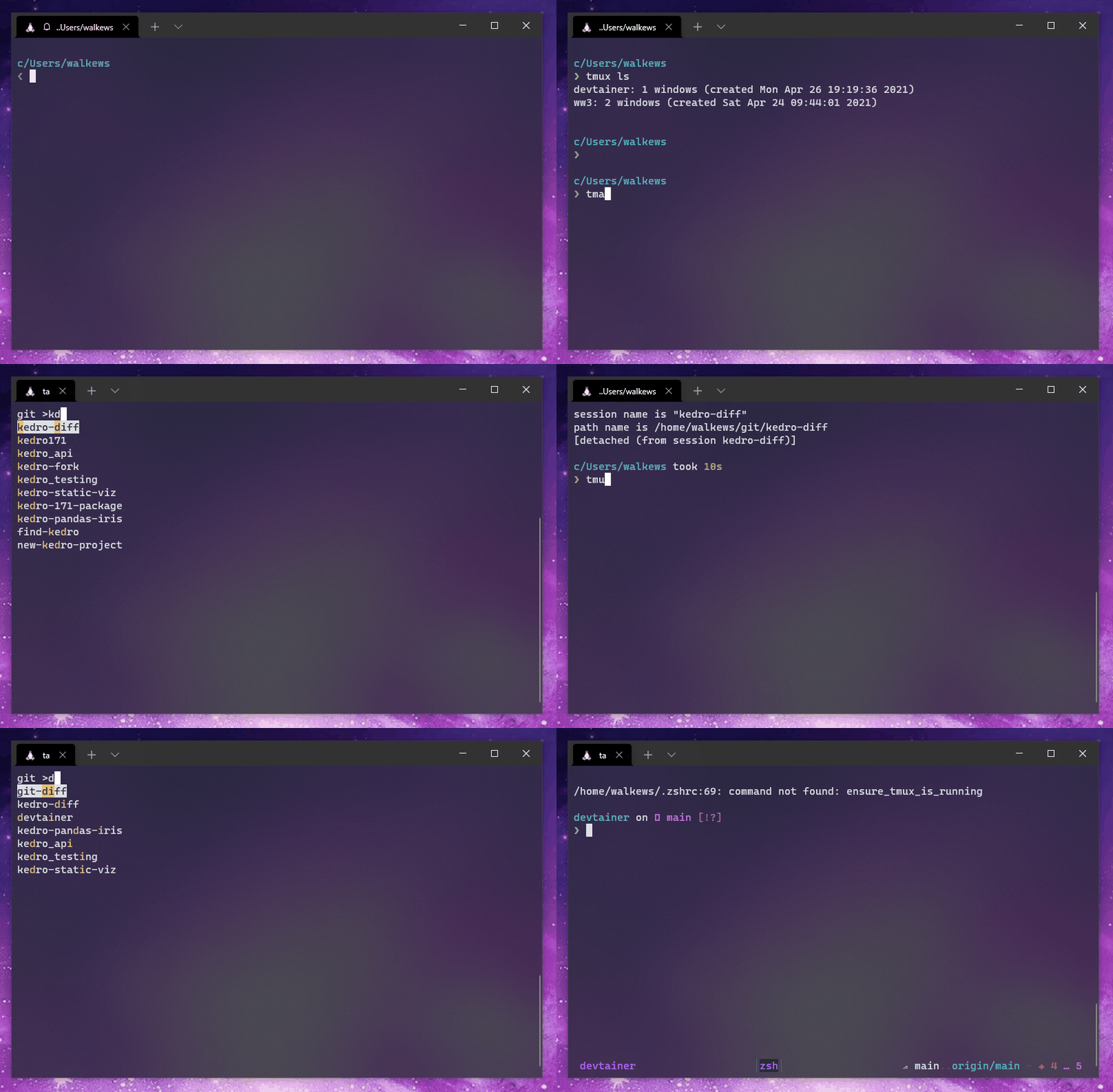 -->
<video controls="" muted="" autoplay="" playsinline="" loop="true" width="100%">
<source src="https://images.waylonwalker.com/tmux-navigation-2021-ta-directory.webm" type="video/webm"/>
<source src="https://images.waylonwalker.com/tmux-navigation-2021-ta-directory.mp4" type="video/mp4"/>
Sorry, your browser doesn't support embedded videos.
</video>
<div class="speed-control">
<button onclick="change_speed(.25)">
speed up
</button>
<button onclick="change_speed(-.25)">
slow down
</button>
</div>
<blockquote>
<p>👆 give it a directory, it will ask for input to which project and start a new
named session in that directory.</p>
</blockquote>
<p>Note that starting from outside currently does not start in a split layout like
it does when starting from within tmux. I am still playing with this, but
generally, I want my terminal session to be plain when I first start my
terminal. I usually am starting work after the first default session.</p>
<blockquote>
<p>🤔 I still use both fzy and fzf. It probably doesn’t make sense to use both,
but I am currently giving fzy a try.</p>
</blockquote>
<h2 id="prefixw">prefix+w <a href="#prefixw" class="heading-anchor">#</a></h2>
<p><em>tmux choose-tree</em></p>
<p>By default, tmux comes with a <code>tmux choose-tree</code> command bound to <code>prefix+w</code>,
which opens in full screen. The upper section of the screen will show every
window opened. While selected, you can show the splits in each window by
hitting l, or fold it with h. You can search for a session name by hitting /.</p>
<!-- 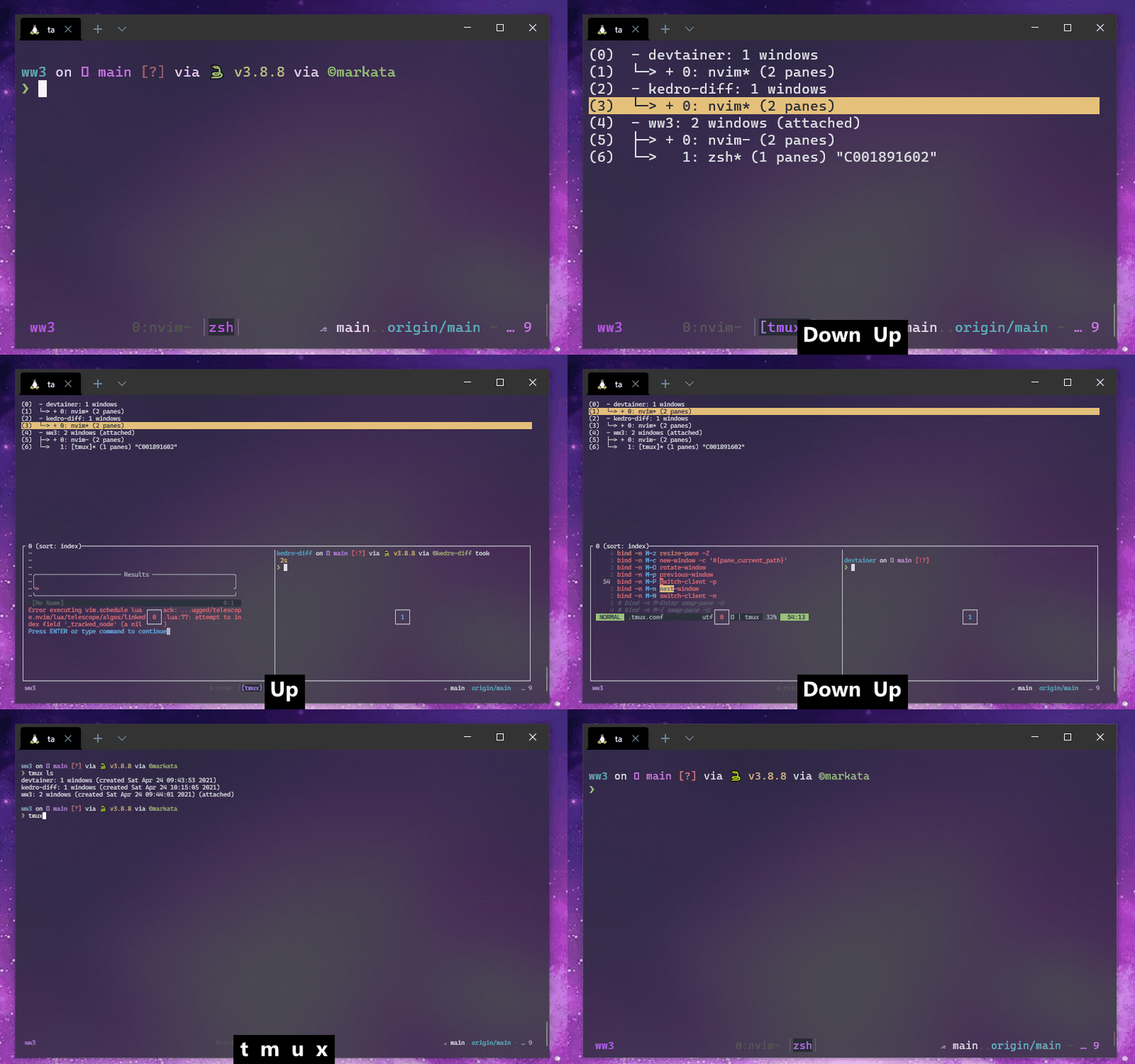 -->
<video controls="" muted="" autoplay="" playsinline="" loop="true" width="100%">
<source src="https://images.waylonwalker.com/tmux-navigation-2021-prefix+w.webm" type="video/webm"/>
<source src="https://images.waylonwalker.com/tmux-navigation-2021-prefix+w.mp4" type="video/mp4"/>
Sorry, your browser doesn't support embedded videos.
</video>
<div class="speed-control">
<button onclick="change_speed(.25)">
speed up
</button>
<button onclick="change_speed(-.25)">
slow down
</button>
</div>
<pre class="chroma"><code><span class="line"><span class="cl"><span class="c1"># ~/.tmux.conf</span>
</span></span><span class="line"><span class="cl">
</span></span><span class="line"><span class="cl"><span class="c1"># expanded to show all splits</span>
</span></span><span class="line"><span class="cl"><span class="nb">bind</span> s choose-tree
</span></span><span class="line"><span class="cl"><span class="c1"># simpler window to show only sessions</span>
</span></span><span class="line"><span class="cl"><span class="nb">bind</span> S choose-session
</span></span></code></pre><h3 id="keybindings-in-choose-treechoose-session">Keybindings in choose-tree/choose-session <a href="#keybindings-in-choose-treechoose-session" class="heading-anchor">#</a></h3>
<p>The default keybindings of the tmux <code>choose-tree</code> and <code>choose-session</code> that I
use are listed below. J/K are very intuitive, but I just learned about h,l,/.
When I do use one of these, the / (search) can be super helpful to find
sessions/windows faster.</p>
<table>
<thead>
<tr>
<th>action</th>
<th>key</th>
</tr>
</thead>
<tbody>
<tr>
<td>fold</td>
<td>h</td>
</tr>
<tr>
<td>unfold</td>
<td>l</td>
</tr>
<tr>
<td>up</td>
<td>k</td>
</tr>
<tr>
<td>down</td>
<td>j</td>
</tr>
<tr>
<td>search</td>
<td>/</td>
</tr>
</tbody>
</table>
<h2 id="prefixc-w-prefixc-g">prefix+c-w prefix+c-g <a href="#prefixc-w-prefixc-g" class="heading-anchor">#</a></h2>
<p><em>open a project</em></p>
<p>I have set up to make it easy to open my non-work projects <em>(in my ~/git directory)</em>
and my work projects <em>(in my ~/work directory)</em>. I bound <code>prefix+c-g</code> and
<code>prefix+c-w</code> to open a new session in their respective directories. I like
mapping common prefix commands with control to keep my pinky mashed on
that control key.</p>
<pre class="chroma"><code><span class="line"><span class="cl"><span class="c1"># ~/.tmux.conf</span>
</span></span><span class="line"><span class="cl">
</span></span><span class="line"><span class="cl"><span class="nb">bind</span> C-w new-window -n <span class="s2">"work-session-picker"</span> <span class="s2">"ta ~/work"</span>
</span></span><span class="line"><span class="cl"><span class="nb">bind</span> C-g new-window -n <span class="s2">"git-session-picker"</span> <span class="s2">"ta ~/git"</span>
</span></span></code></pre><!-- 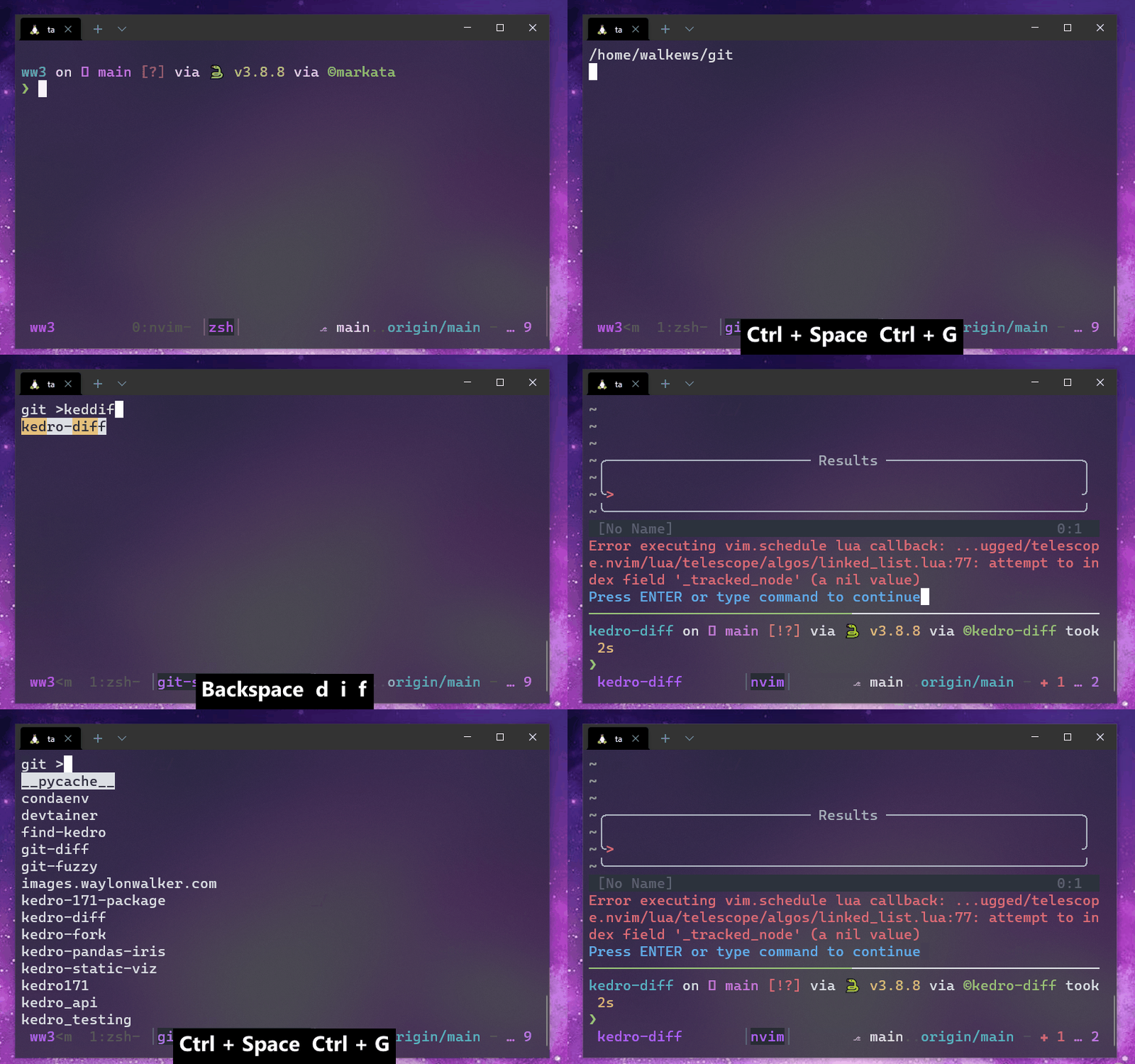 -->
<video controls="" muted="" autoplay="" playsinline="" loop="true" width="100%">
<source src="https://images.waylonwalker.com/tmux-navigation-2021-prefix+c-g.webm" type="video/webm"/>
<source src="https://images.waylonwalker.com/tmux-navigation-2021-prefix+c-g.mp4" type="video/mp4"/>
Sorry, your browser doesn't support embedded videos.
</video>
<div class="speed-control">
<button onclick="change_speed(.25)">
speed up
</button>
<button onclick="change_speed(-.25)">
slow down
</button>
</div>
<h2 id="prefixc-j">prefix+c-j <a href="#prefixc-j" class="heading-anchor">#</a></h2>
<p><em>jump to session</em></p>
<p>Now that I have <code>ta</code> rocking with a good create or attach setup, I am rarely
toggling through a list of running sessions, but I am doing it with
<code>prefix+c-j</code> when I do it. Keeping my finger on control and pressing <code><space>+j</code>.
This keybinding uses fzf to fuzzy match to an existing session and attach.</p>
<pre class="chroma"><code><span class="line"><span class="cl"><span class="nb">bind</span> C-j new-window -n <span class="s2">"session-switcher"</span> <span class="s2">"tmux list-sessions | sed -E 's/:.*</span>$<span class="s2">//' | grep -v \"^</span><span class="k">$(</span>tmux display-message -p <span class="s1">'#S'</span><span class="k">)</span><span class="s2">\$\" | fzf --reverse | xargs tmux switch-client -t"</span>
</span></span></code></pre><!-- 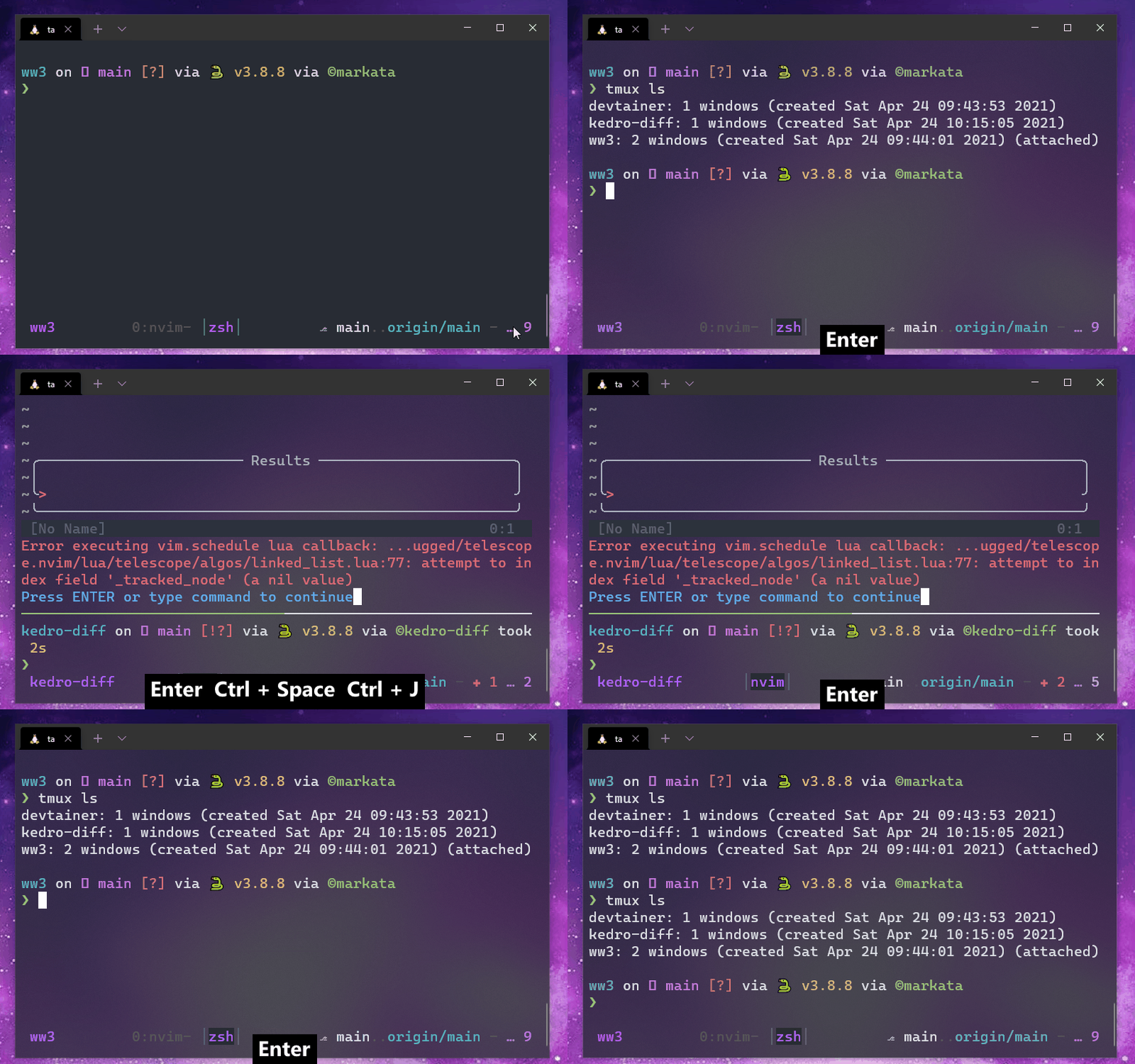 -->
<video controls="" muted="" autoplay="" playsinline="" loop="true" width="100%">
<source src="https://images.waylonwalker.com/tmux-navigation-2021-prefix+c-j.webm" type="video/webm"/>
<source src="https://images.waylonwalker.com/tmux-navigation-2021-prefix+c-j.mp4" type="video/mp4"/>
Sorry, your browser doesn't support embedded videos.
</video>
<div class="speed-control">
<button onclick="change_speed(.25)">
speed up
</button>
<button onclick="change_speed(-.25)">
slow down
</button>
</div>
<h2 id="m-n-m-p">M-N M-P <a href="#m-n-m-p" class="heading-anchor">#</a></h2>
<p><em>next/prev</em></p>
<p>Next and Previous sessions. This is super handy when working with under 3
sessions to be able to cycle through sessions holding <code>shift+alt</code> and pressing
<code>n</code> or <code>p</code>.</p>
<!--  -->
<video controls="" muted="" autoplay="" playsinline="" loop="true" width="100%">
<source src="https://images.waylonwalker.com/tmux-navigation-2021-m-N-M-P.webm" type="video/webm"/>
<source src="https://images.waylonwalker.com/tmux-navigation-2021-m-N-M-P.mp4" type="video/mp4"/>
Sorry, your browser doesn't support embedded videos.
</video>
<div class="speed-control">
<button onclick="change_speed(.25)">
speed up
</button>
<button onclick="change_speed(-.25)">
slow down
</button>
</div>
<h2 id="tkill">tkill <a href="#tkill" class="heading-anchor">#</a></h2>
<p><em>time to clean up</em></p>
<p>It’s easy to get a long crufty list of sessions running throughout the day.
Typically this is not too bad on system resources compared to running vscode in
every working project, but it does make it more challenging to manage and wade
through the sessions list. I use a handy shell alias that’s been in my zshrc
for quite some time.</p>
<pre class="chroma"><code><span class="line"><span class="cl"><span class="nb">alias</span> <span class="nv">tkill</span><span class="o">=</span><span class="s2">"for s in \$(tmux list-sessions | awk '{print \$1}' | rg ':' -r '' | fzy); do tmux kill-session -t \$s; done;"</span>
</span></span></code></pre><p>I don’t have this one set up with a nice hotkey, but it works for my
fingers. I often pop open a lower split(<code>M-s</code>), run <code>tkill</code>, and close (<code>M-x</code>).</p>
<!-- 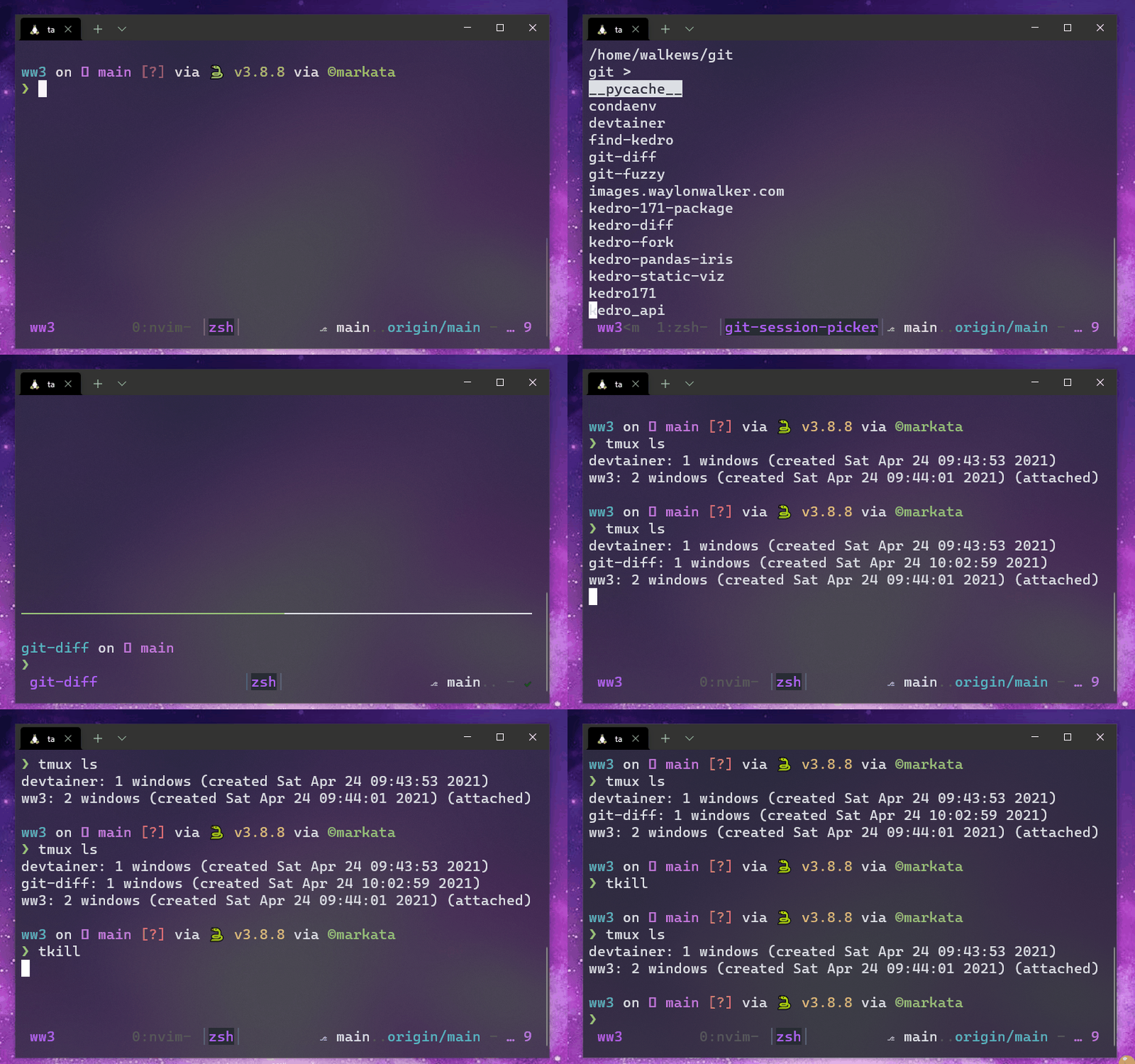 -->
<video controls="" muted="" autoplay="" playsinline="" loop="true" width="100%">
<source src="https://images.waylonwalker.com/tmux-navigation-2021-tkill.webm" type="video/webm"/>
<source src="https://images.waylonwalker.com/tmux-navigation-2021-tkill.mp4" type="video/mp4"/>
Sorry, your browser doesn't support embedded videos.
</video>
<div class="speed-control">
<button onclick="change_speed(.25)">
speed up
</button>
<button onclick="change_speed(-.25)">
slow down
</button>
</div>
<h2 id="last-session">Last Session <a href="#last-session" class="heading-anchor">#</a></h2>
<p><em>back</em></p>
<p>While <code>M-n</code> and <code>M-p</code> work well with a small, focused number of sessions, I often
end up with too many sessions open, and it’s not efficient to remember a double
<code>M-N</code> followed by a triple <code>M-P</code> to get back and forth. Most often, I want to
get between two sessions quickly, no matter what the order is.</p>
<pre class="chroma"><code><span class="line"><span class="cl"><span class="nb">bind</span> -n M-B switch-client -l
</span></span><span class="line"><span class="cl"><span class="nb">bind</span> -n M-b switch-client -l
</span></span></code></pre><video controls="" muted="" autoplay="" playsinline="" loop="true" width="100%">
<source src="https://images.waylonwalker.com/tmux-navigation-2021-m-b.webm" type="video/webm"/>
<source src="https://images.waylonwalker.com/tmux-navigation-2021-m-b.mp4" type="video/mp4"/>
Sorry, your browser doesn't support embedded videos.
</video>
<div class="speed-control">
<button onclick="change_speed(.25)">
speed up
</button>
<button onclick="change_speed(-.25)">
slow down
</button>
</div>
<blockquote>
<p>Once I get two sessions back to back, I can switch between them with insane
speed and precision.</p>
</blockquote>
<h2 id="more-precision">More Precision <a href="#more-precision" class="heading-anchor">#</a></h2>
<p><em>one keystroke</em></p>
<p>The final layer of precision is for my most current project. I need to get
to these with a single keystroke. These are bound to a set of keybindings that were
readily available, just above the home row.</p>
<pre class="chroma"><code><span class="line"><span class="cl"><span class="nb">bind</span> C-t new-session -A -s todo <span class="s2">"cd ~/work/todo && nvim -O backlog.md doing.md done.md"</span>
</span></span><span class="line"><span class="cl"><span class="nb">bind</span> -n M-i new-session -A -s ww3 <span class="s2">"cd ~/git/ww3/ && nvim"</span>
</span></span><span class="line"><span class="cl"><span class="nb">bind</span> -n M-o new-session -A -s images_waylonwalker_com <span class="s2">"cd ~/git/images.waylonwalker.com/ && nvim"</span>
</span></span></code></pre><video controls="" muted="" autoplay="" playsinline="" loop="true" width="100%">
<source src="https://images.waylonwalker.com/tmux-navigation-2021-m-i-m-o.webm" type="video/webm"/>
<source src="https://images.waylonwalker.com/tmux-navigation-2021-m-i-m-o.mp4" type="video/mp4"/>
Sorry, your browser doesn't support embedded videos.
</video>
<div class="speed-control">
<button onclick="change_speed(.25)">
speed up
</button>
<button onclick="change_speed(-.25)">
slow down
</button>
</div>
<blockquote>
<p>These few directories are always at my fingertips, encouraging me to keep better notes</p>
</blockquote>
<p>And yes, I did steal this last one from <a href="https://twitter.com/ThePrimeagen">Harpoon-man</a> By The Way.</p>
<h2 id="hub-and-spoke">Hub and Spoke <a href="#hub-and-spoke" class="heading-anchor">#</a></h2>
<p><em>M-i M-b</em></p>
<p>I have really been digging this hub and spoke workflow where I am rocking away
on a project hit <code>M-I</code>, take some notes then hit <code>M-b</code> to get back to where I
was.</p>
<figure>
<a href="https://images.waylonwalker.com/tmux-nav-hub-spoke.png" class="glightbox-link"><img class="glightbox" src="https://images.waylonwalker.com/tmux-nav-hub-spoke.png" alt="hub and spoke"/ data-glightbox="description: hub and spoke"></a>
</figure>
<blockquote>
<p>Model of my current workflow</p>
</blockquote>
<h3 id="example">Example <a href="#example" class="heading-anchor">#</a></h3>
<p>Here is an example of how I use the hub and spoke model to get to notes on my
blog and back to my project quickly.</p>
<video controls="" muted="" autoplay="" playsinline="" loop="true" width="100%">
<source src="https://images.waylonwalker.com/tmux-navigation-2021-quickly-access-notes.webm" type="video/webm"/>
<source src="https://images.waylonwalker.com/tmux-navigation-2021-quickly-access-notes.mp4" type="video/mp4"/>
Sorry, your browser doesn't support embedded videos.
</video>
<div class="speed-control">
<button onclick="change_speed(.25)">
speed up
</button>
<button onclick="change_speed(-.25)">
slow down
</button>
</div>
<h2 id="example-workflow">Example workflow <a href="#example-workflow" class="heading-anchor">#</a></h2>
<ol>
<li>open tmux session with ta</li>
<li><code>prefix+c-g</code> start work in a project using a fuzzy matcher</li>
<li><code>M-t</code> over to my todo list</li>
<li><code>M-b</code> back to my project</li>
<li><code>M-i</code> to my blog to look up notes/make notes</li>
<li><code>M-b</code> back to my project</li>
<li><code>prefix+c-g</code> start work in another project using a fuzzy matcher</li>
<li><code>M-t</code> over to my todo list</li>
<li><code>M-b</code> back to my project</li>
<li><code>prefix+c-j</code> fuzzy back to the first project</li>
<li><code>M-b</code> back to the second project</li>
</ol>
<hr/>
<p>Please let me know your thoughts.
<a href="https://twitter.com/_WaylonWalker">@waylonwalker</a>, this one took me a bit
longer to put together with all of the animated gif’s, but I think it helps
visually show how I navigate tmux every day.</p>
<h2 id="please-give-it-a-share-if-you-liked-it">Please give it a share if you liked it <a href="#please-give-it-a-share-if-you-liked-it" class="heading-anchor">#</a></h2>
<p>If you liked it, give it a share and tag me on
<a href="https://twitter.com/_WaylonWalker">twitter</a>. I don’t often ask but this
article took a bit more to put together than my normal post.</p>
<hr/>
<h2 id="related-links">Related Links <a href="#related-links" class="heading-anchor">#</a></h2>
<ul>
<li><a href="https://twitter.com/christoomey">Chris Toomey’s</a> Tmux Course</li>
<li>my <a href="https://github.com/WaylonWalker/devtainer/blob/main/bin/.local/bin/ta" style="--favicon-url: url('/assets/markata/link-avatars/github.com.ico');" data-favicon="/assets/markata/link-avatars/github.com.ico" class="has-avatar has-avatar-before">ta script</a>.</li>
<li>my <a href="https://github.com/WaylonWalker/devtainer/blob/main/tmux/.tmux.conf" style="--favicon-url: url('/assets/markata/link-avatars/github.com.ico');" data-favicon="/assets/markata/link-avatars/github.com.ico" class="has-avatar has-avatar-before">.tmux.conf</a></li>
</ul>
Waylon Walkerhello@waylonwalker.comhttps://waylonwalker.comIf Tmuxhttps://go.waylonwalker.com/if-tmux/2021-01-09T00:00:00Z2021-01-09T00:00:00ZI do much of my work from tmux, I love it so much that I want to setup some functionality that puts me in tmux even if I didn't ask for it.<p>I do much of my work from tmux, I love it so much that I want to setup some
functionality that puts me in tmux even if I didn’t ask for it.</p>
<h2 id="bash-function">Bash Function <a href="#bash-function" class="heading-anchor">#</a></h2>
<p>Bash function to check if the shell is in a tmux session.</p>
<pre class="chroma"><code><span class="line"><span class="cl">in_tmux <span class="o">()</span> <span class="o">{</span>
</span></span><span class="line"><span class="cl"> <span class="k">if</span> <span class="o">[</span> -n <span class="s2">"</span><span class="nv">$TMUX</span><span class="s2">"</span> <span class="o">]</span><span class="p">;</span> <span class="k">then</span>
</span></span><span class="line"><span class="cl"> <span class="k">return</span> <span class="m">0</span>
</span></span><span class="line"><span class="cl"> <span class="k">else</span>
</span></span><span class="line"><span class="cl"> <span class="k">return</span> <span class="m">1</span>
</span></span><span class="line"><span class="cl"> <span class="k">fi</span>
</span></span><span class="line"><span class="cl"> <span class="o">}</span>
</span></span></code></pre><h2 id="using-the-bash-function">Using the bash function <a href="#using-the-bash-function" class="heading-anchor">#</a></h2>
<p>I often open up vim to do some quite edits, but before I know it I have several
splits open and I need access to another shell utility, but I forgot to start
in tmux. This function makes sure tht I start in tmux everytime.</p>
<p>Using <code>if_tmux</code> to ensure vim is opened in tmux.</p>
<pre class="chroma"><code><span class="line"><span class="cl">vim <span class="o">()</span> <span class="o">{</span>
</span></span><span class="line"><span class="cl"> in_tmux <span class="se">\
</span></span></span><span class="line"><span class="cl"><span class="se"></span> <span class="o">&&</span> nvim <span class="se">\
</span></span></span><span class="line"><span class="cl"><span class="se"></span> <span class="o">||</span> bash -c <span class="s2">"\
</span></span></span><span class="line"><span class="cl"><span class="s2"> tmux new-session -d;\
</span></span></span><span class="line"><span class="cl"><span class="s2"> tmux send-keys nvim Space +GFiles C-m;\
</span></span></span><span class="line"><span class="cl"><span class="s2"> tmux -2 attach-session -d;
</span></span></span><span class="line"><span class="cl"><span class="s2"> "</span>
</span></span><span class="line"><span class="cl"> <span class="o">}</span>
</span></span></code></pre><p>I am not quite sure if this is proper use of the <code>&&</code> and <code>||</code>, let me know if
you have a better way to do one thing if <code>in_tmux</code> returns true and another if
it returns faslse.</p>
Waylon Walkerhello@waylonwalker.comhttps://waylonwalker.comScripting Tmux Layoutshttps://go.waylonwalker.com/scripting-tmux-layouts/2020-12-13T00:00:00Z2020-12-13T00:00:00ZThis is how I script a tmux layout<p>This is how I script a tmux layout</p>
<pre class="chroma"><code><span class="line"><span class="cl"> bash -c <span class="s2">"tmux new-session -t 'editor' -d;\
</span></span></span><span class="line"><span class="cl"><span class="s2"> tmux split-window -v 'zsh';
</span></span></span><span class="line"><span class="cl"><span class="s2"> tmux send-keys nvim Space /src/ Space +GFiles C-m; \
</span></span></span><span class="line"><span class="cl"><span class="s2"> tmux rotate-window; \
</span></span></span><span class="line"><span class="cl"><span class="s2"> tmux select-pane -U; \
</span></span></span><span class="line"><span class="cl"><span class="s2"> tmux -2 attach-session -d
</span></span></span><span class="line"><span class="cl"><span class="s2"> "</span>
</span></span></code></pre>Waylon Walkerhello@waylonwalker.comhttps://waylonwalker.comKeyboard Driven VSCodehttps://go.waylonwalker.com/keyboard-driven-vscode/2019-07-07T05:00:00Z2019-07-07T05:00:00ZReimagining my tmux configuration inside of vscode.<blockquote>
<p>Throw that mouse Away its time to setup some keyboard shortcuts.</p>
</blockquote>
<p>These sortcuts were the baseline for switching from tmux/vim to vscode. Most folks posts I was able to find gave great tips on replacing vim, but very few have focused on the hackability of tmux. tmux allows me to rapidly fire up a workspace, create new windows and splits. Then When I switch tasks I can leave that workspace open and and jump right back in later exactly where I left off. There is nothing quite like it. The shortcuts listed here make the transition a bit better. The worst thing I found when using vscode at first was no way to switch between the terminal and editor without the mouse. This first set of keybindings solve that issue.</p>
<blockquote>
<p>The worst thing I found when using vscode at first was no way to switch between the terminal and editor without the mouse.</p>
</blockquote>
<p>!!! see-also
I have an updated article in my tmux workflow <a href="/tmux-nav-2021/" class="wikilink" data-title="How I navigate tmux in 2021" data-description="change_speed = (speed) => [...document.querySelectorAll('video')].map(v => v.playbackRate=v.playbackRate+speed)" data-date="2021-05-11" data-preview="change_speed = (speed) => [...document.querySelectorAll('video')].map(v => v.playbackRate=v.playbackRate+speed)">How I navigate tmux in 2021</a></p>
<h2 id="althjkl">Alt+[hjkl] <a href="#althjkl" class="heading-anchor">#</a></h2>
<p><em>navigation</em></p>
<p>⬅ jump to <strong>left</strong> split <strong>alt+h</strong></p>
<p>⬇ jump to <strong>terminal</strong> from editor <strong>alt+j</strong></p>
<p>⬆ jump to <strong>editor</strong> from terminal <strong>alt+k</strong></p>
<p>➡ jump to <strong>right</strong> split <strong>alt+l</strong></p>
<p>This is by var the most useful set of keybindings that I use in vscode and is directly replicated from my tmux configuration. It allows me to quickly jump up, down, left, right. Do note that if you use vertical splits it does not work as well as tmux 😢.</p>
<figure>
<a href="https://images.waylonwalker.com/alt%20%5Bhjkl%5D.gif" class="glightbox-link"><img class="glightbox" src="https://images.waylonwalker.com/alt%20%5Bhjkl%5D.gif" alt="navigating vscode with keyboard shortcuts"/ data-glightbox="description: navigating vscode with keyboard shortcuts"></a>
</figure>
<pre class="chroma"><code><span class="line"><span class="cl"><span class="p">[</span>
</span></span><span class="line"><span class="cl"> <span class="p">{</span>
</span></span><span class="line"><span class="cl"> <span class="nt">"key"</span><span class="p">:</span> <span class="s2">"alt+j"</span><span class="p">,</span>
</span></span><span class="line"><span class="cl"> <span class="nt">"command"</span><span class="p">:</span> <span class="s2">"workbench.action.terminal.focus"</span><span class="p">,</span>
</span></span><span class="line"><span class="cl"> <span class="nt">"when"</span><span class="p">:</span> <span class="s2">"editorFocus"</span>
</span></span><span class="line"><span class="cl"> <span class="p">},</span>
</span></span><span class="line"><span class="cl">
</span></span><span class="line"><span class="cl"> <span class="p">{</span>
</span></span><span class="line"><span class="cl"> <span class="nt">"key"</span><span class="p">:</span> <span class="s2">"alt+k"</span><span class="p">,</span>
</span></span><span class="line"><span class="cl"> <span class="nt">"command"</span><span class="p">:</span> <span class="s2">"workbench.action.focusFirstEditorGroup"</span><span class="p">,</span>
</span></span><span class="line"><span class="cl"> <span class="nt">"when"</span><span class="p">:</span> <span class="s2">"terminalFocus"</span>
</span></span><span class="line"><span class="cl"> <span class="p">},</span>
</span></span><span class="line"><span class="cl"> <span class="p">{</span>
</span></span><span class="line"><span class="cl"> <span class="nt">"key"</span><span class="p">:</span> <span class="s2">"alt+k"</span><span class="p">,</span>
</span></span><span class="line"><span class="cl"> <span class="nt">"command"</span><span class="p">:</span> <span class="s2">"workbench.action.focusAboveGroup"</span><span class="p">,</span>
</span></span><span class="line"><span class="cl"> <span class="nt">"when"</span><span class="p">:</span> <span class="s2">"editorFocus"</span>
</span></span><span class="line"><span class="cl"> <span class="p">},</span>
</span></span><span class="line"><span class="cl"> <span class="p">{</span>
</span></span><span class="line"><span class="cl"> <span class="nt">"key"</span><span class="p">:</span> <span class="s2">"alt+l"</span><span class="p">,</span>
</span></span><span class="line"><span class="cl"> <span class="nt">"command"</span><span class="p">:</span> <span class="s2">"-toggleFindInSelection"</span><span class="p">,</span>
</span></span><span class="line"><span class="cl"> <span class="nt">"when"</span><span class="p">:</span> <span class="s2">"editorFocus"</span>
</span></span><span class="line"><span class="cl"> <span class="p">},</span>
</span></span><span class="line"><span class="cl"> <span class="p">{</span>
</span></span><span class="line"><span class="cl"> <span class="nt">"key"</span><span class="p">:</span> <span class="s2">"alt+l"</span><span class="p">,</span>
</span></span><span class="line"><span class="cl"> <span class="nt">"command"</span><span class="p">:</span> <span class="s2">"workbench.action.focusNextGroup"</span><span class="p">,</span>
</span></span><span class="line"><span class="cl"> <span class="nt">"when"</span><span class="p">:</span> <span class="s2">"editorFocus"</span>
</span></span><span class="line"><span class="cl"> <span class="p">},</span>
</span></span><span class="line"><span class="cl"> <span class="p">{</span>
</span></span><span class="line"><span class="cl"> <span class="nt">"key"</span><span class="p">:</span> <span class="s2">"alt+h"</span><span class="p">,</span>
</span></span><span class="line"><span class="cl"> <span class="nt">"command"</span><span class="p">:</span> <span class="s2">"workbench.action.focusPreviousGroup"</span><span class="p">,</span>
</span></span><span class="line"><span class="cl"> <span class="nt">"when"</span><span class="p">:</span> <span class="s2">"editorFocus"</span>
</span></span><span class="line"><span class="cl"> <span class="p">},</span>
</span></span><span class="line"><span class="cl">
</span></span><span class="line"><span class="cl"> <span class="p">{</span>
</span></span><span class="line"><span class="cl"> <span class="nt">"key"</span><span class="p">:</span> <span class="s2">"alt+l"</span><span class="p">,</span>
</span></span><span class="line"><span class="cl"> <span class="nt">"command"</span><span class="p">:</span> <span class="s2">"workbench.action.terminal.focusNextPane"</span><span class="p">,</span>
</span></span><span class="line"><span class="cl"> <span class="nt">"when"</span><span class="p">:</span> <span class="s2">"terminalFocus"</span>
</span></span><span class="line"><span class="cl"> <span class="p">},</span>
</span></span><span class="line"><span class="cl"> <span class="p">{</span>
</span></span><span class="line"><span class="cl"> <span class="nt">"key"</span><span class="p">:</span> <span class="s2">"alt+h"</span><span class="p">,</span>
</span></span><span class="line"><span class="cl"> <span class="nt">"command"</span><span class="p">:</span> <span class="s2">"workbench.action.terminal.focusPreviousPane"</span><span class="p">,</span>
</span></span><span class="line"><span class="cl"> <span class="nt">"when"</span><span class="p">:</span> <span class="s2">"terminalFocus"</span>
</span></span><span class="line"><span class="cl"> <span class="p">},</span>
</span></span><span class="line"><span class="cl"><span class="p">]</span>
</span></span></code></pre><h2 id="altb">Alt+b <a href="#altb" class="heading-anchor">#</a></h2>
<p><em>toggle bloat</em></p>
<p>Since closing the sidebar is assigned to <code>ctrl+b</code> I thought that it made most sense to simulate the activity bar with <code>alt+b</code>. There are many times when I just want to get as much out of the way as possible and this little bit does help.</p>
<figure>
<a href="https://images.waylonwalker.com/alt%20b.gif" class="glightbox-link"><img class="glightbox" src="https://images.waylonwalker.com/alt%20b.gif" alt="hiding the activity bar "/ data-glightbox="description: hiding the activity bar"></a>
</figure>
<pre class="chroma"><code><span class="line"><span class="cl"><span class="p">[</span>
</span></span><span class="line"><span class="cl"> <span class="p">{</span>
</span></span><span class="line"><span class="cl"> <span class="nt">"key"</span><span class="p">:</span> <span class="s2">"alt+b"</span><span class="p">,</span>
</span></span><span class="line"><span class="cl"> <span class="nt">"command"</span><span class="p">:</span> <span class="s2">"workbench.action.toggleActivityBarVisibility"</span><span class="p">,</span>
</span></span><span class="line"><span class="cl"> <span class="nt">"when"</span><span class="p">:</span> <span class="s2">"editorFocus"</span>
</span></span><span class="line"><span class="cl"> <span class="p">},</span>
</span></span><span class="line"><span class="cl"><span class="p">]</span>
</span></span></code></pre><h2 id="altsvx">Alt+[svx] <a href="#altsvx" class="heading-anchor">#</a></h2>
<p><em>Split it up</em></p>
<p>🙌 Split hoizontally <strong>alt+s</strong></p>
<p>🍌 Vertically <strong>alt+v</strong></p>
<p>💥 Close <strong>alt+x</strong></p>
<p>This is another one replicated from tmux for quickly creatiting horizontal (s) and vertical (v) splits. Once I am done with them I can close them with alt+x.</p>
<figure>
<a href="https://images.waylonwalker.com/alt%20%5Bsvx%5D.gif" class="glightbox-link"><img class="glightbox" src="https://images.waylonwalker.com/alt%20%5Bsvx%5D.gif" alt="Make and destroy splits with ease in vscode."/ data-glightbox="description: Make and destroy splits with ease in vscode."></a>
</figure>
<pre class="chroma"><code><span class="line"><span class="cl"><span class="p">[</span>
</span></span><span class="line"><span class="cl"> <span class="p">{</span>
</span></span><span class="line"><span class="cl"> <span class="nt">"key"</span><span class="p">:</span> <span class="s2">"alt+s"</span><span class="p">,</span>
</span></span><span class="line"><span class="cl"> <span class="nt">"command"</span><span class="p">:</span> <span class="s2">"workbench.action.terminal.split"</span><span class="p">,</span>
</span></span><span class="line"><span class="cl"> <span class="nt">"when"</span><span class="p">:</span> <span class="s2">"terminalFocus"</span>
</span></span><span class="line"><span class="cl"> <span class="p">},</span>
</span></span><span class="line"><span class="cl"> <span class="p">{</span>
</span></span><span class="line"><span class="cl"> <span class="nt">"key"</span><span class="p">:</span> <span class="s2">"alt+s"</span><span class="p">,</span>
</span></span><span class="line"><span class="cl"> <span class="nt">"command"</span><span class="p">:</span> <span class="s2">"workbench.action.splitEditor"</span><span class="p">,</span>
</span></span><span class="line"><span class="cl"> <span class="nt">"when"</span><span class="p">:</span> <span class="s2">"editorFocus"</span>
</span></span><span class="line"><span class="cl"> <span class="p">},</span>
</span></span><span class="line"><span class="cl"> <span class="p">{</span>
</span></span><span class="line"><span class="cl"> <span class="nt">"key"</span><span class="p">:</span> <span class="s2">"alt+v"</span><span class="p">,</span>
</span></span><span class="line"><span class="cl"> <span class="nt">"command"</span><span class="p">:</span> <span class="s2">"workbench.action.splitEditorOrthogonal"</span><span class="p">,</span>
</span></span><span class="line"><span class="cl"> <span class="nt">"when"</span><span class="p">:</span> <span class="s2">"editorFocus"</span>
</span></span><span class="line"><span class="cl"> <span class="p">},</span>
</span></span><span class="line"><span class="cl"> <span class="p">{</span>
</span></span><span class="line"><span class="cl"> <span class="nt">"key"</span><span class="p">:</span> <span class="s2">"alt+x"</span><span class="p">,</span>
</span></span><span class="line"><span class="cl"> <span class="nt">"command"</span><span class="p">:</span> <span class="s2">"workbench.action.terminal.kill"</span><span class="p">,</span>
</span></span><span class="line"><span class="cl"> <span class="nt">"when"</span><span class="p">:</span> <span class="s2">"terminalFocus"</span>
</span></span><span class="line"><span class="cl"> <span class="p">},</span>
</span></span><span class="line"><span class="cl"> <span class="p">{</span>
</span></span><span class="line"><span class="cl"> <span class="nt">"key"</span><span class="p">:</span> <span class="s2">"alt+x"</span><span class="p">,</span>
</span></span><span class="line"><span class="cl"> <span class="nt">"command"</span><span class="p">:</span> <span class="s2">"workbench.action.closeActiveEditor"</span><span class="p">,</span>
</span></span><span class="line"><span class="cl"> <span class="nt">"when"</span><span class="p">:</span> <span class="s2">"editorFocus"</span>
</span></span><span class="line"><span class="cl"> <span class="p">}</span>
</span></span><span class="line"><span class="cl"><span class="p">]</span>
</span></span></code></pre><h2 id="altcnp">Alt+[cnp] <a href="#altcnp" class="heading-anchor">#</a></h2>
<p>🤲 <strong>Create</strong> new workspace <strong>alt+c</strong></p>
<p>⏭ jump to <strong>next</strong> workspace <strong>alt+n</strong></p>
<p>⏮ jump to <strong>previous</strong> workspace <strong>alt+p</strong></p>
<p>Sometimes the terminal window gets a bit cramped inside of splits and you need to use different panes. I replicated the cnp pattern from tmux here as well. I can create (c) new panes, then go to the next (n), or previous (p) without leaving the comfort of my keyboard.</p>
<p>I am often using this one when I have a process running that I watch like gatsby, and I need to quickly pop into a new pane to run a <a href="/glossary/git/" class="glossary-term" title="Git is a version control system for tracking changes in source code during software development. In the beginning there were many, some were licensed. As...">git</a> command and back in to gatsby before jumping up to my editor.</p>
<figure>
<a href="https://images.waylonwalker.com/alt%20%5Bcnp%5D.gif" class="glightbox-link"><img class="glightbox" src="https://images.waylonwalker.com/alt%20%5Bcnp%5D.gif" alt=""/ data-glightbox="description: "></a>
</figure>
<pre class="chroma"><code><span class="line"><span class="cl"><span class="p">[</span>
</span></span><span class="line"><span class="cl"> <span class="p">{</span>
</span></span><span class="line"><span class="cl"> <span class="nt">"key"</span><span class="p">:</span> <span class="s2">"alt+c"</span><span class="p">,</span>
</span></span><span class="line"><span class="cl"> <span class="nt">"command"</span><span class="p">:</span> <span class="s2">"workbench.action.terminal.new"</span><span class="p">,</span>
</span></span><span class="line"><span class="cl"> <span class="nt">"when"</span><span class="p">:</span> <span class="s2">"terminalFocus"</span>
</span></span><span class="line"><span class="cl"> <span class="p">},</span>
</span></span><span class="line"><span class="cl"> <span class="p">{</span>
</span></span><span class="line"><span class="cl"> <span class="nt">"key"</span><span class="p">:</span> <span class="s2">"alt+n"</span><span class="p">,</span>
</span></span><span class="line"><span class="cl"> <span class="nt">"command"</span><span class="p">:</span> <span class="s2">"workbench.action.terminal.focusNext"</span><span class="p">,</span>
</span></span><span class="line"><span class="cl"> <span class="nt">"when"</span><span class="p">:</span> <span class="s2">"terminalFocus"</span>
</span></span><span class="line"><span class="cl"> <span class="p">},</span>
</span></span><span class="line"><span class="cl">
</span></span><span class="line"><span class="cl"> <span class="p">{</span>
</span></span><span class="line"><span class="cl"> <span class="nt">"key"</span><span class="p">:</span> <span class="s2">"alt+p"</span><span class="p">,</span>
</span></span><span class="line"><span class="cl"> <span class="nt">"command"</span><span class="p">:</span> <span class="s2">"workbench.action.terminal.focusPrevious"</span><span class="p">,</span>
</span></span><span class="line"><span class="cl"> <span class="nt">"when"</span><span class="p">:</span> <span class="s2">"terminalFocus"</span>
</span></span><span class="line"><span class="cl"> <span class="p">},</span>
</span></span><span class="line"><span class="cl"><span class="p">]</span>
</span></span></code></pre><h2 id="altz">Alt+z <a href="#altz" class="heading-anchor">#</a></h2>
<p>🗻 Zoom into terminal <strong>alt+z</strong></p>
<p>This last one doesnt work as well as I would like but it sure does get the job done. It Zooms (z) into the terminal from anywhere in vscode. I can be in my editor and zoom out of the terminal to make more room, or zoom in to see what happened from my last edit.</p>
<figure>
;" data-favicon="/assets/markata/link-avatars/images.waylonwalker.com.ico" class="has-avatar has-avatar-before">https://images.waylonwalker.com/alt</a> z.gif)
</figure>
<pre class="chroma"><code><span class="line"><span class="cl"><span class="p">[</span>
</span></span><span class="line"><span class="cl"> <span class="p">{</span>
</span></span><span class="line"><span class="cl"> <span class="nt">"key"</span><span class="p">:</span> <span class="s2">"alt+z"</span><span class="p">,</span>
</span></span><span class="line"><span class="cl"> <span class="nt">"command"</span><span class="p">:</span> <span class="s2">"workbench.action.toggleMaximizedPanel"</span><span class="p">,</span>
</span></span><span class="line"><span class="cl"> <span class="p">},</span>
</span></span><span class="line"><span class="cl"><span class="p">]</span>
</span></span></code></pre><h2 id="bonus">Bonus <a href="#bonus" class="heading-anchor">#</a></h2>
<h2 id="altr">Alt+r <a href="#altr" class="heading-anchor">#</a></h2>
<p>🖱 right click in place</p>
<p>I recently found this one, and find it quite useful to quickly do things like revert selected range, or extract variable without leaving the keyboard.</p>
<pre class="chroma"><code><span class="line"><span class="cl"><span class="p">[</span>
</span></span><span class="line"><span class="cl"> <span class="p">{</span>
</span></span><span class="line"><span class="cl"> <span class="nt">"key"</span><span class="p">:</span> <span class="s2">"alt+r"</span><span class="p">,</span>
</span></span><span class="line"><span class="cl"> <span class="nt">"command"</span><span class="p">:</span> <span class="s2">"editor.action.showContextMenu"</span><span class="p">,</span>
</span></span><span class="line"><span class="cl"> <span class="p">},</span>
</span></span><span class="line"><span class="cl"><span class="p">]</span>
</span></span></code></pre>Waylon Walkerhello@waylonwalker.comhttps://waylonwalker.com