Archive
All published posts
The week ofAug 25 – Aug 31, 2025
Featured this weekWriting
Writing
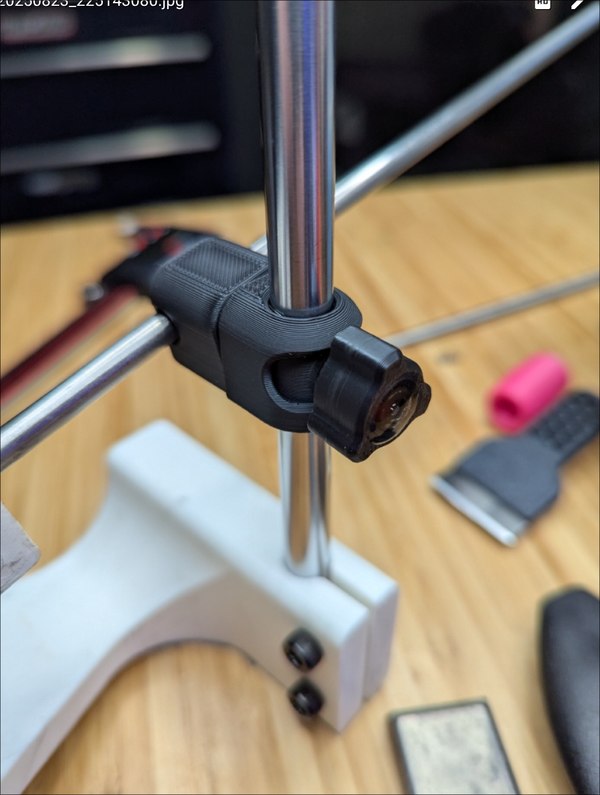
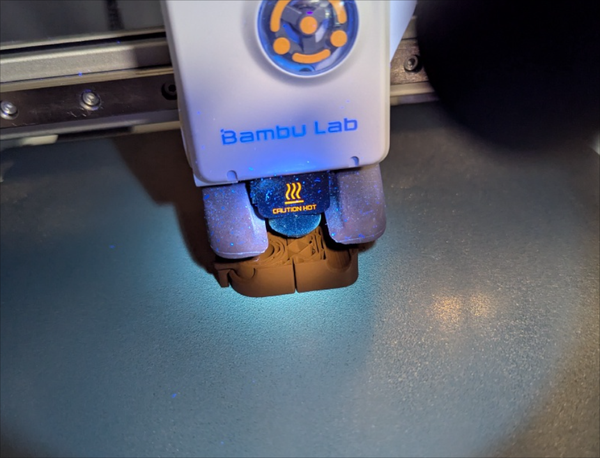
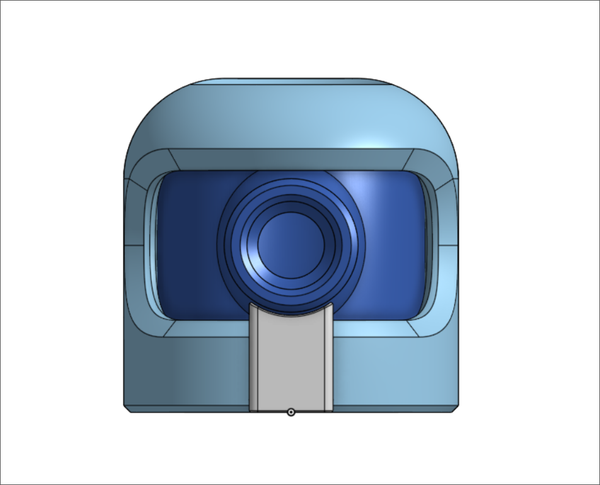
Knife Sharpener Small Upgrade
Writing
Vim :noa is a command that runs what you call without autocommands on. This
is typically used when you have some BufWritePre commands for formatting,
most auto formatters are implemented this way in vim. It can be super useful
if you have something like a yaml/json file that you have crafted perfectly how
you want it, maybe it has some source code for a small script or sql embeded
and your formatter wants to turn it into one line. You could get a better
formatter, but for these one off cases that aren’t a big bother to me I run
:noa w.
:noa w
Writing
I’m Out On Agents
Writing
Today I gave modd a try, and it seems like a good file watcher executor. I tried using libnotify to send desktop notifications, but all I got was modd, I might not have notifications setup right on the awesomewm machine.
config goes in modd.conf
**/*.py {
# check formatting via ruff
prep: ruff format --check .
# check docstring formatting
prep: pydocstyle .
#
# # check type hints via ty
prep: ty check .
#
# # run linter via ruff
prep: ruff check .
}
I installed it using installer from jpillora, pulling pre-built binaries right out of the github repo.
curl https://i.jpillora.com/cortesi/modd | bash
Then you can install it, and on file change it will run the commands you configured.
modd
Link
Link
Photo journal · Aug 25 – Aug 31, 2025
In pictures 14 photographs
Note
Note
Note
Note
Note
Note
Note
Note
Note
Note
Note
Note
Note
Note
The week ofAug 18 – Aug 24, 2025
Featured this weekWriting
Today I needed to make a backup of some config. I wanted to add a timestamp so that I knew when the backup was made. This would make unique backups easy, and I could tell when they were made.
cp configfile configfile.backup.$(date %s)
If you want to decrypt the timestamp into something more human readable. You can list backup files, strip out the timestamp, and then convert it to a human readable date.
/bin/ls | grep backup | sed 's/configfile.backup.//' | xargs -I {} date -d @{}
or just throw it to the date command by hand.
date -d @1755895402
Link
Photo journal · Aug 18 – Aug 24, 2025
In pictures 10 photographs
Note
Note
Note
Note
Note
Calendar data could not load. Try again.