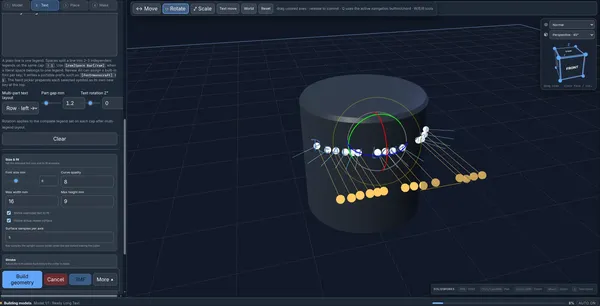
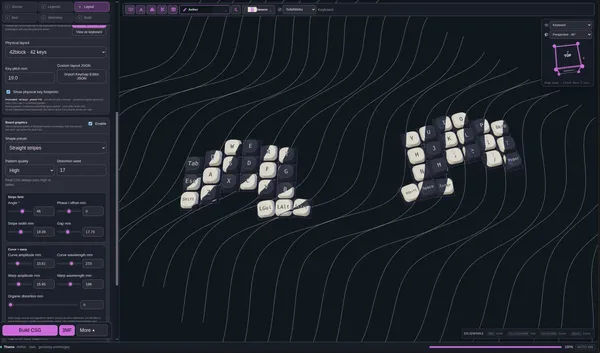
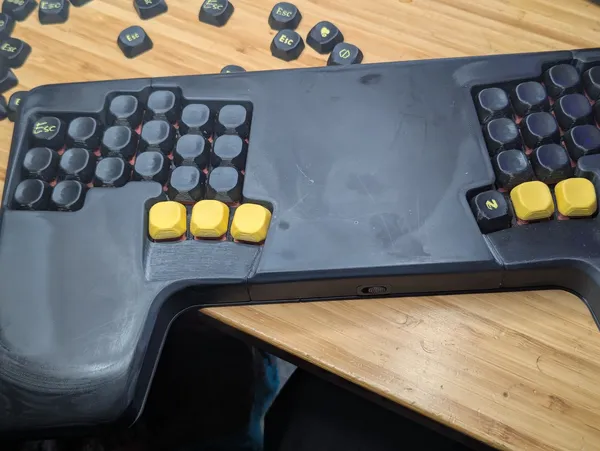
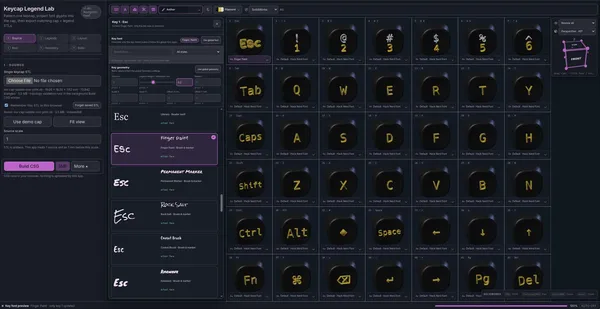
I’m building out a set of tools for 3d printing. Things that I have not found out there yet, they may exist, they may not. The first was Posts tagged: caps. Now I’m taking the core of that project and starting a new one. Not sure if it counts as an update when I have had a lack of really posting about it. putting text…
Photo journal · Aug 24 – Aug 30, 2026
In pictures 3 photographs
Second Sentinel Final Audience WishSecond Sentinel Second EncounterSecond Sentinel First Encounter
Justin Searls @searls /goal is a special command for OpenAI Codex in which it will keep working toward whatever goal you set until it gradually convinces itself that the stated goal is not what you wanted but rather so... justin․searls․co · justin.searls.co LOL, interesting I just heard DHH talk about how we needed goa…
A Calendar View For My Blog 807 blog posts across 14 years. That’s how much I’ve published on my blog at the time of this writing. And here’s the question I’ve been turning over in my… blog.jim-nielsen.com Love the calendar view for Jim’s posts. I’m on my way to do this, I’ve been using a view like this in plaindown an…
My Mechanical Keyboards My KBDFans DZ65RGB: Custom build, see full built My Kinesis Advantages 2: Ergonomic (Find How I Lubed and Dampered the keyboard) Simon Späti · ssp.sh These are absolutely lovely. They look like they are ready to really get some work done. The Ducky is a little heavy on the gamer side for me look…
IDK if I agree with DHH on politics, have not gone looking for his views, don’t really care to. I can 100% get behind leaving politics out of work, foss, linux. Until he starts dropping that omarchy money on some non-oss linux manner I’m with it. I don’t think there is a world in which you can completely disassociate yourself with everyone that has a different viewpoint than yourself. There will always be things that simply don’t align with your lived experiences and that is okay.
Here I am cranking away with lunamax tokenmaxxing on my $20 plus sub trying to keep 3 running around the clock to burn those precious tokens when open ai comes back and re-introduces the 5 hour limit, I just got used to rocking only a weekly limit.
A quote from Linus Torvalds And this was a debug session from hell, enormously helped by an AI doing much of the grunt-work. I'd like to call it my tireless helper, but the AI several … Simon Willison’s Weblog · simonwillison.net Will models become more stubborn as we use them more and feed us using them as long runnin…
Stop Making TUIs Thomas Ptacek advocates for building real native user interfaces for even the smallest of personal tools, because coding agents have reduced the cost of getting a usable-enough GUI up and … Simon Willison’s Weblog · simonwillison.net Hard to argue this so hard here. For me it’s convenience. I work from…
Hard agree with Theo, terminals suck to use on a phone. Unless you have an attached keyboard they are unusable IMHO. t3 code ad https://youtu.be/dLhcLqoff6k?t=1354&is=xDCw0PpqH2zkZDou This part of the pitch is fantastic. I think most of the people I talk to can relate to being unsure about when to start work because yo…
I have so much more appreciation for Hetzner after seeing how the sausage is made. Their drive for efficiency is unparalleled. Not top tier performance, straight up well done engineering on the things that matter. No showing off or fancy stuff. The way they rack up their machines on a piece of sheet metal, that Linus l…
Photo journal · Aug 17 – Aug 23, 2026
In pictures 6 photographs
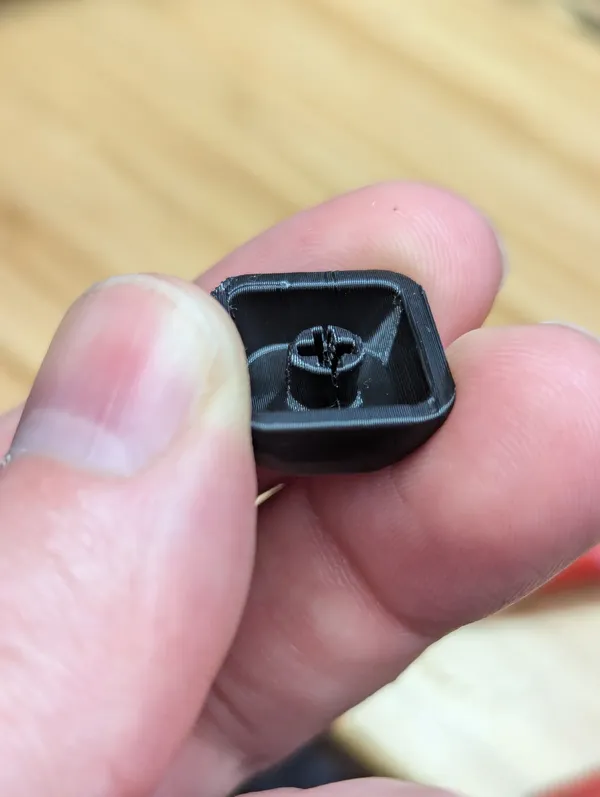
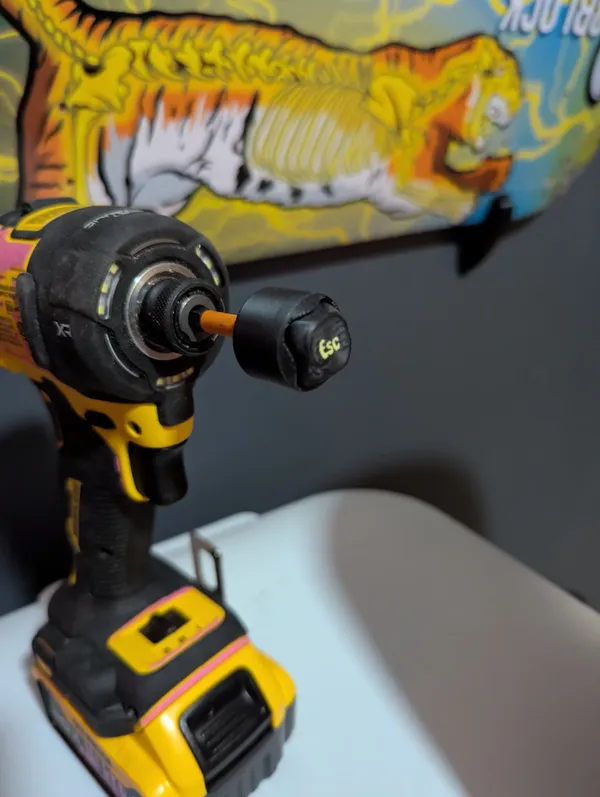
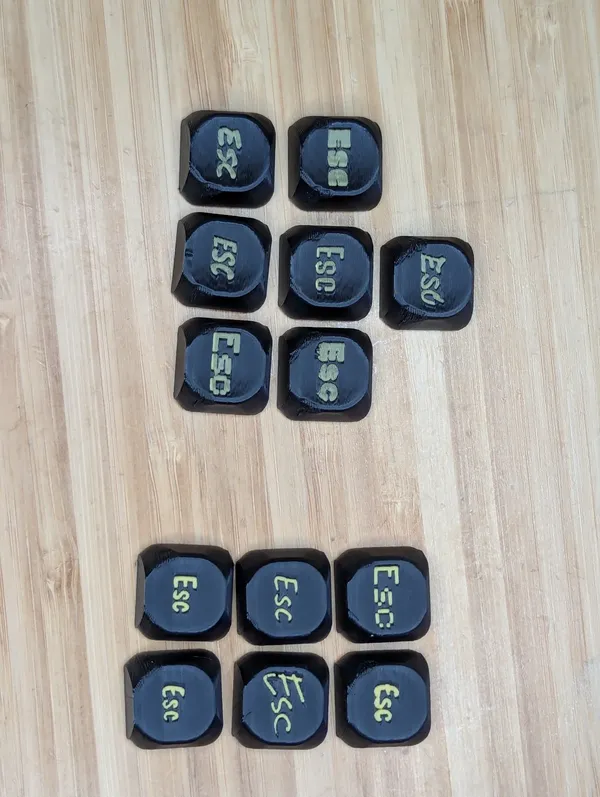
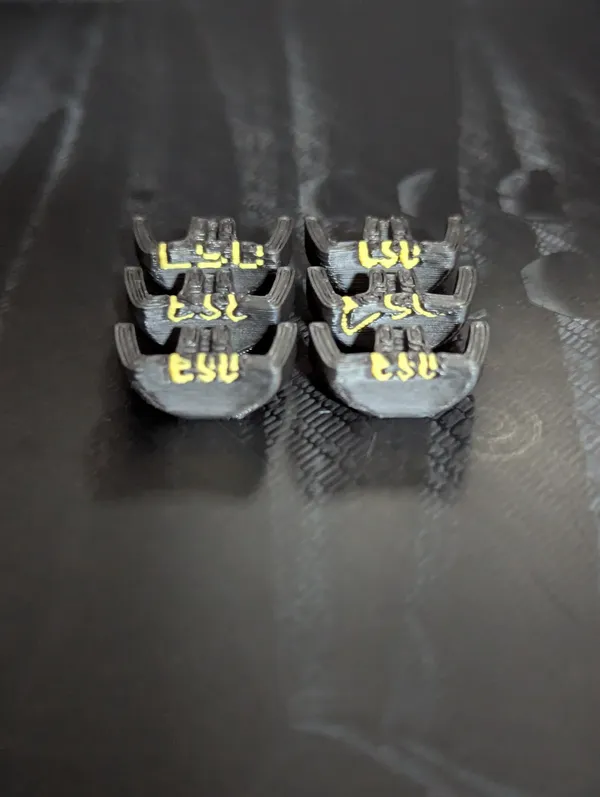
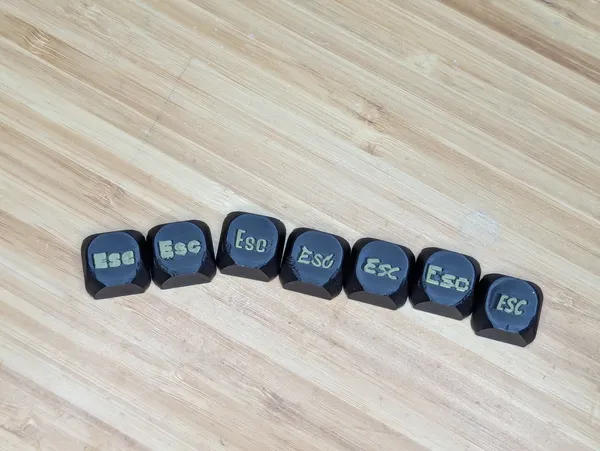
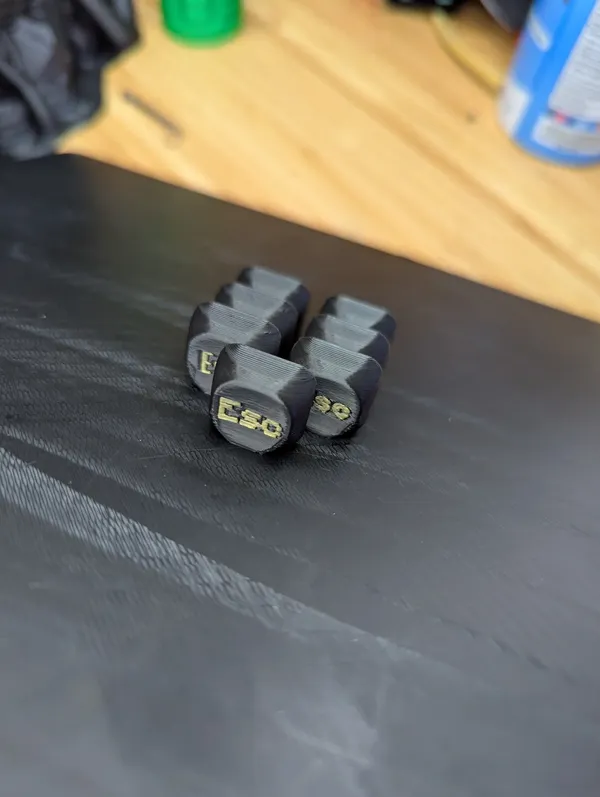
boomer chat achievement unlockedBed adhesion options in caps.I learned that my caps were set to interface fit and most crack on install. Making the + pattern bigger makes them easier to get on and actually hold tighter.Any Guesses What I'm Printingcap sander v1Demo of different fonts in caps.
The second brain hype train of people looking at fancy graphs in obsidian of the content their clanker wrote for them is top tier cringe. If you actually want to get better at anything you need to actually put some effort in with your first brain.
Agents allow so much scope creep it is harder to say no than it is to say yes, and let the model just pop in a new feature for you alongside your current PR with almost no effort on your behalf, stacking up so much validation work for you to do that it becomes very difficult to merge. We are all learning this discipline right now.
DHH is such an OG tech founder, I don’t think I realized his first paychecks from 37Signals was in the form of apple tech. What a shift to being such an apple fanboy to rage quitting and building a great linux distro that is siphoning his followers out of Mac. I love the reminder of Gary V’s Jab, Jab, Right Hook. Meani…
As always with Charity Majors this was a pretty great interview. Lots of repeat ideas with some good nuggets. One common new theme here is getting comfortable shipping code you have never seen before. Pointing out there are few real differences in the before and the now, a lot of the same principle apply to get the rig…
Photo journal · Aug 10 – Aug 16, 2026
In pictures 9 photographs
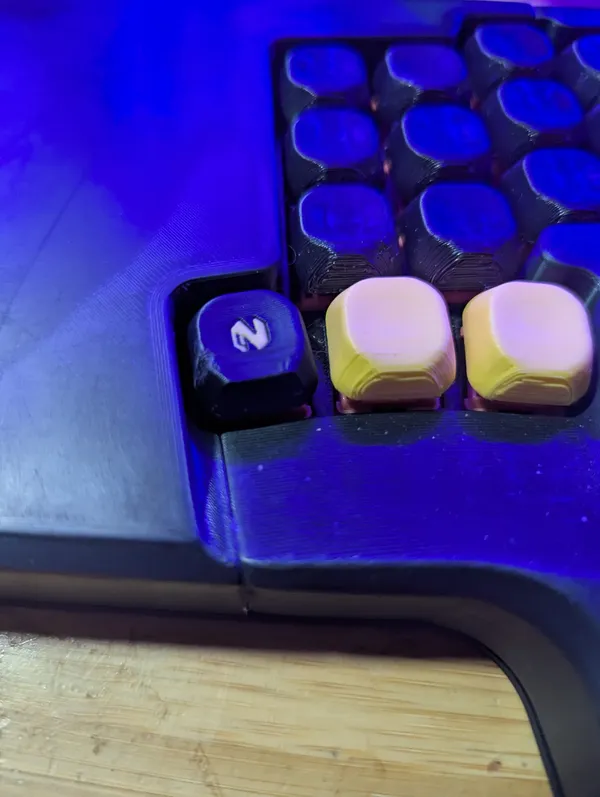
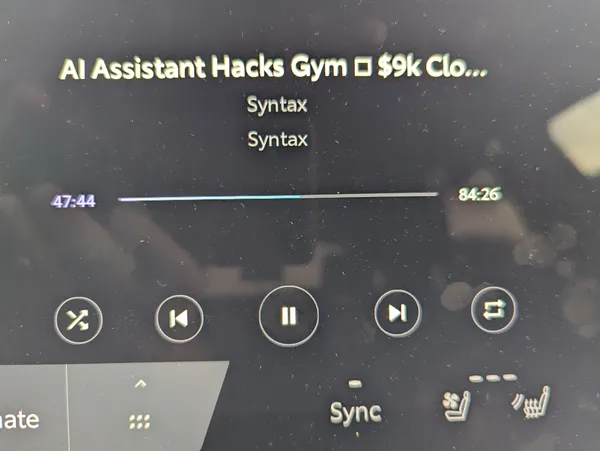
caps gets striped keysDemo of different view modes in caps.dark foggy tunnelHere's a recording adding different symbols to caps.New workflow unlocked, sharing images and links straight to plaindown on my phone.custom 3d printed neovim logo keycapC'mon, Toyota, where's your Nerd Font?Here's a recording running through caps themes and filament colors, caps is a cap creation site I'm working on.Installed a new nvim cap
If this existed before, I probably would not have gone down the path of building my own from scratch. A monoblock that can plop down on a laptop is goated, split is nice at a desk, but nothing beats the portability of a monoblock. I don’t like how this one covers up the trackpad with its 4th set of thumb keys. Also the…
What started as a Joke, a test to gippity, has turned into personal software that I now depend on. Now from anywhere I can make a post to my website in just a few keystrokes. I can put it in the feed I want, encrypt it if I want, and it’s live in like 12s.
A quote from Florian Herrengt But then users start to report a weird bug. It's the 4th time your team has been trying to fix it. I mean... asking AI to fix it. Unfortunately, it … Simon Willison’s Weblog · simonwillison.net We are entering into dark times, dark times I tell ya. An era where we have all the greatest too…
Aug 3 – Aug 9, 20262 months ago
Photo journal · Aug 3 – Aug 9, 2026
In pictures 9 photographs
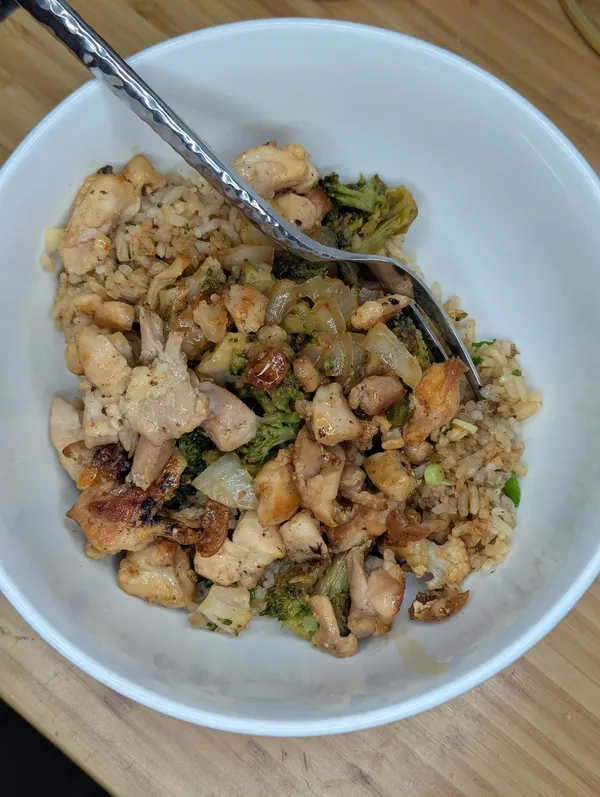
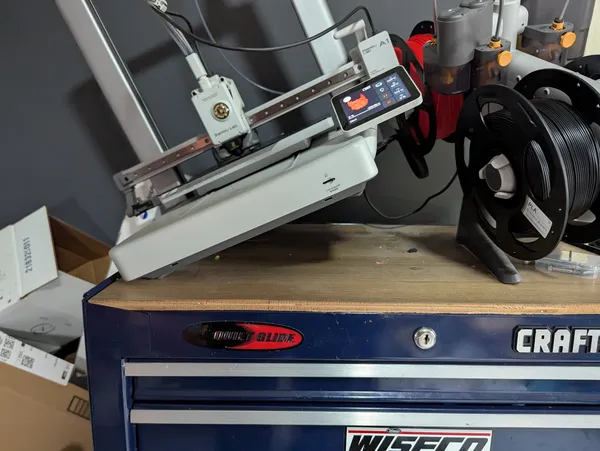
caps review with individual key overrideRunning some test prints on keycaps using some different fonts, the group on the left (top) was done first with 0.4 mm depth and the right (bottom) was done with a 2 mm depth, the colors came out much more vibrant without the black blending in.A banger home flat top cook of chicken fried rice.The legends were cut quite a bit deeper in this set I think the color is going to come out much more vibrantThis first set of caps printed for real off my new https://caps.waylonwalker.com app came out really well, I can tell the legend cut is not deep enough and the two colors are mixing too much. I'm actually surprised at how much I like the thinner sets better than the thicker sets, I thought thicker would have done better prints.No raft straight on the bed with a 0.4 mm sink into the plate stuck really well, none fell off mid-print. I've struggled to get grids of caps to print well in the past.First iteration of the caps app is working, I cannot believe it.After a particularly tall print vibrations had moved my ams under the gantry of my Bambu A1 so when it started its next print, it lifted it up, it's safe, no printer was harmed, but this was a close call.This was the biggest routing job I've done yet on the Bosch Colt, it really worked the motor. I ended up feeling like high speed was controlling its speed better and keeping it cooler, contrary to what I would think was right.
Blogging and blog setups Jack Baty's blog — posts, journal, notes. baty.net · baty.net Damn this hits. I’m trying to change it up, but I’m far on the right. constantly greasing the pipeline and writing about it. or lately just not writing at all.
I updated plaindown to support cool heading formats, and I’m digging it, markata you are next. Time to make the web weird again and really start writing more again.
Here’s the markdown that wrote it followed by the output here.
# Build **good places** for _interesting people_. ## Make room for ==the weird idea.== Some normal paragraph text between headings. ## Build a `personal web` that feels ^**yours**^. More ordinary prose. ## Follow the [<span class="mention mention--attribution mention--unresolved" data-handle="~small">~small</span>~ web](https://waylonwalker.com), not the cr^owd^. ## Make a ~~perfect~~ memorable site. ## Leave space for ==**strange little ideas.**== ## Sometimes the ~~obvious answer~~ ==weird answer== is the interesting one. ## A **good theme** makes _quiet words_, `technical words`, and ==loud words== belong together. ## ==A highlighted phrase can be long enough to...
I really like the art style of this game. Love that someone is making something Hollow Knight like in their own style. The bosses though… oddly a little close to hollow knight characters.
Interesting tangent here on sleep, Adam talks about jet lag and his experience taking Ambien to shift his sleep schedule. In his experience it helped fix the sleep schedule, but did nothing to change how he actually felt during that time of reorienting in a new drastically different time zone. He was reminded of all of…