2025-08-05 Notes
Yesterday I started building out some qrcode tooling for myself starting with qrcode.waylonwalker.com. This is part of my tinyapps project.
No themes match.
←→↑↓ preview · 123 tabs · Enter done
All published posts
Yesterday I started building out some qrcode tooling for myself starting with qrcode.waylonwalker.com. This is part of my tinyapps project.
I have a couple of use cases for simple qr codes in python coming up. One is
for blog posts, the other is for auth into a new server application logged to a
terminal. I tried the qrcode library
and it does not look as nice to me and I found
pyqrcode to be quite nice.
import pyqrcode
url = pyqrcode.create('https://waylonwalker.com/qr-codes-in-python')
url.svg('qr-codes-in-python.svg', scale=8)
print(url.terminal(quiet_zone=1))
url.svg('qr-codes-in-python.svg', scale=12)
url.svg('qr-codes-in-python.svg', omithw=True) # width is controlled by the container

url.svg('qr-codes-in-python.svg', omithw=True, module_color='#ffd119')
url.svg('qr-codes-in-python.svg', omithw=True, module_color='#ff69b4', background='#2b034c')
Here is the final svg result.
Here is what it looks like in the terminal.
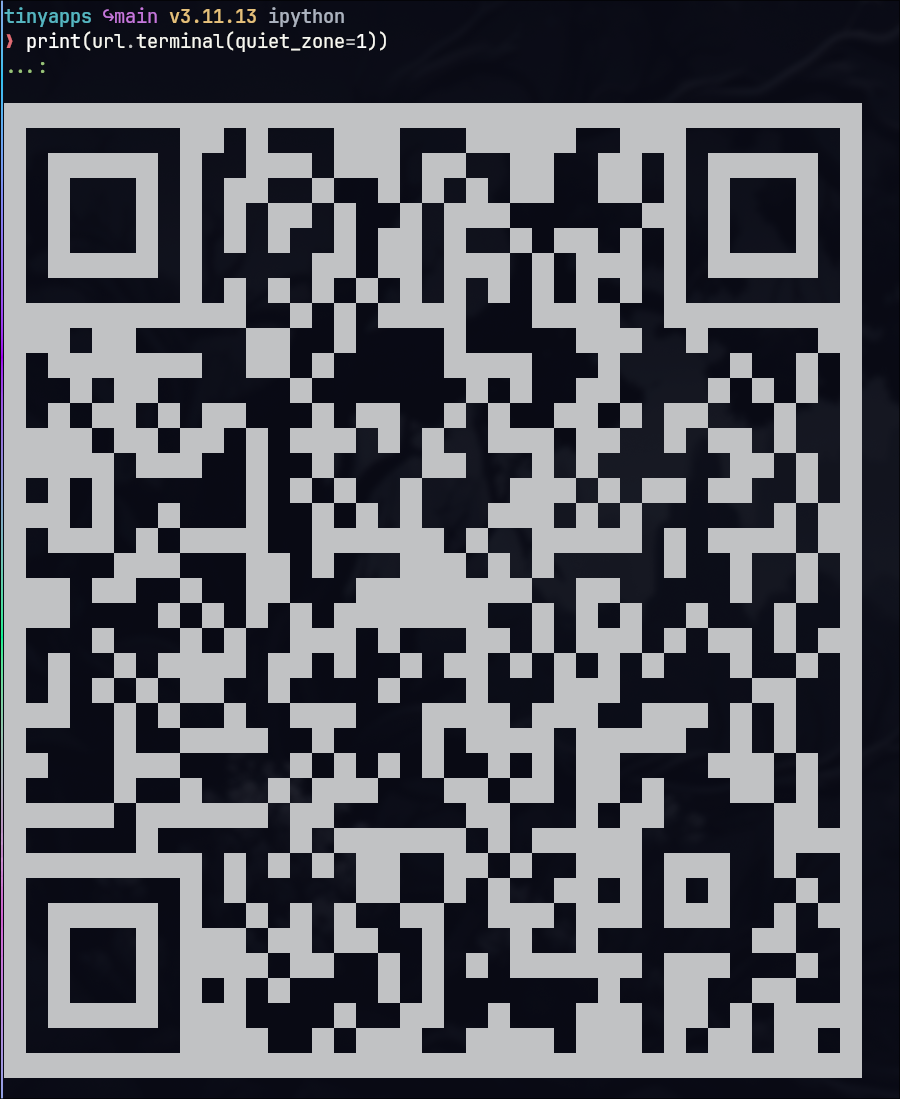
If you want fancier qrcodes check out https://mydigitalharbor.com/
A place to self host applications. For me this is primarily self built web applications, and applications for sharing files with my family. Techno Tim has a...
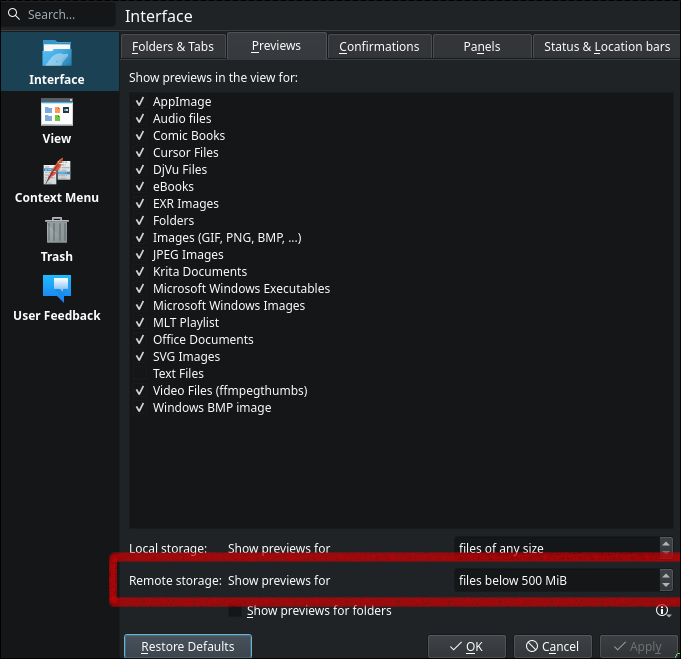
I’ve got a few samba shares going in my homelab, and I’m struggling finding a great app to scroll through vacation photos with my wife. I want something intuitive, non intimidating, and just works. Turns out that the default file browser application for hyprland works great, but you need to enable previews for remote storage for it to work for my use case here.
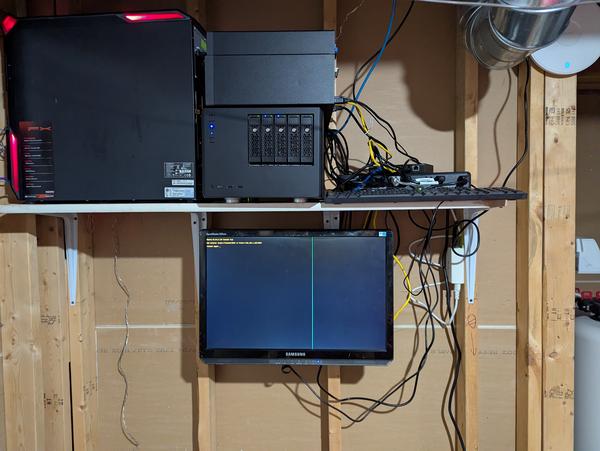
Today Wyatt and I conquered cathulu in Cat quest III.
| j | Scroll down |
| k | Scroll up |
| g g | Scroll to top |
| Shift G | Scroll to bottom |
| d | Half-page down |
| u | Half-page up |
| j / ↓ | Next post (in feeds) |
| k / ↑ | Previous post (in feeds) |
| Enter / o | Open highlighted post |
| Shift O | Open in new tab |
| g h | Go to home |
| g s | Focus search |
| [ / Shift K | Previous post in series (or previous page) |
| ] / Shift J | Next post in series (or next page) |
| b | Toggle left sidebar |
| Shift B | Toggle right sidebar |
| s | Toggle reader mode (posts) / simple/rich view (feeds) |
| t | Open theme picker |
| , / . | Previous / Next theme |
| < / > | Previous / Next style |
| F / f | Previous / Next font |
| \ | Toggle dark/light mode |
| / | Focus search input |
| ⌘CtrlK | Focus search (alternative) |
| y y | Copy URL to clipboard |
| ? | Show this help |
| Esc | Close / clear highlight |