Posts tagged: keeb

All posts with the tag "keeb"

29 posts latest post 2026-04-05
Publishing rhythm
Apr 2026 | 1 posts
Freshly Cut Keycap Cut Away
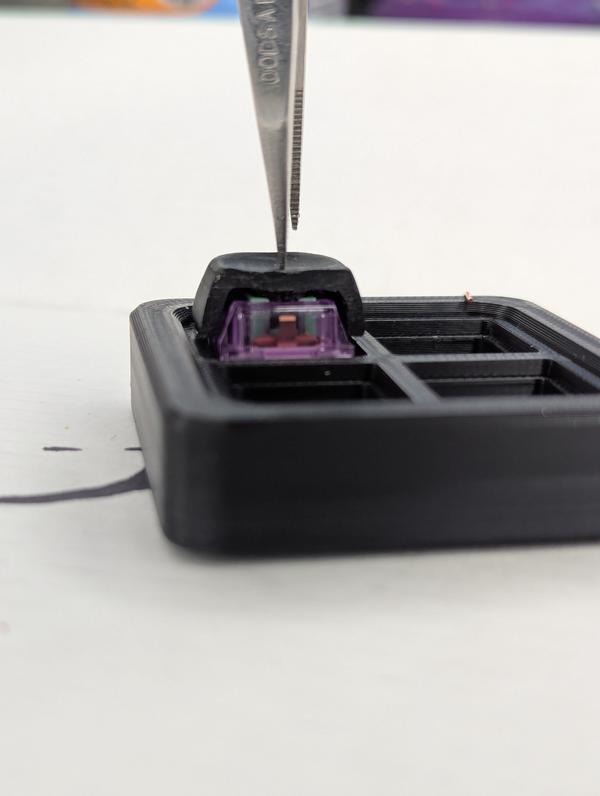
A keycap glued to a 2x4 freshly turned into a cut away keykap.

linkarzu has a way to navigate his entire mac using a hyper key. Everything looks so tight and polished, also a lot to remember! Lucky he has a system of mnemonics that make it easy to remember. His setup is very Mac focused using mac only apps, so this would not work for me, though I’m sure I could get something similar on linux. He did mention Kanata which is cross platform.

I use a far different system that is fast loose and easy. On every system I run I have 9 workspaces that let me put 9 applications, I can easily move apps to different workspaces and have a side by side if I need. The core of what I do is terminal, web browser, and chat. Those go on workspaces 4,5,6, whch are home-row keys. If I’m running obs, that is on 8, steam goes on 1. but I have some freedom to move. Sometimes 2 will be an image editor or a video editor, sometimes something else all together, but I can quickly go to each app.

I do like his layered approach. I run a 42 key keyboard so things can get a bit cramped quickly. And when thinking in mnemonics you only get 26 letters in the alphabet, but prefixing these with another layer this number goes up exponentially. Sublayers sound sick to be honest.

hollow knight home row layout

I just made it past 100% in my main hollow knight run, so now I will allow myself to get silksong when it comes out. I did this with a little bit of YT guidance, but mostly just figuring it out. I only just discovered the ⭐ ReznoRMichael hollow-knight-completion-check which got me an extra 2% for a few items I must have got and not saved on, because I was sure I had them.

Hollow Knight is a game that can be played with keyboard or controller, You can use analog stick for movements, but they just translate to dpad, there really are no analog moves in the game. This makes it ripe for playing on pure keyboard. I really favor controller when there...

...

My Firs Keycaps with Symbols
Finally got my first set of keycaps with letters! These low-profile keys look perfect for customizing my keyboard setup.
First Self-Designed Keycaps and Symbols
These are more keycaps from my very first set that I designed and printed myself. Some of the symbols are a little wonky, and a few were too thin to print cleanly.
My First Printed Keycaps Are Here
Completing my first batch of keycaps designed and printed entirely by myself on the Bambu Lab A1.
Modular Input Device on Wood
Comparing the thickness of the low profile portajohn2 to the portajohn1

New-caps-for-porta-john

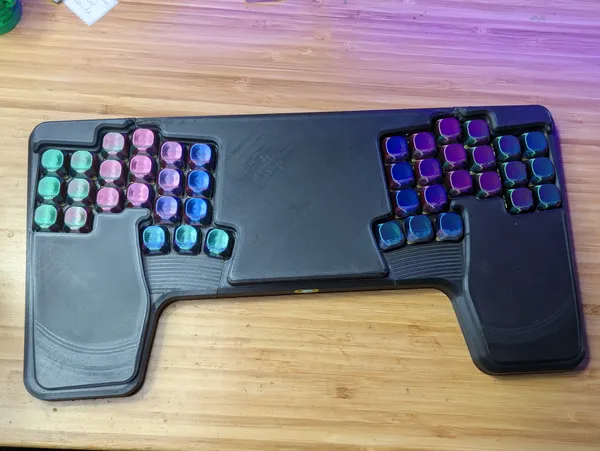
Today I dropped some new caps in the porta-john. I need to do a bunch of posts on zmk and my journey building the porta-john, I’ve been rocking it for at least two weeks now pretty solid and I am absolutely loving it. More on that later.

The model of the caps are KLP-Lame by braindefender , they are super rounded and smooth. They look really good on camera and feel good to the finders.

I printed these at home on my ender3 s1 pro with a black and purple silk filliment. I printed all 42 at once using a

...

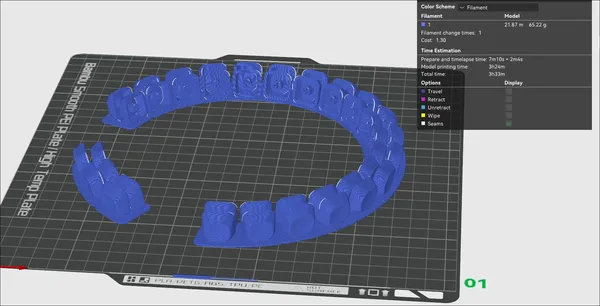
Printing 42 keys at once

I’m working on creating some gcode to create a whole set of key caps in one print, it is getting tedious to print them one at a time, and my past experience with my printer proves that printing a bunch of separate pieces increases the chances of failure. I don’t want to end up with 42 keys that are half done and a ball of filament.

To figure out the coordinates I printed one key cap, and manually jogged the printer in position to knock off the cap, then sweep it out of the way.

print head in position to knock

...

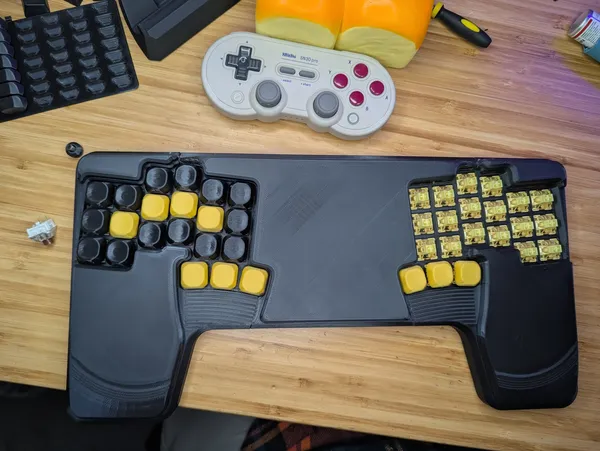
The Portajohn Monoblock Keyboard Design
Check out the Portajohn! This custom 42-key monoblock was my first full keyboard build, designed to plop on a laptop, while still exposing the trackpad and able to flip over and toss in a backpack.
Laying some wire in PortaJohn 1
Close-up view of a barebones custom mechanical keyboard plate and PCB.
Laying down the first test print of a portajohn on a laptop
A setup featuring an open laptop running Ubuntu next to a detached, custom mechanical keyboard.

Interesting, linux supports 32 programmable buttons, special buttons that do nothing that hotkey programs like xbindkeys can pick up and run things, seems like it would be very intersting to use on a macro pad. You could easily do dynamic and complex tasks without clashing that keybinding with something else.

I’m going to look into this for my next obs setup. No matter what I try to do with the hyper key it always tends to do odd things depending on the application I am in. typically its tmux, and it starts trying to do something I don’t want it to.

Keebmaker Corne on Leather Palm Rest
This leather-topped palm rest was the final home for my keebmaker Corne, perfectly positioning the mouse right in the middle for optimal ergonomics.
New Black Corne with purple glow
These kaihl browns, loving them. This is going to be a trip to get used to, I thought typing on a column stagger layout would be hard to get used to, nope, its the symbols, that 4th layer is hard to get rid of.

My experience with a new 3dkeeb corne

What did I sign myself up for? If the lower typing speed with alpha characters was not enough throw in special characters and keybings I setup long ago and only remember by muscle memory. I have so far killed my tmux pane instead of zooming in (m-x instead of m-z), killed my zsh line instead of paste to the end of a command (c-c instead of c-v).

1 min read