
I updated plaindown to support cool heading formats, and I’m digging it, markata you are next. Time to make the web weird again and really start writing more again.
The code to make it easy fun to write #
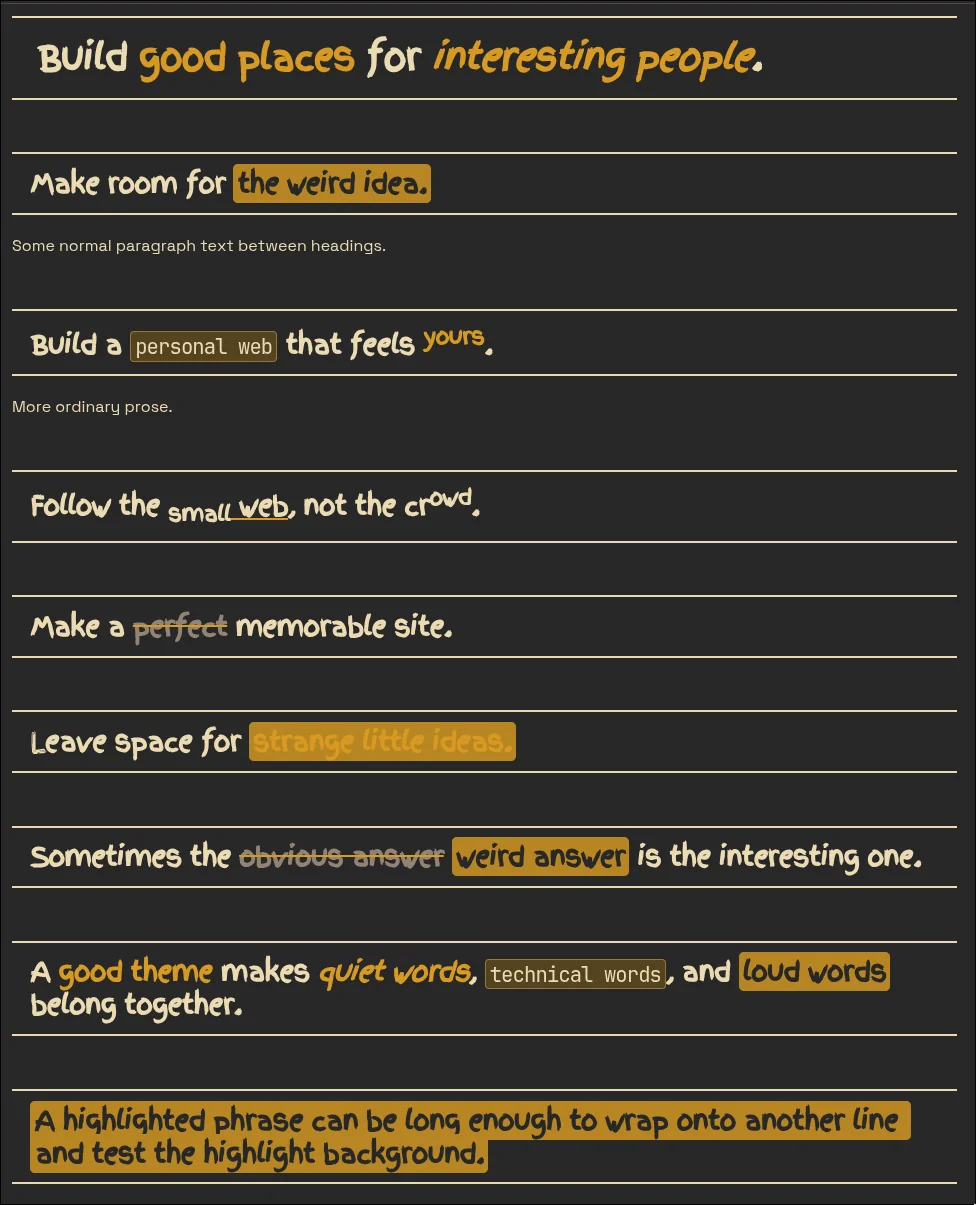
Here’s the markdown that wrote it followed by the output here.
# Build **good places** for _interesting people_.

## Make room for ==the weird idea.==

Some normal paragraph text between headings.

## Build a `personal web` that feels ^**yours**^.

More ordinary prose.

## Follow the [<span class="mention mention--attribution mention--unresolved" data-handle="~small">~small</span>~ web](https://waylonwalker.com), not the cr^owd^.

## Make a ~~perfect~~ memorable site.

## Leave space for ==**strange little ideas.**==

## Sometimes the ~~obvious answer~~ ==weird answer== is the interesting one.

## A **good theme** makes _quiet words_, `technical words`, and ==loud words== belong together.

## ==A highlighted phrase can be long enough to wrap onto another line and test the highlight background.==

## Make a [**<span class="mention mention--attribution mention--unresolved" data-handle="~small">~small</span>~ corner of the web**](https://waylonwalker.com) that feels _like yours._

## Chemistry should still work: H~2~**O** and x^2^

## Keyboard syntax should still work: ++Ctrl+C++
Build good places for interesting people. #
Make room for the weird idea. #
Some normal paragraph text between headings.
Build a personal web that feels yours. #
More ordinary prose.