In my adventure to learn django, I want to be able to setup REST api’s to feed
into dynamic front end sites. Potentially sites running react under the hood.
I already have the following model from last time I was playing with django. It
will suffice as it is not the focus of what I am learning for now.
Note the name of the model class is singular, this is becuase django will
automatically pluralize it in places like the admin panel, and you would end
up with Itemss.
fromdjango.dbimportmodels# Create your models here.classItem(models.Model):name=models.CharField(max_length=200)created=models.DateTimeField(auto_now_add=True)def__str__(self):returnf"{self.priority}{self.name}"
Next I will make some dummy data to be able to return. I popped open ipython
and made a few records.
Next we need to set up a serializer to seriaze and de-serialize data between
our model and json. You can specify each field individually or all of them by
passing in __all__.
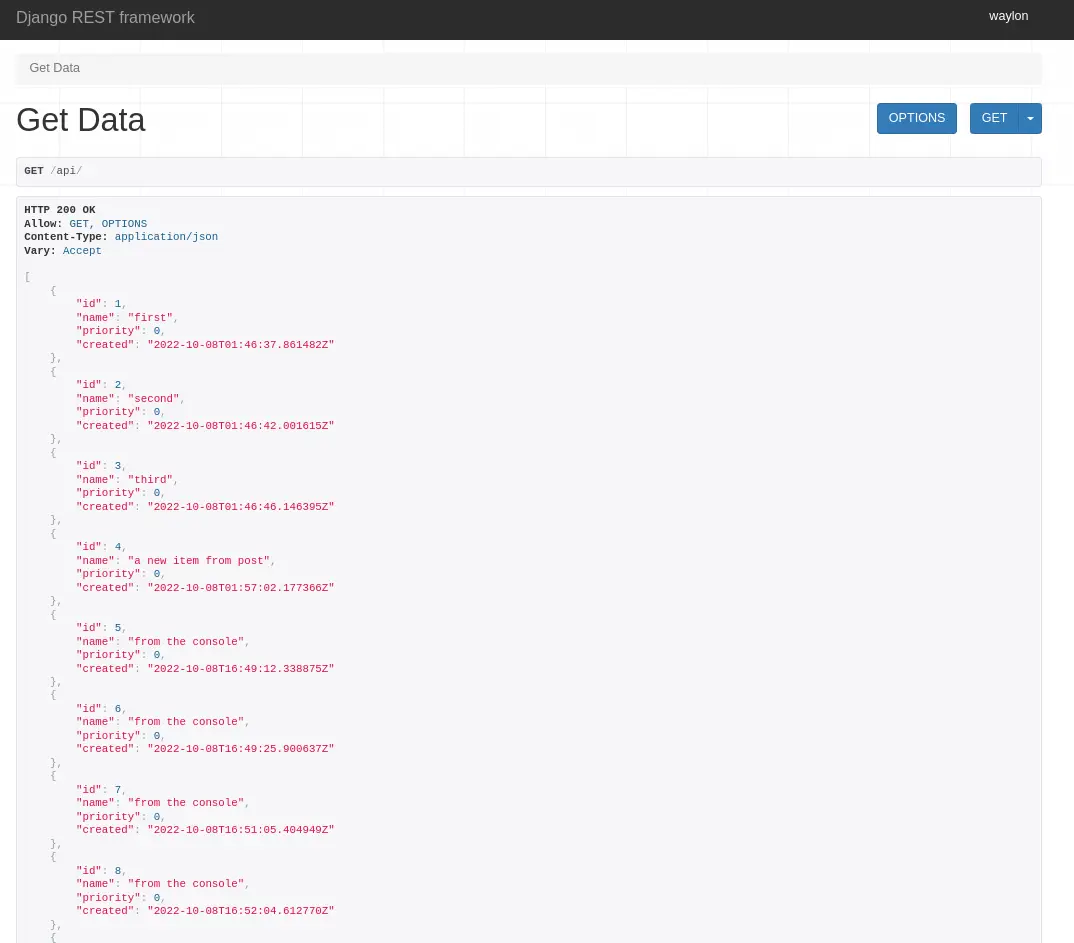
Now we need a view leveraging the djangorestframework. The serializer we
just created will be used to serialize all of the rows into a list of objects
that Response can handle.
Note: to return a collection of model objects we need to set many to True
My next issue trying to run off of a separate domain was a cross site request
forgery error.
Since this is a valid domain that we are hosting the app from we need to tell
Django that this is safe. We can do this again in the settings.py, but this
time the variable we need is not there out of the box and we need to add it.
You might find these settings helpful as well if you are trying to run your
site on a remote host like aws, digital ocean, linode, or any sort of cloud
providor. I had it running in my home lab while I was out of the house and
ssh’d in over with a chromebook.
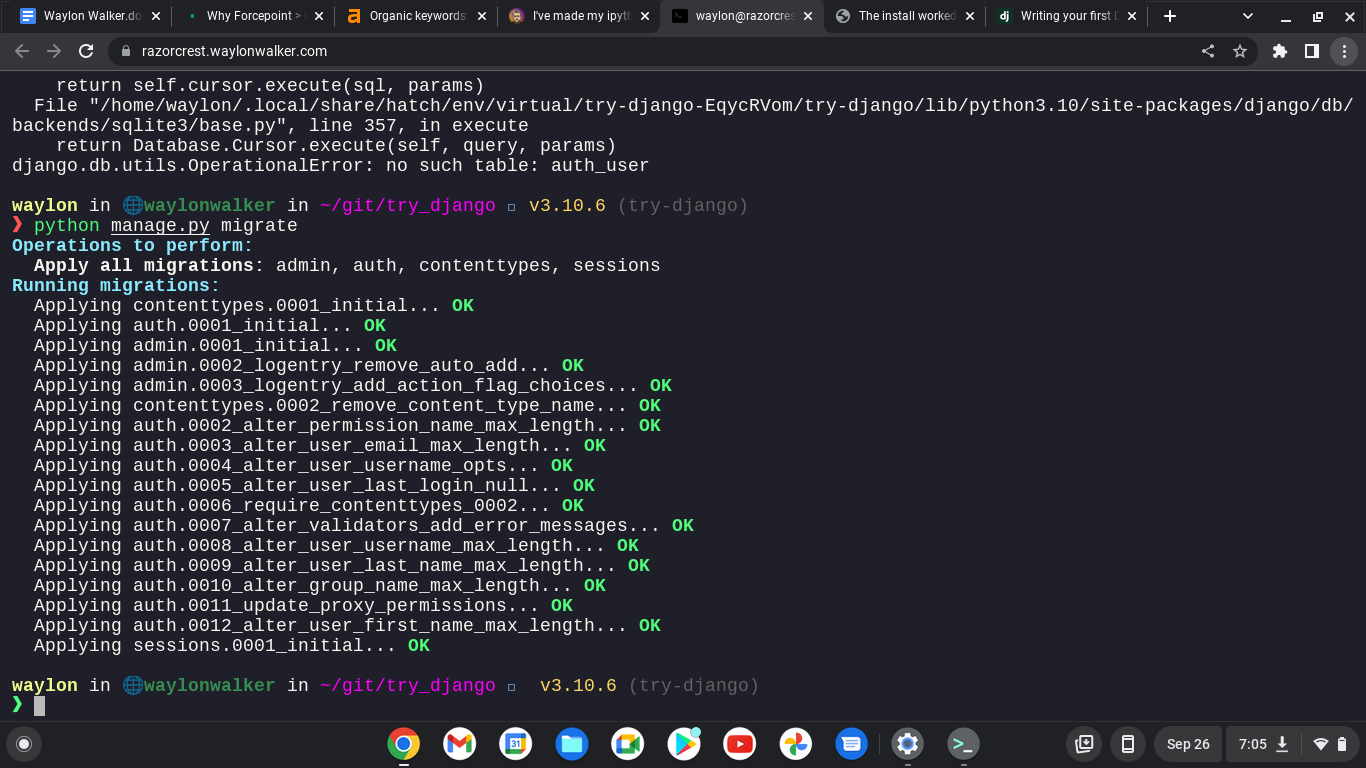
I am continuing my journey into django, but today I am not at my workstation. I
am ssh’d in remotely from a chromebook. I am fully outside of my network, so I
can’t access it by localhost, or it’s ip. I do have cloudflared tunnel
installed and dns setup to a localhost.waylonwalker.com.
I found this in settings.py and yolo, it worked first try. I am in from my
remote location, and even have auth taken care of thanks to cloudflare. I am
really hoping to learn how to setup my own auth with django as this is one of
the things that I could really use in my toolbelt.
ALLOWED_HOSTS=['localhost.waylonwalker.com']
I have no experience in django, and in my exploration to become a better python
developer I am dipping my toe into one of the most polished and widely used web
frameworks Django to so that I can better understand it and become a better
python developer.
If you found this at all helpful make sure you check out the django tutorial
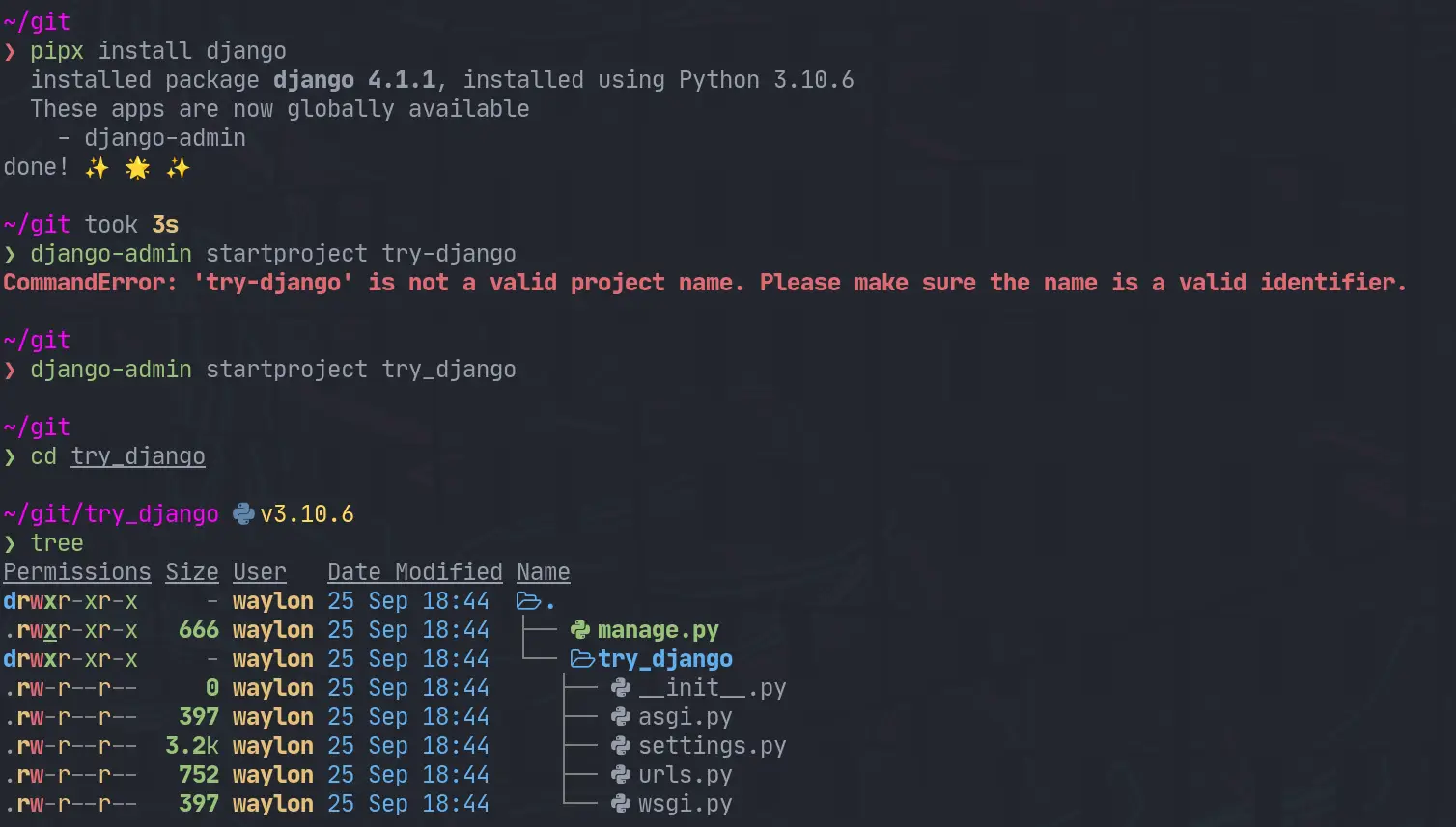
The first thing I need to do is render out a template to start the project.
For this I need the django-admin cli. To get this I am going the route of
pipx it will be installed globally on my system in it’s own virtual
environment that I don’t have to manage. This will be useful only for using
startproject as far as I know.
pipx install django
django-admin startproject try_django
cd try_django
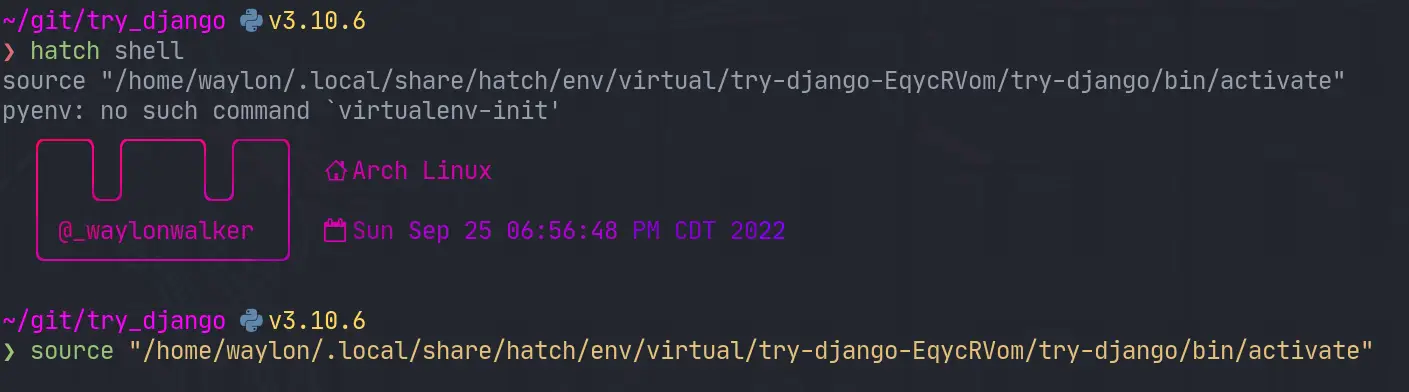
Once I have the project I need a venv for all of django and all of my
dependencies I might need for the project. I have really been diggin hatch
lately, and it has a one line “make a virtual environment and manage it for
me” command.
hatch shell
If hatch is a bit bleeding edge for you, or it has died out by the time you
read this. The ol trusty venv will likely stand the test of time, this is what
I would use for that.
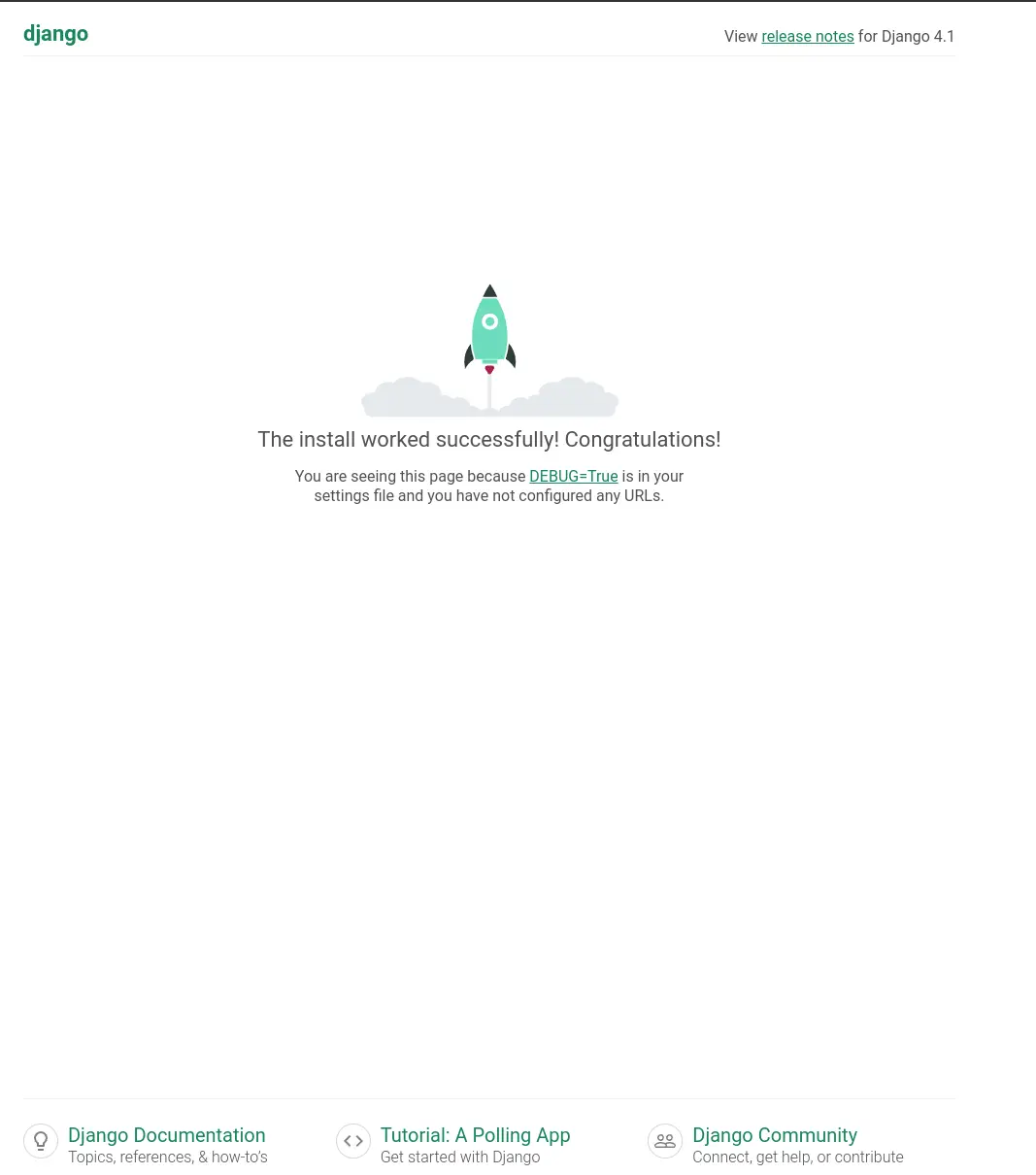
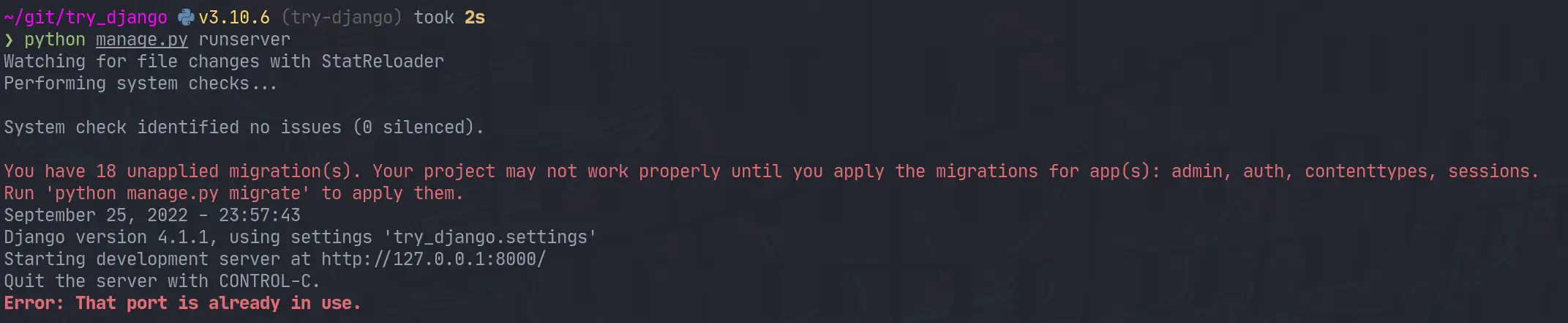
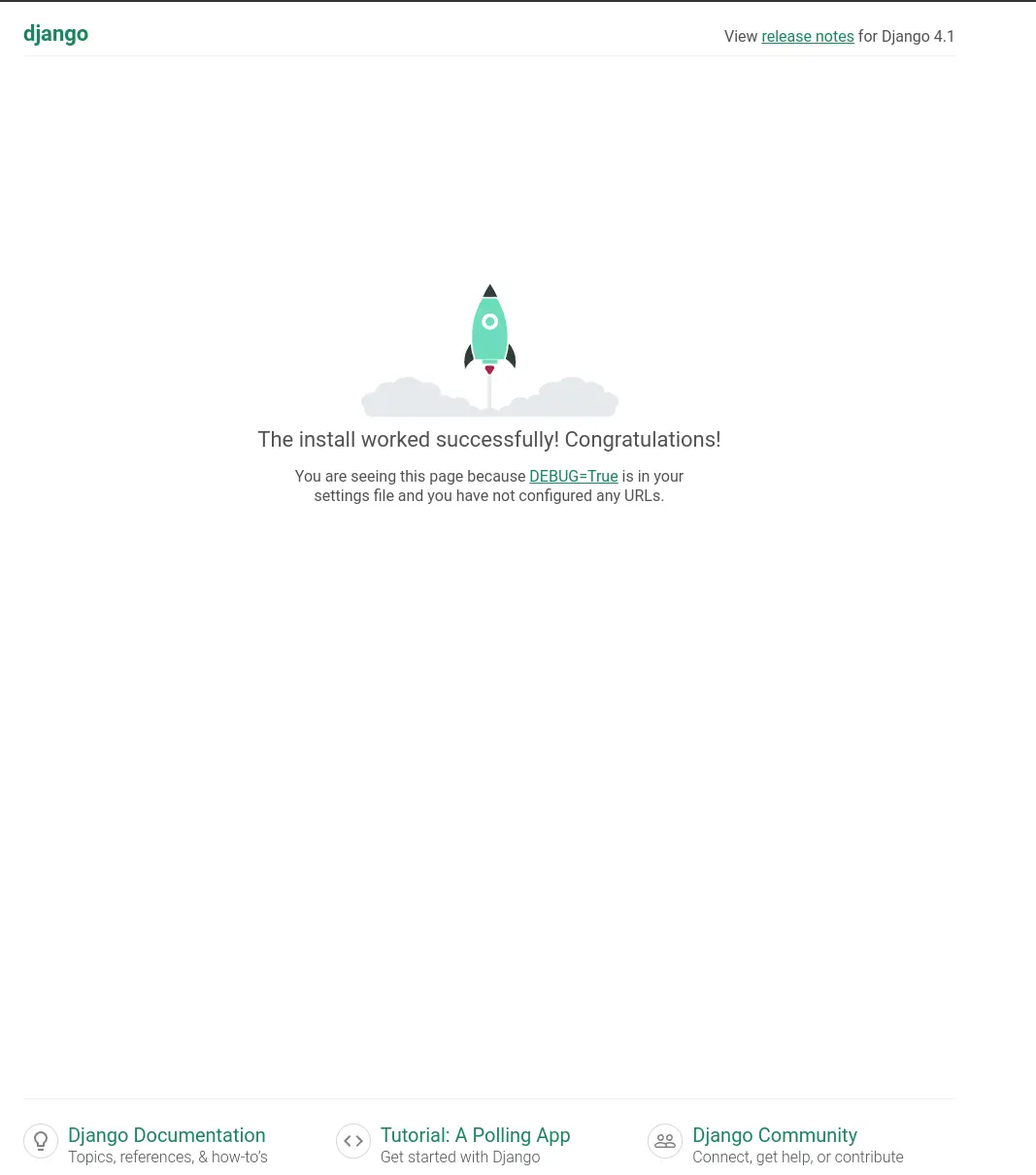
Next up we need to start the webserver to start seeing that development
content. The first thing I did was run it as stated in the tutorial and find
it clashed with a currently running web server port.
python manage.py runserver
I jumped over to that tmux session, killed the process and I was up and running.
I opened up the urls.py to discover that the only configured url was at
/admin. I tried to log in as admin, but was unable to as I have not yet
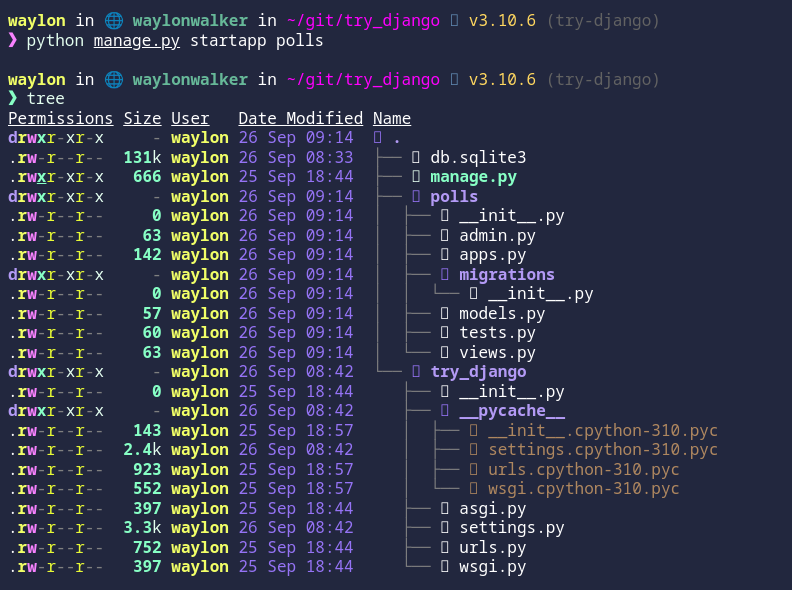
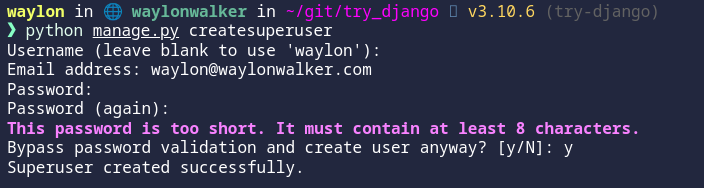
created a superuser. Next time I play with django that is what I will explore.