-
This is a super cool movement, I like the idea of giving access to composable components like we have in open source. You want to build a website you have a bunch of options from raw dogging assembly all the way up to predefined templates that just need your content. Idk if the analogy is perfect but there are aspects of it that work. I see where right now we are somewhere in raw dogging c or python. We have cheap nuts and bolts and some low level things, but once someone needs some coupler like this it’s dropping down to drawing it by hand.
Publishing rhythm
-
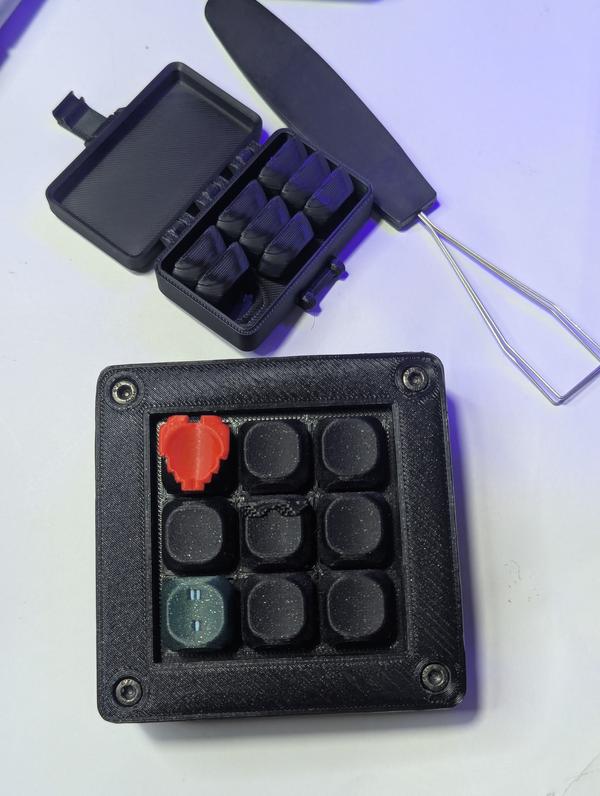
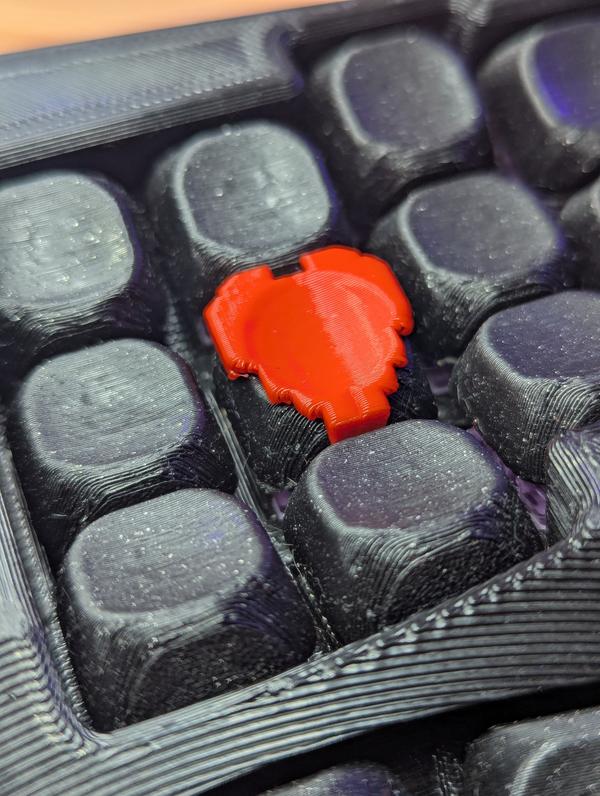
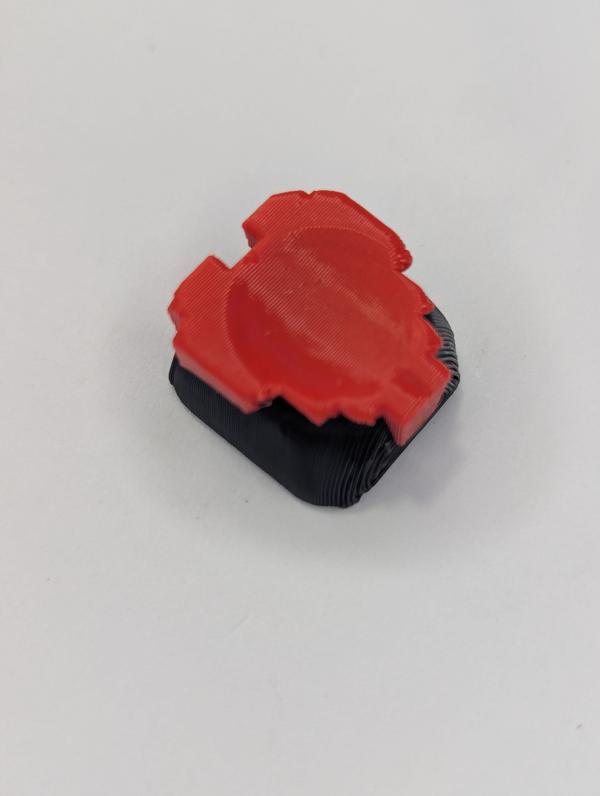
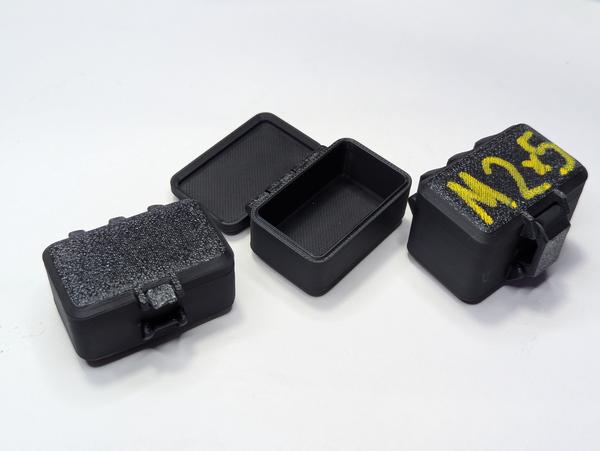
Wow, I’ve never seen or thought of multi setup parts this is very thought provoking, not sure how useful it is as we have good adhesives and stuff for printed parts. I definitely want to try this though
-
I can’t believe this thing is so devicive. I kinda can’t belive that I sit on the same side as Mathes and his always against the grain, non corporate influenced response. So many others have praised Haiden for bringing back the real gladiator bloodsport that SX is, is it that though?? It’s a race to the finish. different than a lot of other racing its very unpredictable takeout moves happen, occasionally as an accident, often taking both riders down at the same time.
Also different than MANY sports we have a huge industry of weekend warriors, Some of which make it into the night show of the biggest race on TV. You see we only bring 20 riders from each class, the top half to top quarter are “Factory” riders, the rest are privateers, sometimes these privateers are completely their on their own.
There is also something called a last chance qualifier. This is your last chance to get into the night show, often fought by these privateers out of box vans with their brother as a mechanic. Often that last spot is filled by sketchy on edge riding and takeout moves from a rider that looks like he is barely making it, but would run circles around anyone at your local race.
We celebrat...
I’m impressed by fastapi-radar [1] from doganarif [2].
A powerful debugging dashboard for FastAPI [3] applications. Monitor HTTP requests, SQL queries, and exceptions in real-time with a beautiful React UI. One-line integration, zero configuration needed.
References:
[1]: https://github.com/doganarif/fastapi-radar
[2]: https://github.com/doganarif
[3]: /fastapi/
-
Epic that this Joslin came back 7 years later to complete this. I thought el Toro was dead, aparantly not. Dude got robbed by a broke ass truck, this must have been eating his soul for the last 7 years.
Shots Get An Upgrade To the Main Feed
Today I updated my jinja templates and feeds to include shots posts in the main
feed. These posts will prominently show the image in the feed with a small
post for each one.
[1]
Shots [2] are instagram style imge posts
inspired by https://justin.searls.co/shots/.
References:
[1]: https://dropper.waylonwalker.com/api/file/37dea007-e66f-42a5-bd90-6722dd1084dd.png
[2]: https://waylonwalker.com/shots/
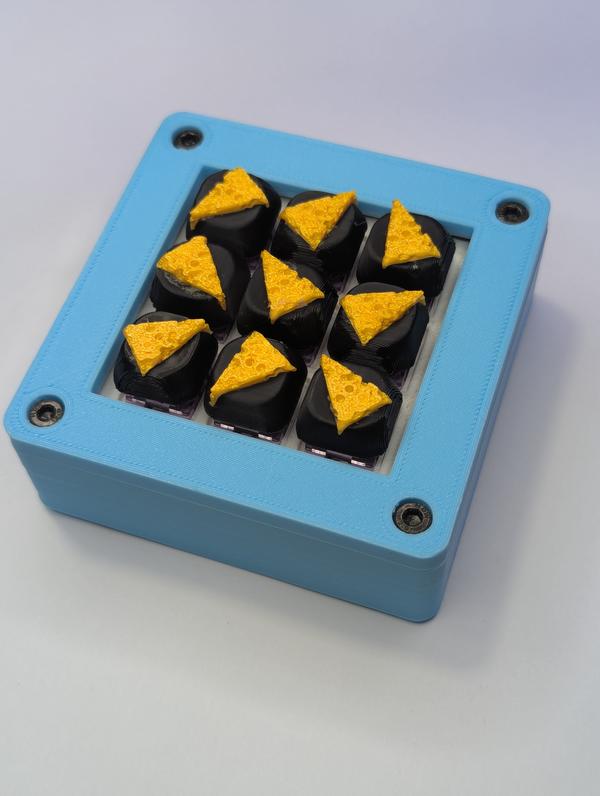
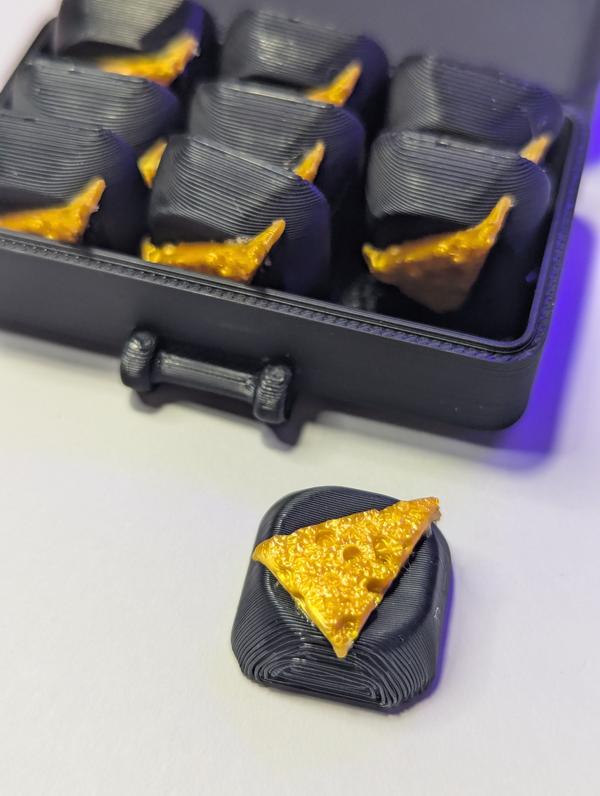
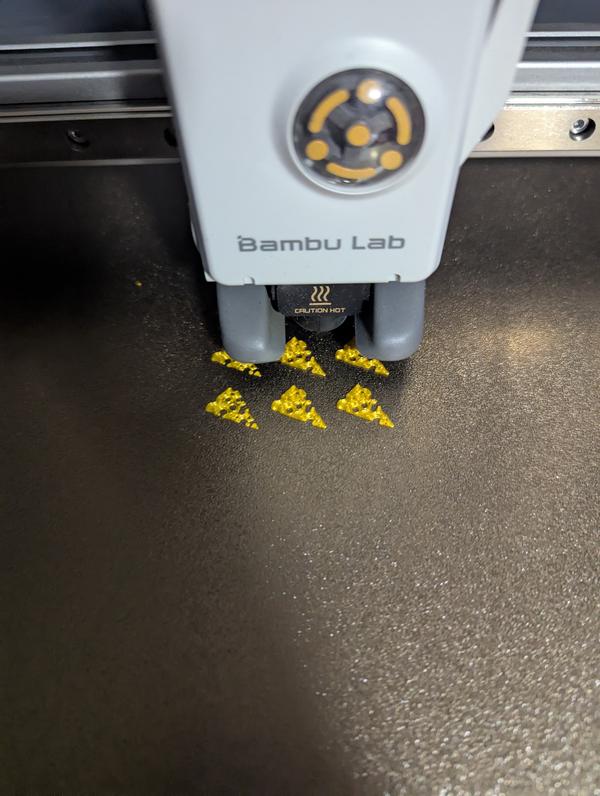
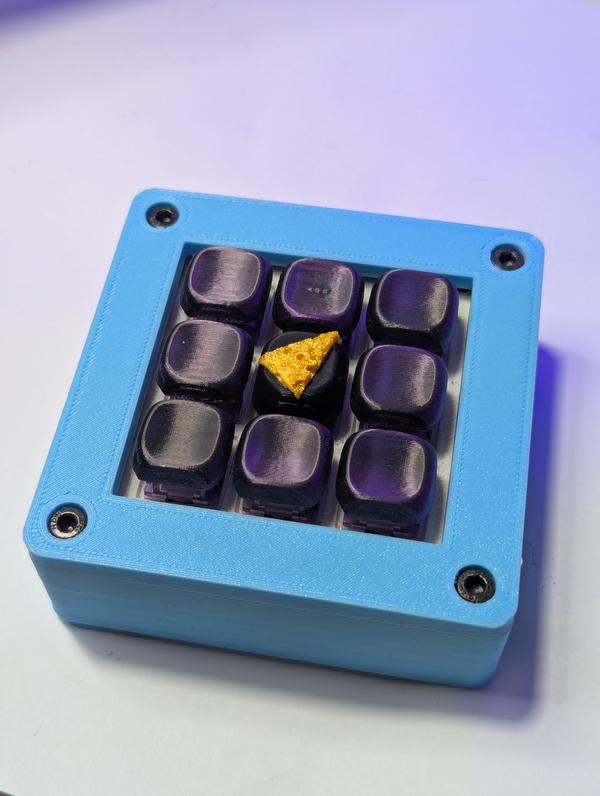
Big W: A Family Tradition
A quick look into where we came from and what inspires us to do what it takes to build a solid reputation.
Big W Engineering Solutions · bigwengineering.com [1]
I first met Adam in college, he seemed like quite a character on the outside, but was always quite smart and often leaned towards realistic solutions to problems rather than over complicating things. He was part of the SAE Formula car, well known for taking a simple problem and trying to turn it into a real formula one carbon fiber solution. I remember a period where he was a fan of old world blacksmithing as they would say at the time. He even got a few very simple and light parts on the car that were easy to make unlike the carbon fiber alternatives. By the time I was there he was more of a leader and did not do a lot of design on any whole system, but would take out class projects for a component or help with some hard problems. This company feels like it is a great extension of who he was a that time, with about 15 years of professional experience tacked on.
References:
[1]: https://www.bigwengineering.com/post/big-w-a-family-tradition?utm_source=linkedin&utm_medium=blog.post-promote...
If you’re into interesting projects, don’t miss out on gittype [1], created by unhappychoice [2].
A CLI code-typing game that turns your source code into typing challenges
References:
[1]: https://github.com/unhappychoice/gittype
[2]: https://github.com/unhappychoice
zmk two hand hold down
I don’t know about you, but I don’t re-flash my keyboard enough to ever remember
where I put the bootloader. Sometimes its the last thing I think about in a
refactor and I end up cornering myself into a place where I cant get into that
layer anymore. I’ve started putting hardware switches on my newer builds, but
some older builds don’t have a hardware one, so it requires disassembly and
jumping the microcontroller. Even when I have one though, I gotta flip my
board over and its annoying sometimes, so I prefer to have a keystroke for it.
Two Hand hold down # [1]
What I’ve landed on recently is the idea of a two hand hold down combo for the
bootloader. These combos are ones that there is no way I can hit without
picking my hands up from their normal homerow position and pressing four keys
simultaneously with pointer and thumbs.
Here are some example layouts from keymap-editor [2]
[3]
40% layout - similar to corne
[4]
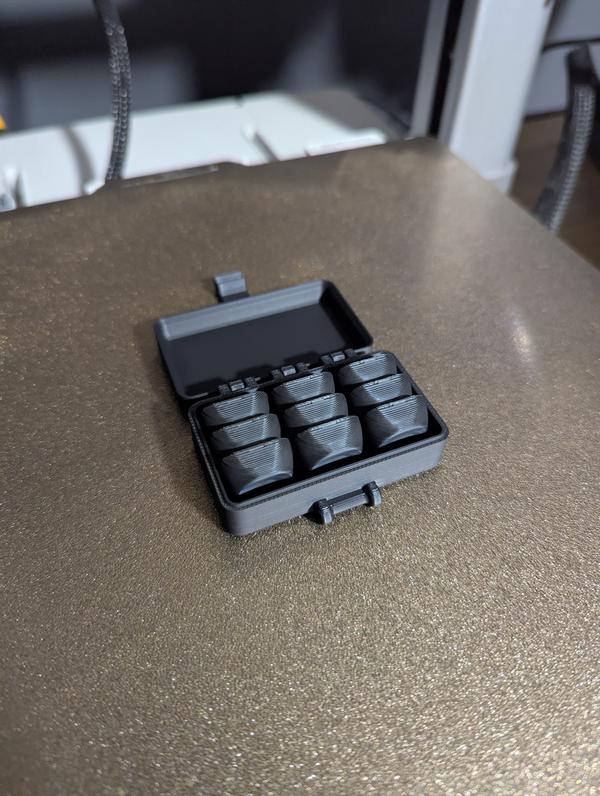
Here it is on my Son’s 3x5 macropad
[5]
Here it is on my 3x...
Why Make a Website in 2025
Inspired by
Jim [1] and
Dave [2]
It’s Fun # [3]
If it’s not something that you enjoy, you might as well move on there are far
better ways to spend your time in 2025. Only the weirdos read this shit
anymore, the masses have long moved on to curated social media feeds, and on to
chatting with llms. I enjoy spending some time in the digital garden every
once in awhile tweaking templates, creating markata [4] plugins to do
interesting things. I enjoy expressing my thoughts, or at least shouting them
into the ether.
I’ll be the first to admit that I often go to an llm for first pass at many
things that I could look up in a guide or 😲 the docs.
I enjoy reading others # [5]
This year I have made extra effort to add more and more people into my
Reader [6]. I enjoy reading content from people I chose to follow and can
remove whenever I want. I enjoy reading actual human thoughts and not ai
generated content all day.
I even will create Thoughts [7] based on these posts that I find inter...
Meet Gor (@MeetGor21) on X
SQLite added generated columns in 3.31 (around Jan 2020)
Postgres added generated columns with virtual and as default in v18 (to be released September 2025)
There is still a lot to learn in SQL a…
X (formerly Twitter) · x.com [1]
I’ve never tried generated columns, but it is something that I’m interested in. It is nice to have things computed and in the database if you ever need to query on them. My brain is now churning with possibilities and quesions, does this work with Alembic? How does this compare to views?
[2]
References:
[1]: https://x.com/MeetGor21/status/1967818642768470447
[2]: https://dropper.waylonwalker.com/api/file/2b763b3d-1709-47e6-a13d-bfec7baef47d.png
I needed to display some hover text in a web app that I am using tailwind and jinja on. It has no js, and no build other than the tailwind. I want this to remain simple. Turns out that you can use a span with a title attribute to get hover text in HTML.
<p>
I needed to display some hover text in a web app that I am using tailwind and
jinja on.  It has no js, and no build other than the tailwind. I want this to
remain <span style='cursor: help; color:yellow;' title='respective to the
python developer I am and the team it is used for'>simple</span>.
</p>
-
3d-printing is so freaking cool. I love the idea that someone could get a hyperspecific tool to their needs for super cheap. Whether it works permanently or to try out one that you want to spend thousands of dollars on to have well done from some high end materials this is a great application.
A New Chapter
In a recent turn of events, I find myself at a bit of a crossroads with an exciting new job on the horizon! In this post, I introduce myself and discuss my vision for the new blog.
Jesse Leite · jesseleite.com [1]
Sub to this man. I met Jesse long ago as we both spoke at the same remote vim conf. He is into vim, weird keyboards, and medroid what more could you ask for. Now react and exlixer. I only know https://statamic.com/ through Jesse, they have the sickest branding ever. Now I will need to see what this savvycal [2] is about.
https://jesseleite.com/feed
References:
[1]: https://jesseleite.com/2025/a-new-chapter
[2]: https://x.com/savvycal
"Pacman is currently in use, please wait." / Pacman & Package Upgrade Issues / Arch Linux Forums
bbs.archlinux.org [1]
I ran into this issue today, never have I ever before though. Omarchy looking a bit sus on me. This was even after a fresh boot, no pacman process running. just realized I forgot to check yay which it has installed for me. I had to force it in.
sudo rm /var/lib/pacman/db.lck
References:
[1]: https://bbs.archlinux.org/viewtopic.php?id=67729
Today I learned how to use tar over ssh to save hours in file transfers. I keep all of my projects in ~/git (very creative I know, I’ve done it for years and haven’t changed). I just swapped out my main desktop from bazzite to hyprland, and wanted to get all of my projects back. Before killing my bazzite install I moved everything over (16GB of many small files), it took over 14 hours, maybe longer. I had started in the morning and just let it churn.
This was not going to happen for re-seeding all of my projects on my new system, I knew there had to be a better way, I looked at rsync, but for seeding I ran into this tar over ssh technique and it only took me 6m51s to pull all of my projects off of my remote server.
ssh [email protected] 'tar -C /tank/git -cpf - .' \
  | tar -C "$HOME/git" -xpf -
mmulet [1] has done a fantastic job with term.everything [2]. Highly recommend taking a look.
Run any GUI app in the terminal❗
References:
[1]: https://github.com/mmulet
[2]: https://github.com/mmulet/term.everything
-
When you fill all of your time with a bunch of other things, it becomes really hard to become a friendly person. Prime talked about trying to learn how to drop the hurry in his life, and how to not always be in a frenzy of going from one thing to the next. It’s something that puts us in a state that its hard to remember to be friendly. Hard to remember that theres always time for coffee [1].
I do my best to always leave time for coffee, whether at home with my wife and kids, as well as at work. I am in a very unique place at work where I have a rare set of skills for the industry I am in. This comes with a lot of people insterested in how to do things like running data pipelines or managing server infrastructure. I always take time for these conversations, I find them interesting, and useful. Sometimes you end up with someone who asks the same questions every 6 months, other times, you have someone flourish from these conversations. I’m not saying to take on work from every other team in the org, but giving 30 minutes to help mentor others can go a long ways.
I’m still not the best, I still get wrapped up in my own stuff just like prime calls out. I sometimes get frustrated...
store
I’ve been 3d printing for years, and create a lot of my own designs. Many of
them are hyper specific to me, but for the ones that I think others might find
useful I will be putting up here for sale, you can buy prints that will show up
to your door in a few days. I’m leaning on the slant3d print farm so this
depends on your proximity to them. The prints are typically black petg, if you
would like a different color reach out to me and I will see what other options
we have, or for an additional fee I can print it myself and ship out
special colors.
These are all designs that I made and actually use myself, they bring me joy
knowing that I made just the thing that I wanted to exist and if you buy
something I hope that it brings you this joy as well.
Skateboard Wall Mount # [1]
I’ve used these skateboard wall mounts for years, I have 5 in my office
featuring new decks in the queue, and probably 10 in the garage to display used
decks, and fully assembled boards for me and my kids. I u...
I’ve been leaning on lazy-self-installing-python-scripts more and more, but I did not realize how much tooling that uv gives you to help manage your scripts.
uv init --script up
uv add --script up typer rich
uv remove --script up rich
sed -i '1i #!/usr/bin/env -S uv run --script' up
chmod +x up
./up
The result is a script that looks like this, its executable as what looks like regular command in your shell.
#!/usr/bin/env -S uv run --script
# /// script
# requires-python = ">=3.13"
# dependencies = [
#     "typer",
# ]
# ///


def main() -> None:
    print("Hello from up!")


if __name__ == "__main__":
    main()
Ben Dicken (@BenjDicken) on X
I am once again begging you to put your database servers and application servers in the same region.
X (formerly Twitter) · x.com [1]
This is a really great animation of latency across different aws regions based on us-east-1.
References:
[1]: https://x.com/BenjDicken/status/1963998076198105475
Hollow Knight: Silksong is breaking Steam, Nintendo’s eShop
Valve's usually stable platform struggles thanks in part to lack of pre-loading options.
Ars Technica · arstechnica.com [1]
Only 1 hour into the release of silksong, and it’s taken down all of the eshops, and steamdb dows 100K concurrent players. The Humble store ran out of steam keys for silksong already.
You guys better not break this thing before I get off work and My son gets home cause we are playing this tonight!!
I just Check steamDB [2], and they have 441K concurrent players right now. An Indie game! This shows when you treat your fans right and make something incredible they stand behind you.
References:
[1]: https://arstechnica.com/gaming/2025/09/hollow-knight-silksong-is-breaking-steam/
[2]: https://steamdb.info/app/1030300/charts/
Trump says: With this order, I am announcing “America by Design,” a national initiative to improve experiences for Americans, starting by breathing new life into the design of sites where peopl...
Chris Coyier · chriscoyier.net [1]
Everything is becoming political these days! I hate it. I regularly hear a friend say these podcasts need to set the politics to the side, but you know what its fukin hard when the gov is upending every corner of life and rebranding it with their own new twist. The billionaire class is winning and it looks like there ain’t a thing we can do about it. Here’s another example of someone taking head of an office they have no business being in. An entire set of working class folks let go for this guy to take over. And what does he want to do, make govt services as satisfying as apple. Apple is cutting edge, it is not something that is one bit sustainable. Their launch sites are generally super heavy, hard to scroll, slow, over animated, but damn they are satisfying the first time you scroll through them, after that just let me through.
References:
[1]: https://chriscoyier.net/2025/09/02/12693/
Home
Free online tools for people creating pixel art and other low-spec art.
Lospec · lospec.com [1]
My son introduced me to lospec.com, It has a great set of color palettes and amazing pixel art inspiration. I particularly liked royal armoury [2] and of course I’m a bit partial to hollow [3].
References:
[1]: https://lospec.com/
[2]: https://lospec.com/palette-list/royal-armoury
[3]: https://lospec.com/palette-list/hollow